
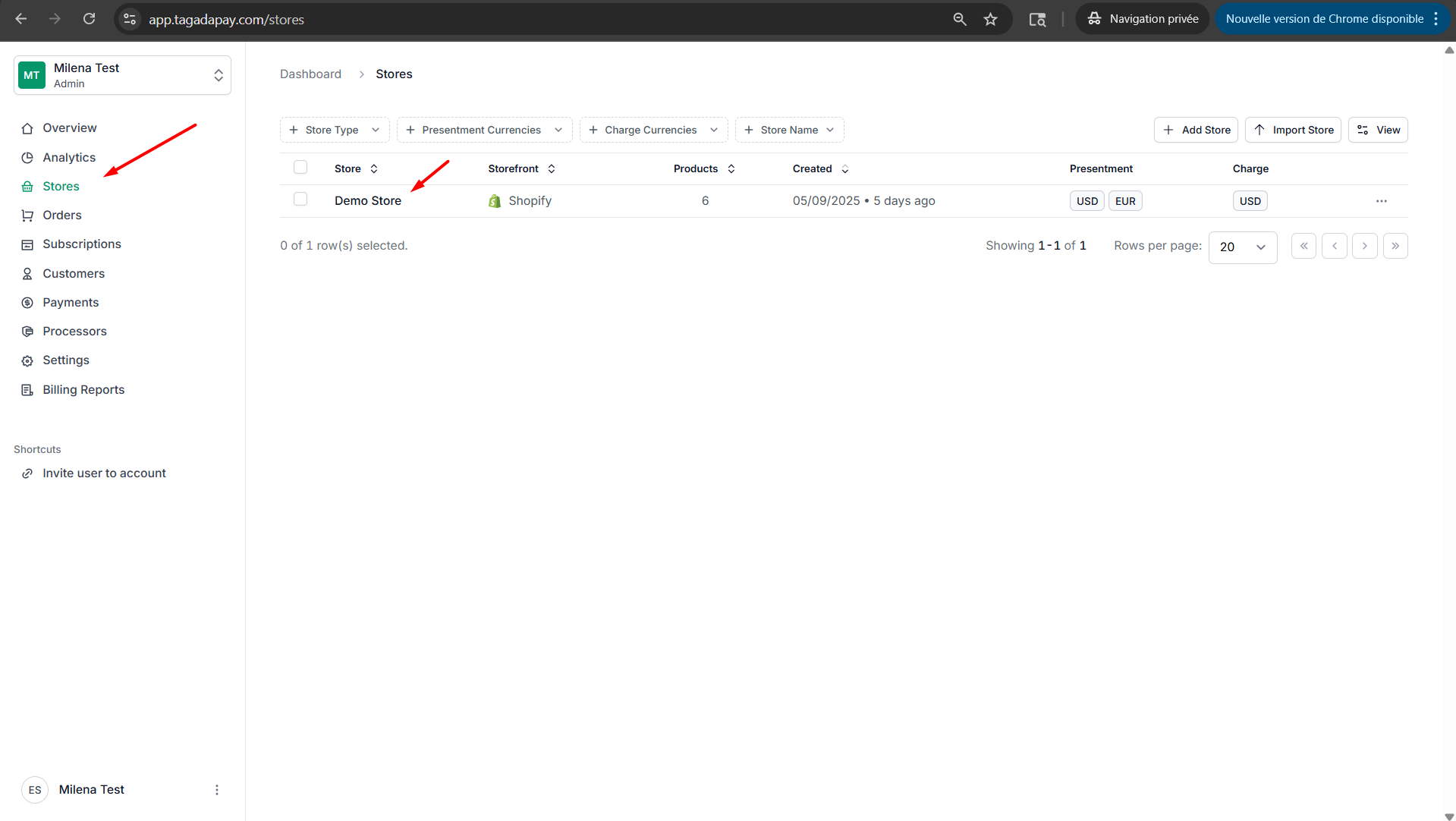
Step 1: Select your desired store under Stores.
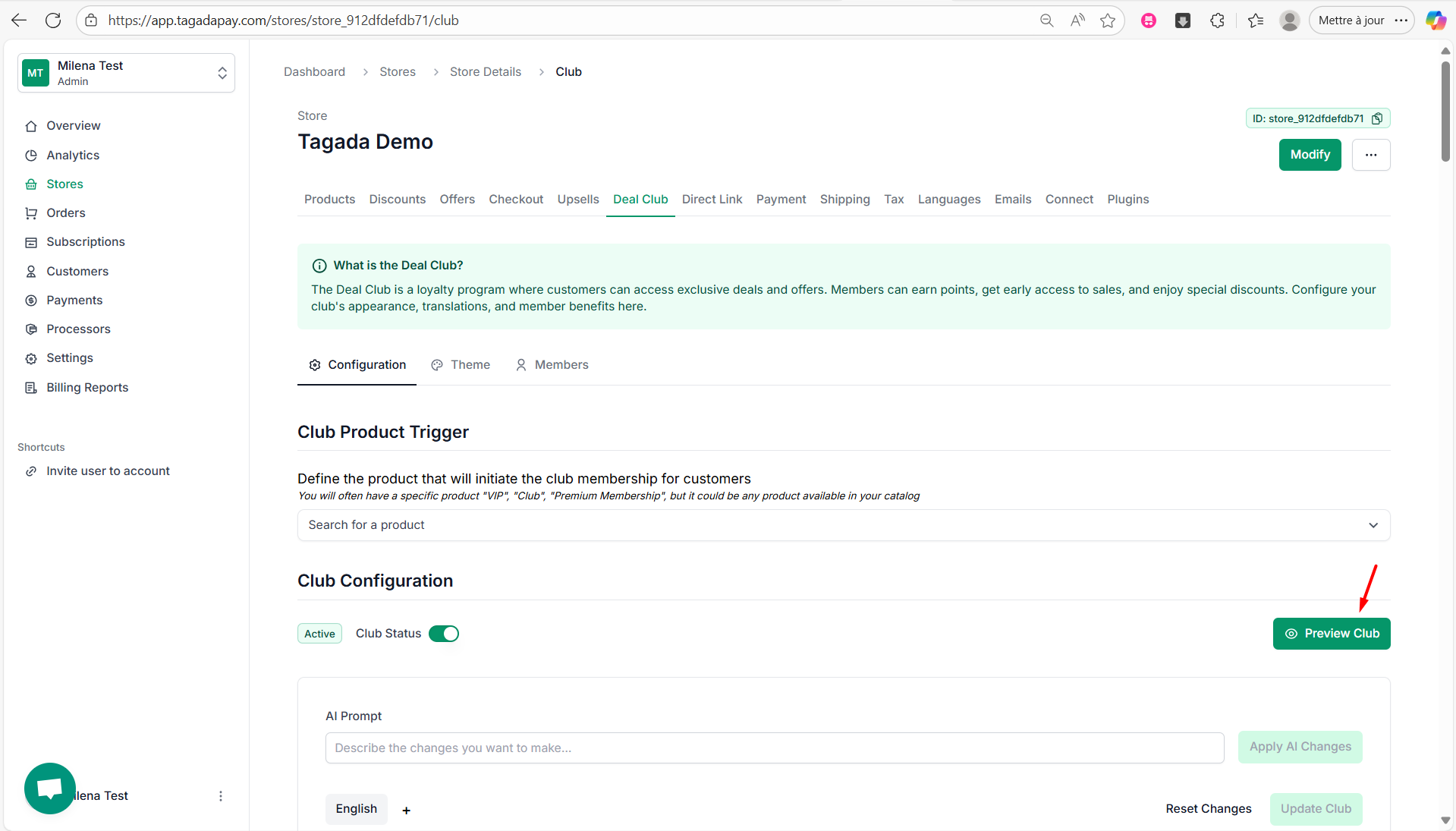
Step 2: Select the Deal Club tab in the menu. Under Configuration, scroll down to see the JSON.
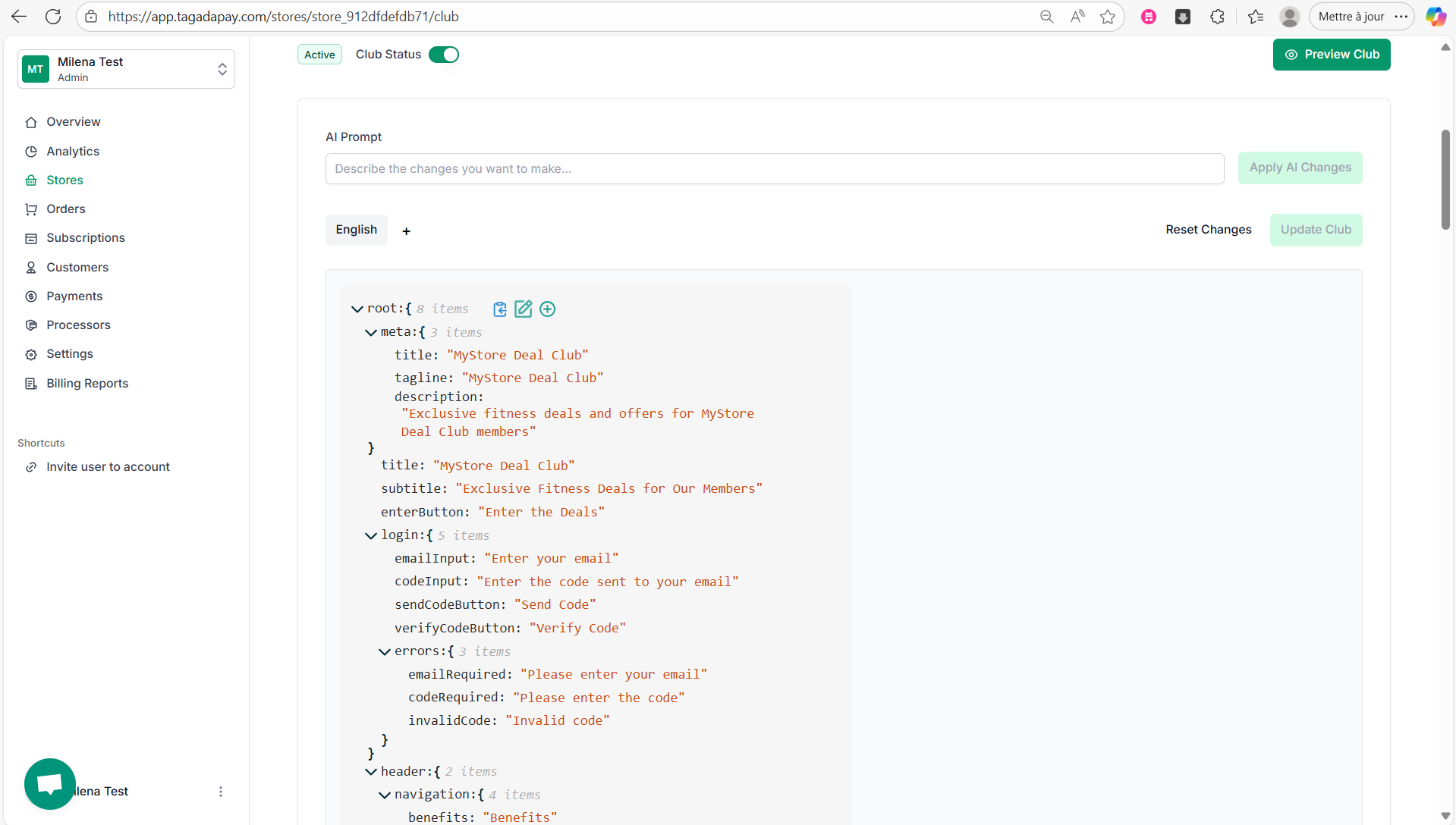
Step 3: Click on this icon to edit the JSON:

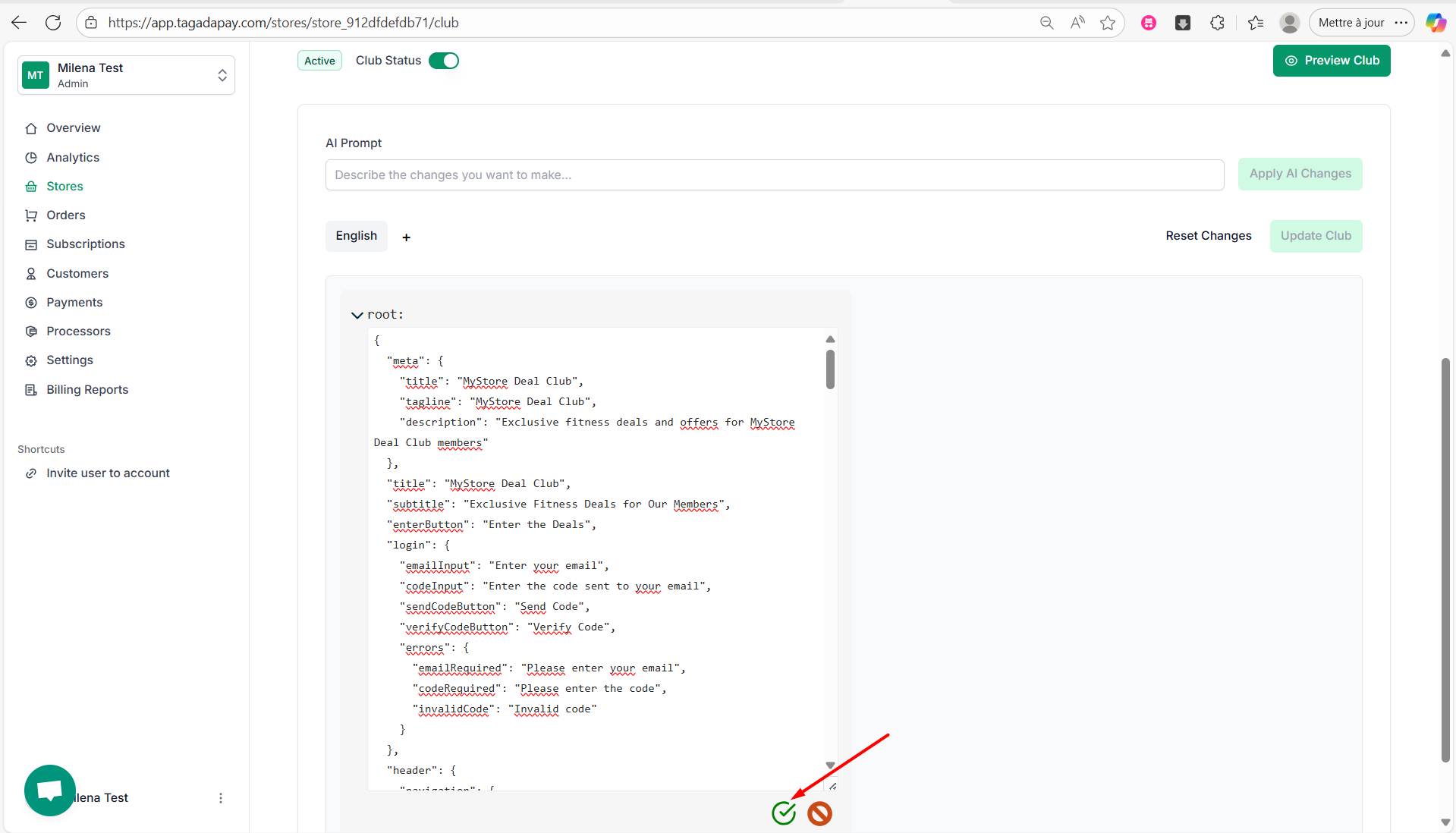
Step 4: The JSON will now appear as editable text, allowing you to modify the content of each line as well as images.
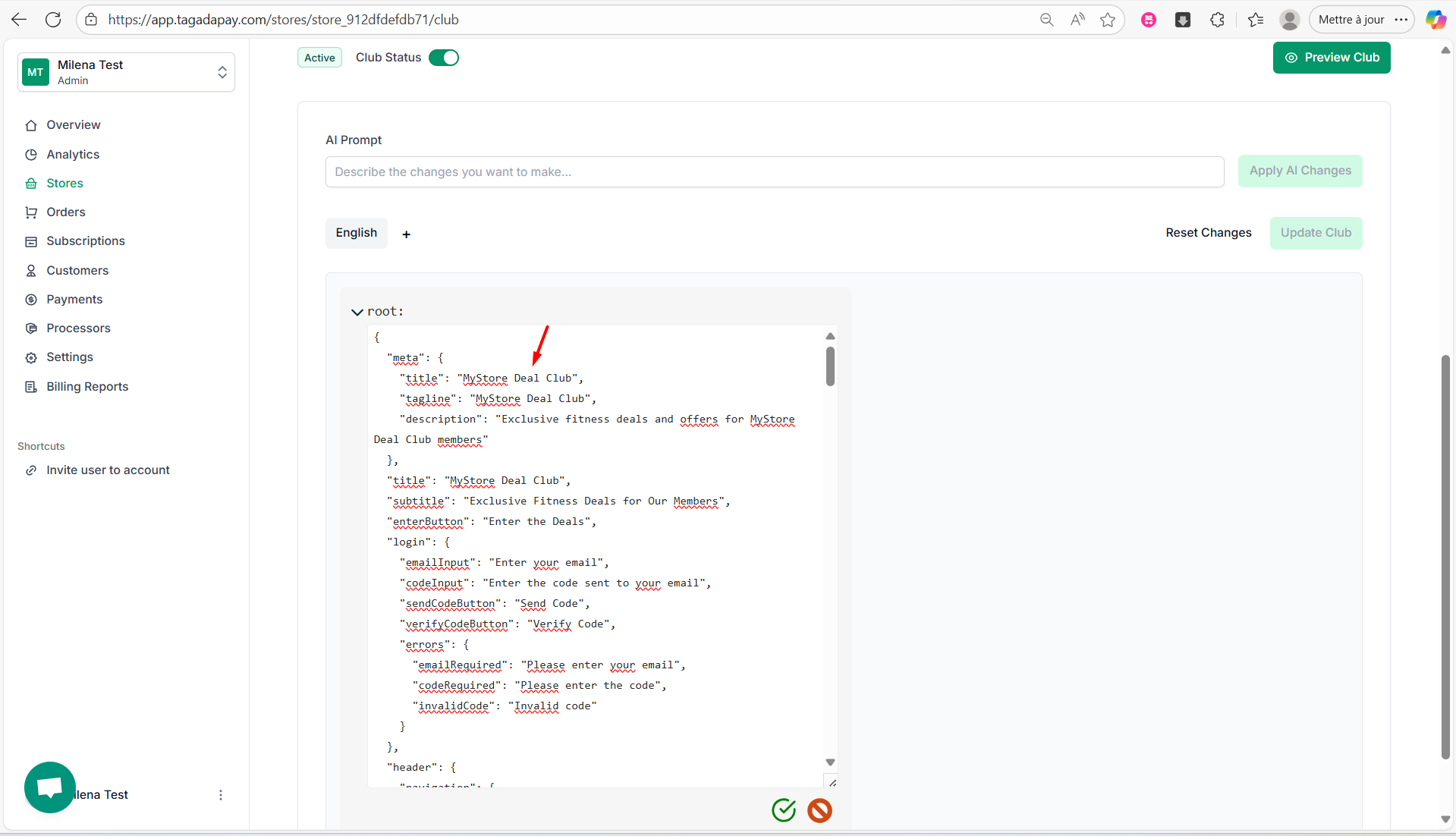
Step 5: Once you’re done, click on the green icon to save your changes:

Once you’ve created your Deal Club, you can customize content and images.