
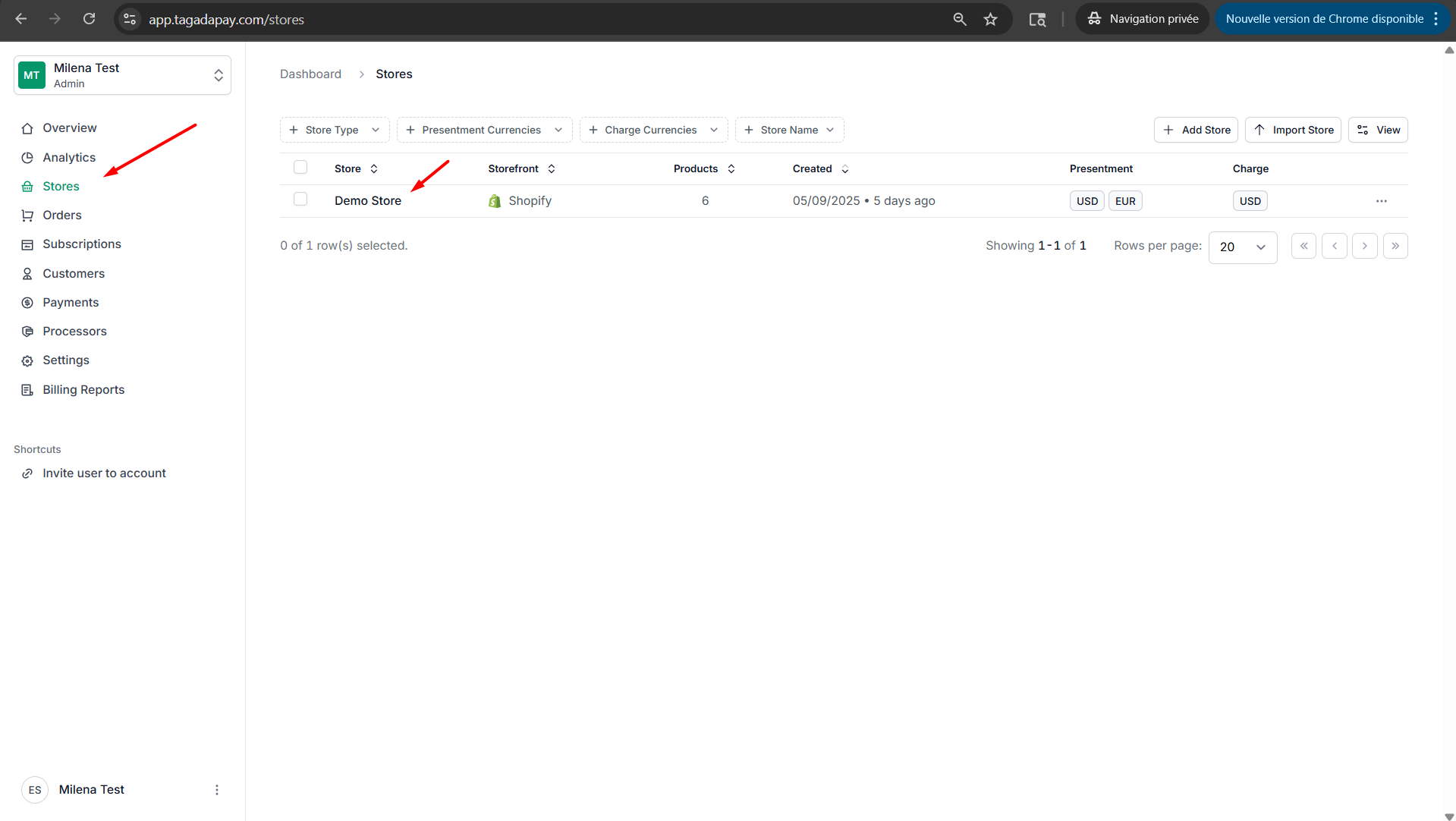
Step 1: Select your desired store under Stores.
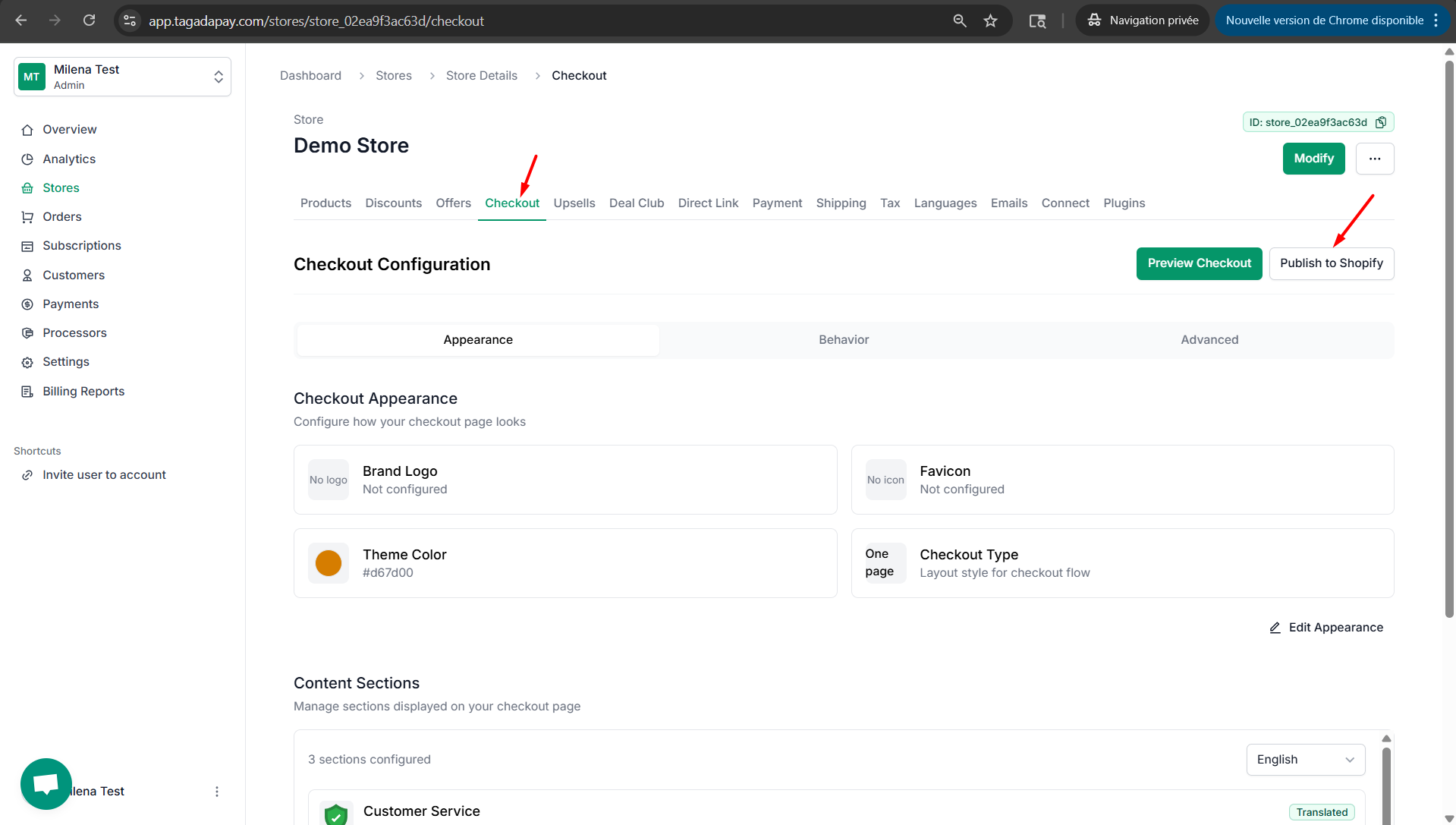
Step 2: Select Checkout and click on Publish to Shopify.
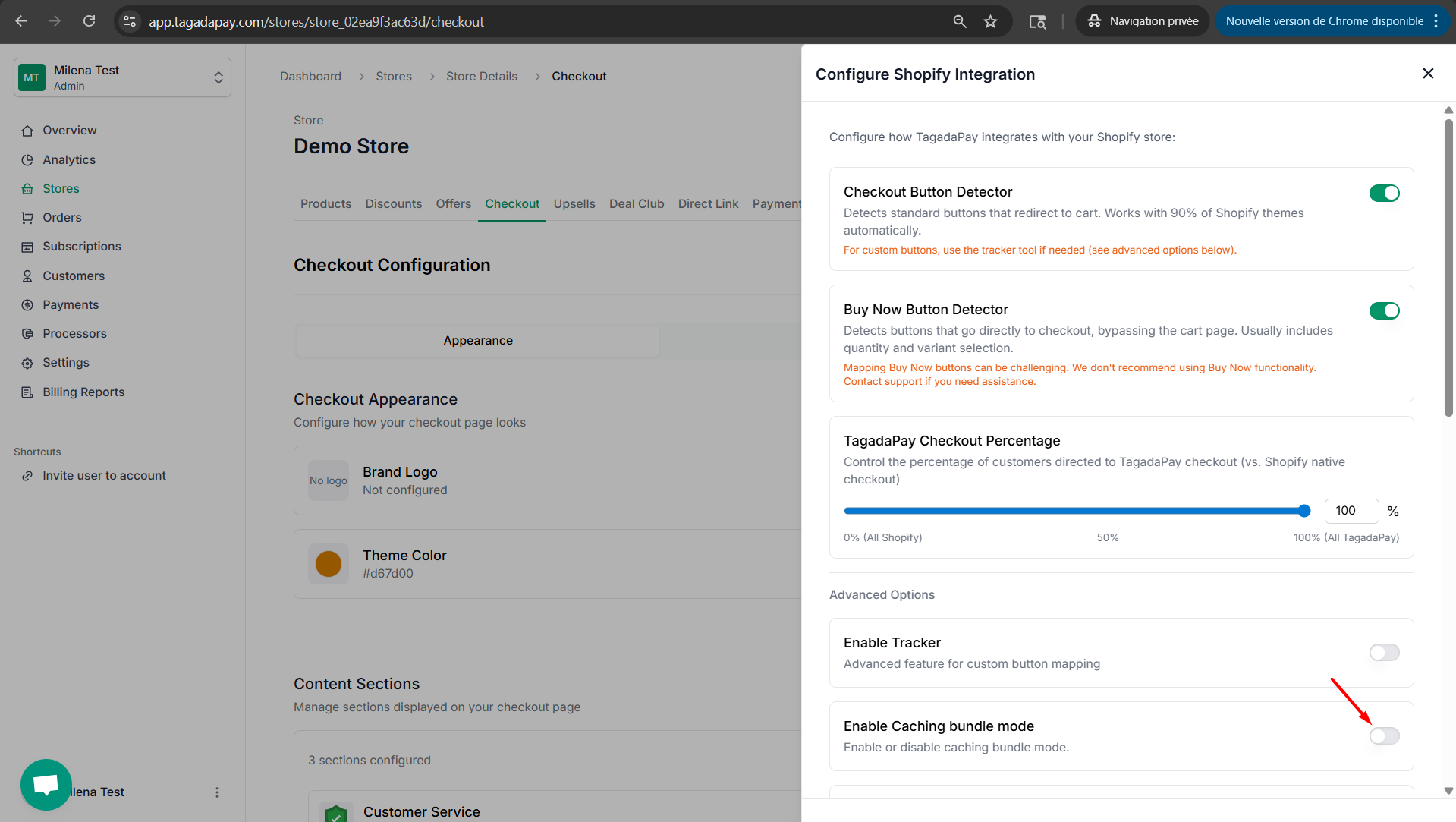
Step 3: Click on Enable Caching Bundle Mode button to enable this feature.
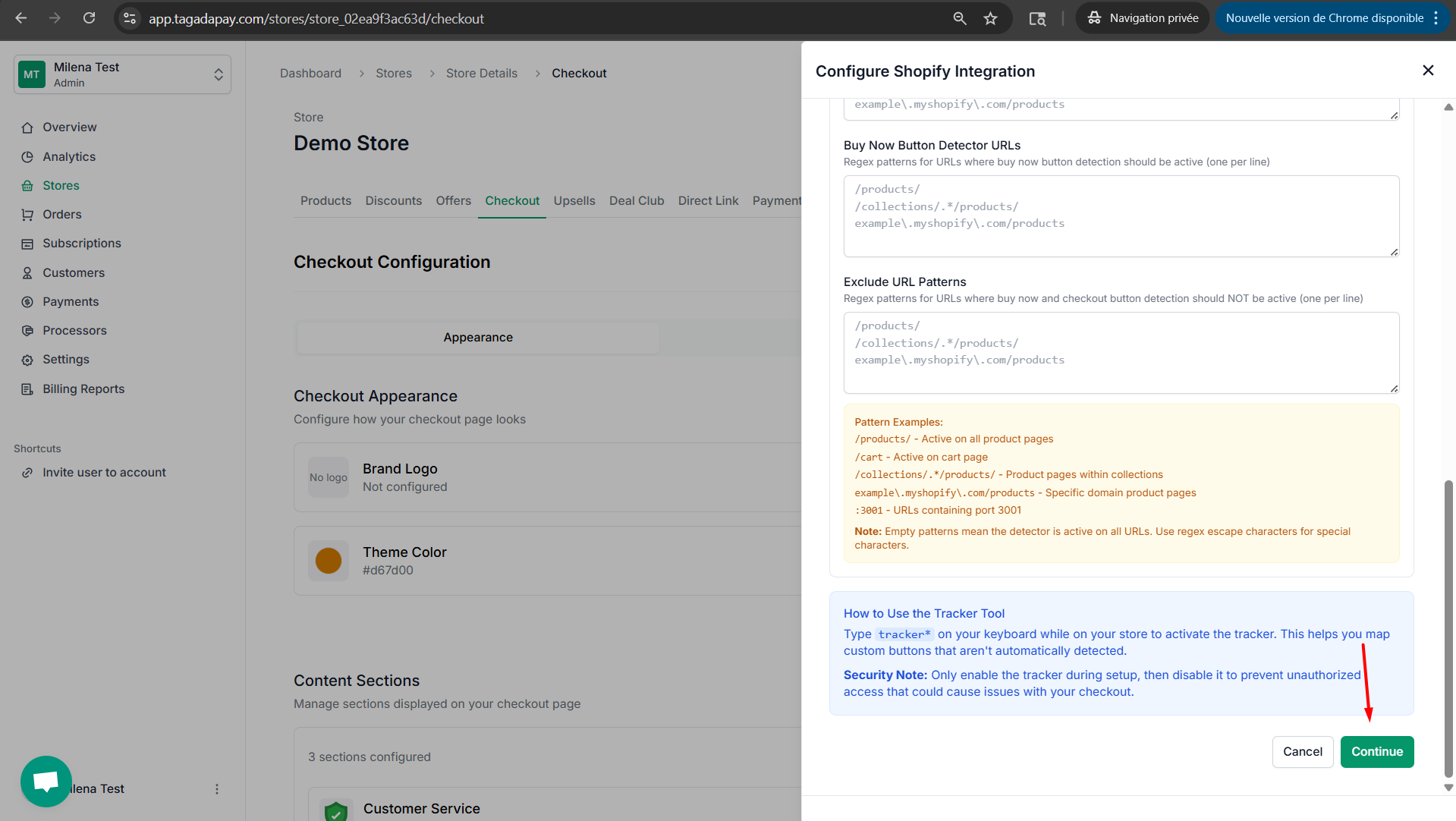
Step 4: Click on Continue to publish your checkout with the settings you have selected.
You can enable caching bundle mode for your Tagada checkout.