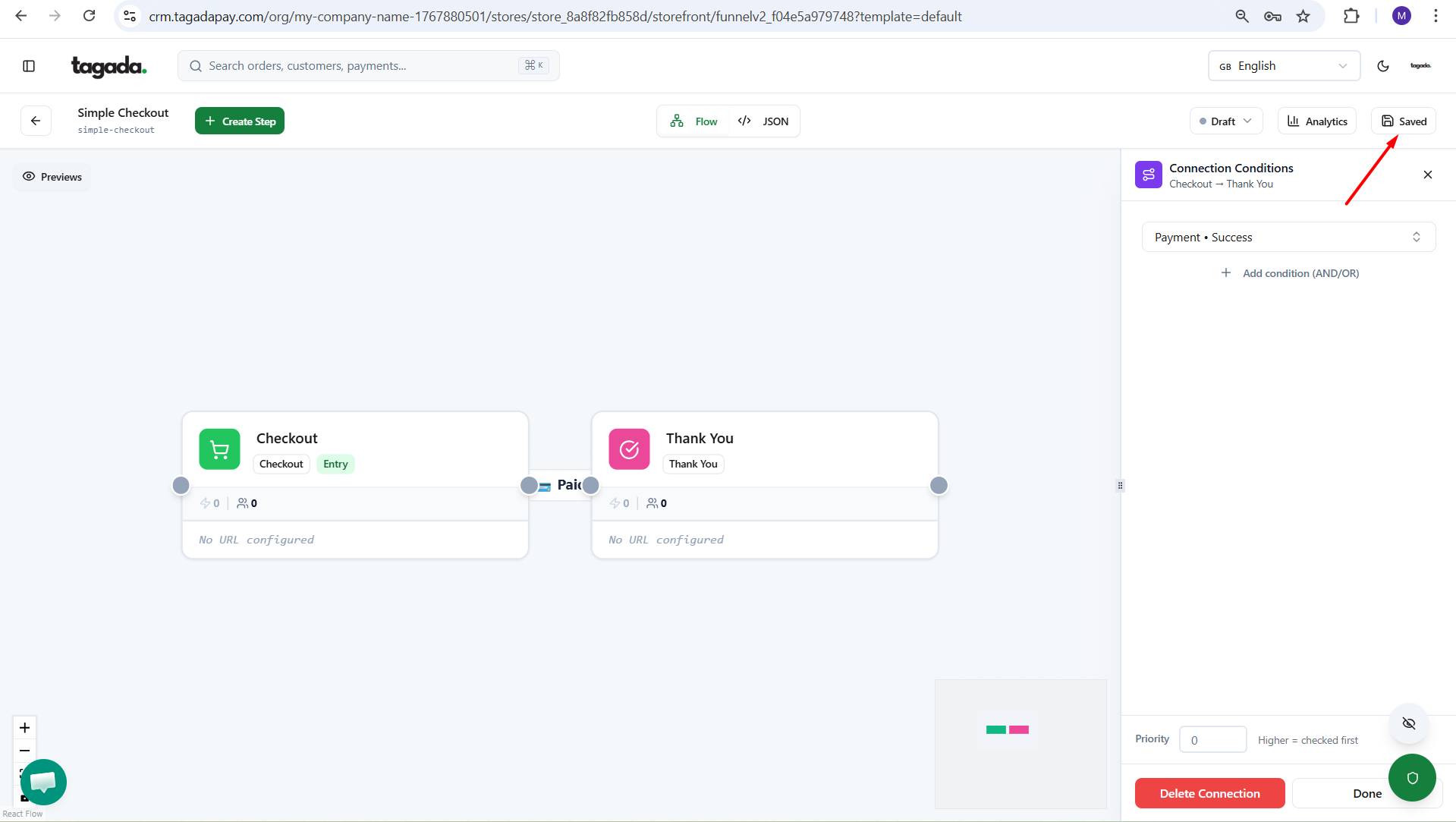
In your Tagada account click on Stores, then chose your store.
Under General menu, click on Funnels and then click on your Funnel to edit it.
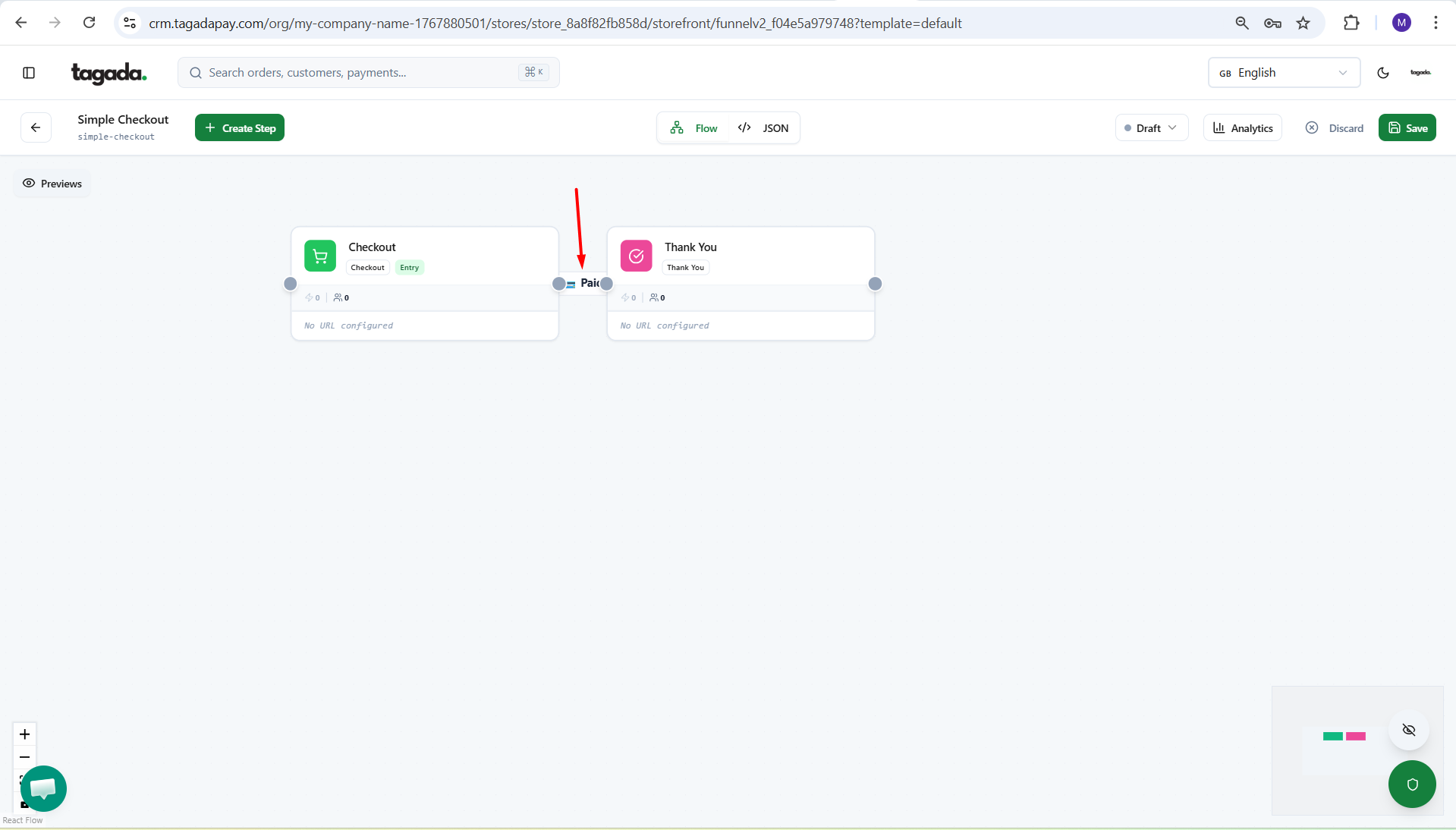
Click on the mount point to have the pop up menu appear on the right.
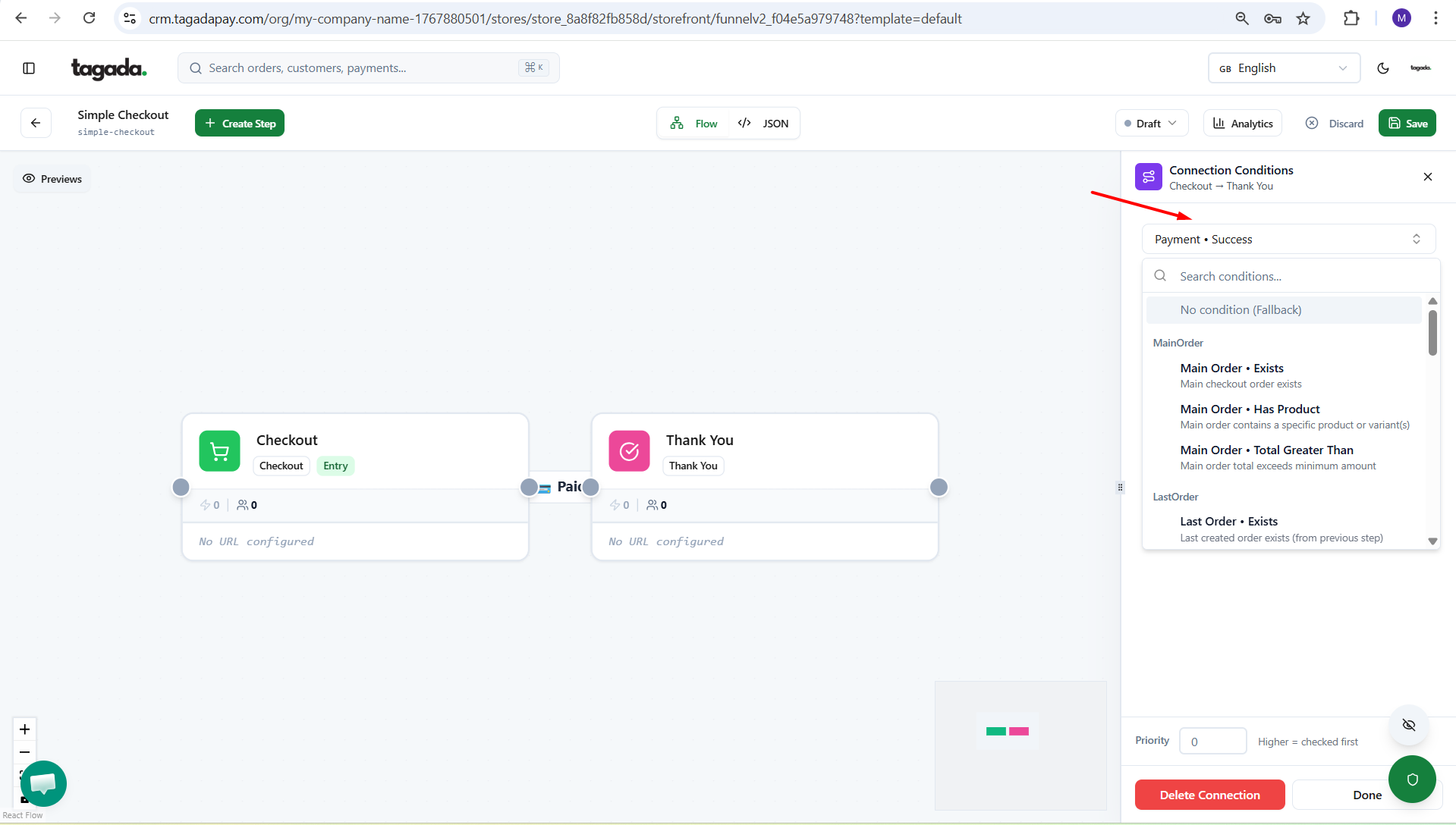
Select the condition you would need.
Click on Save.