In your Tagada account click on Stores, then chose your store.
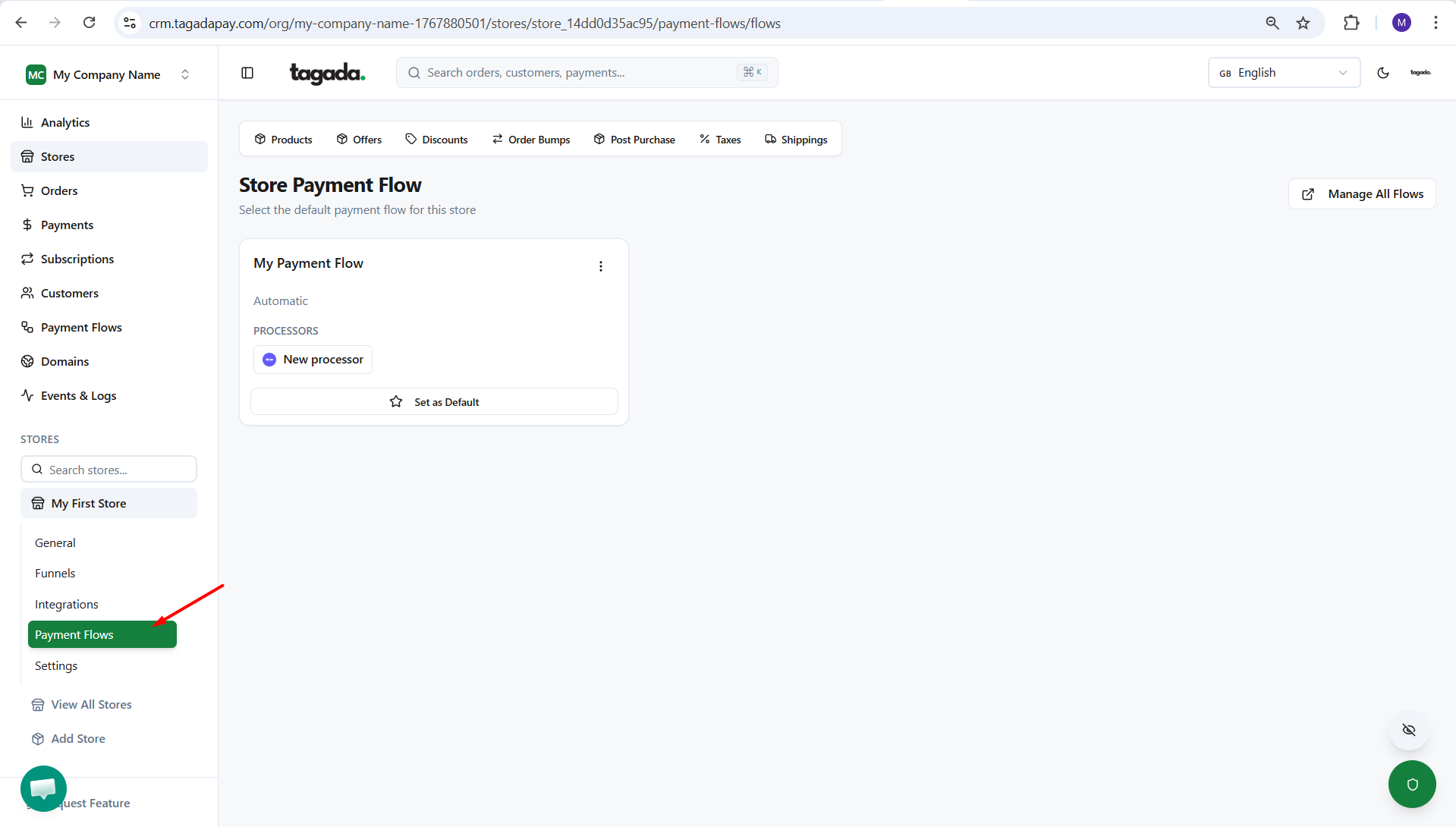
On the left side menu, click on Payment Flows.
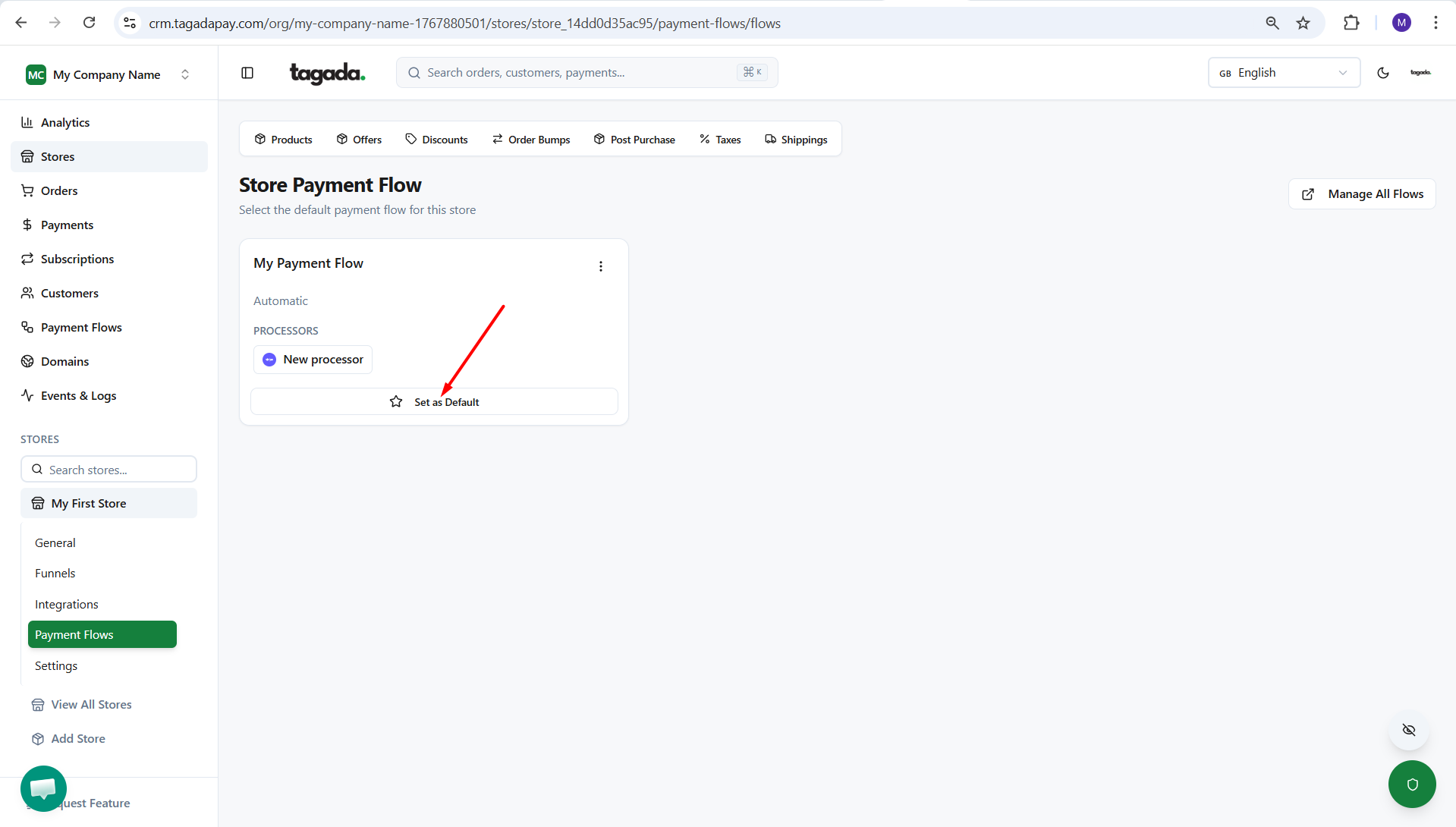
Chose the payment flow you would like to set as active for that store and click on Set as Default.
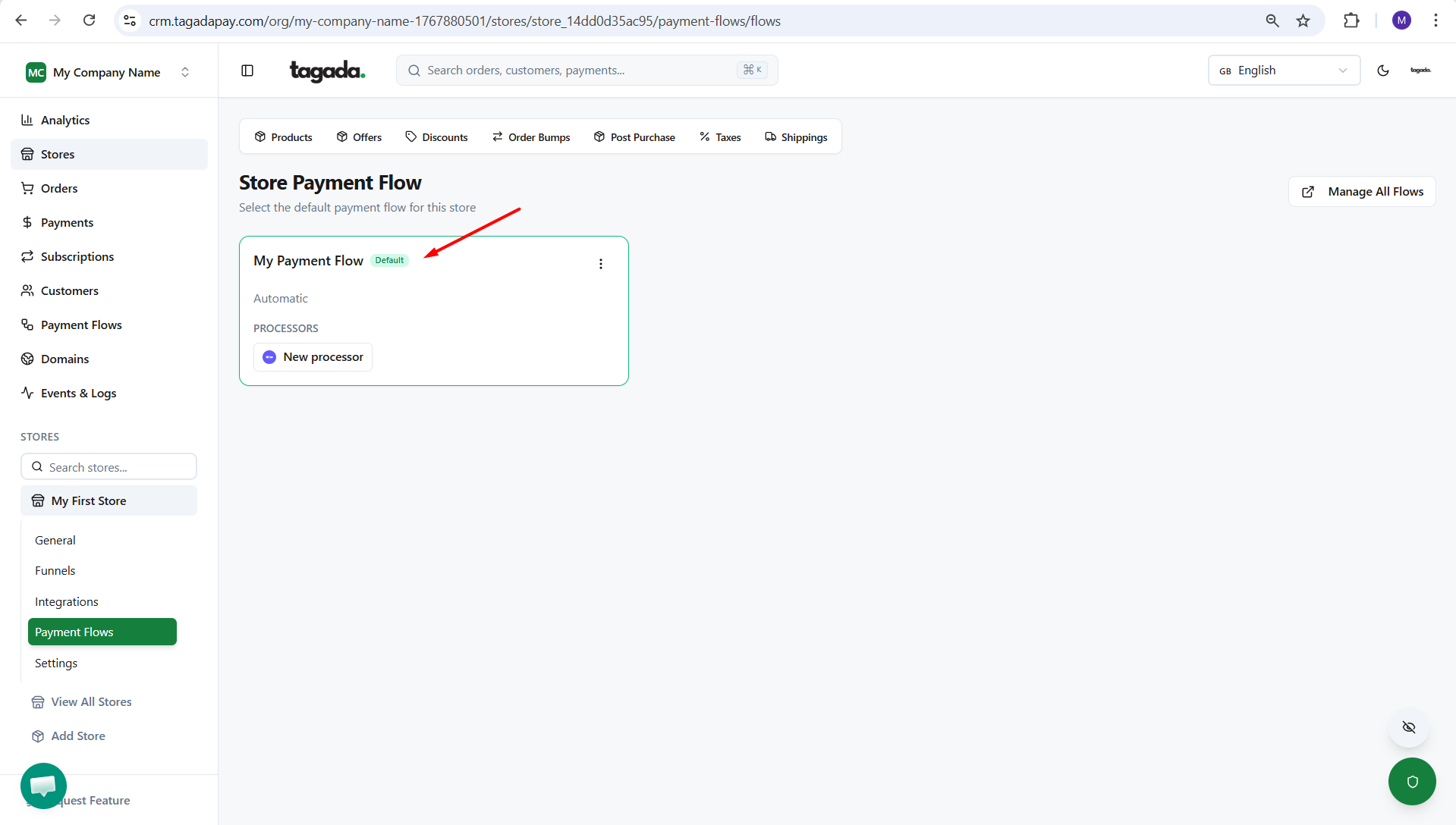
Your payment flow will appear as Default and in green. This step is important because without an active flow, you won’t be able to accept payments at checkout.