
One of Tagada's core features is recurring payments, offering compliant, effortless, and hands-free subscription management.
Let’s walk you through the steps to set up your subscription and recurring payments.
Here are the main steps:
Creating a recurring product
Creating an upsell
Creating a discount
Activating Deal Club
Select your desired store under Stores.
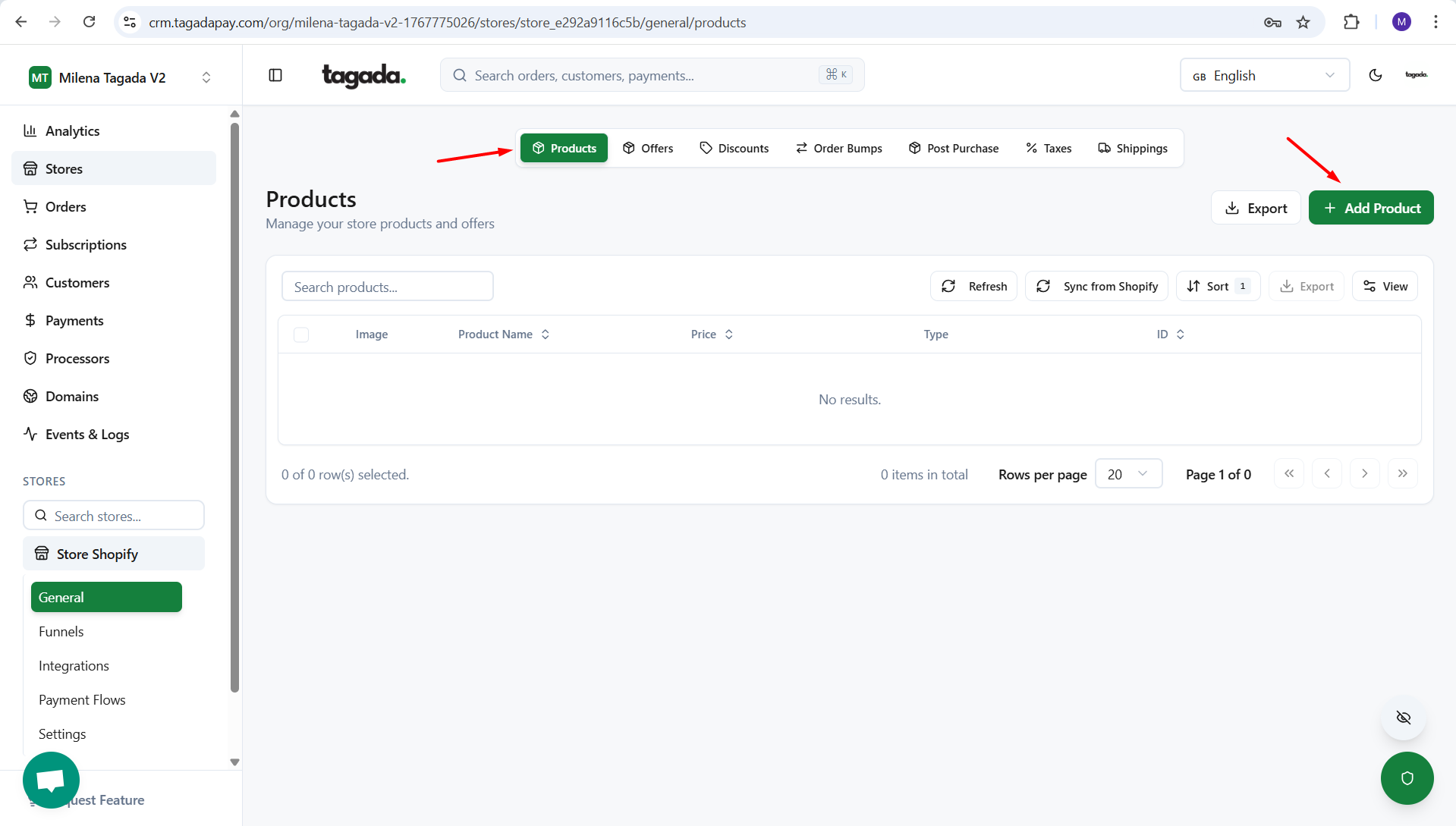
Select the Products tab in the menu and click on Add Product to create your recurring product. If you need more explanation for creating a recurring product, you can check this chapter.
Select the Order Bump tab in the menu and create an order bump with the recurring product you have just created. If you need more explanation, you can check this chapter.
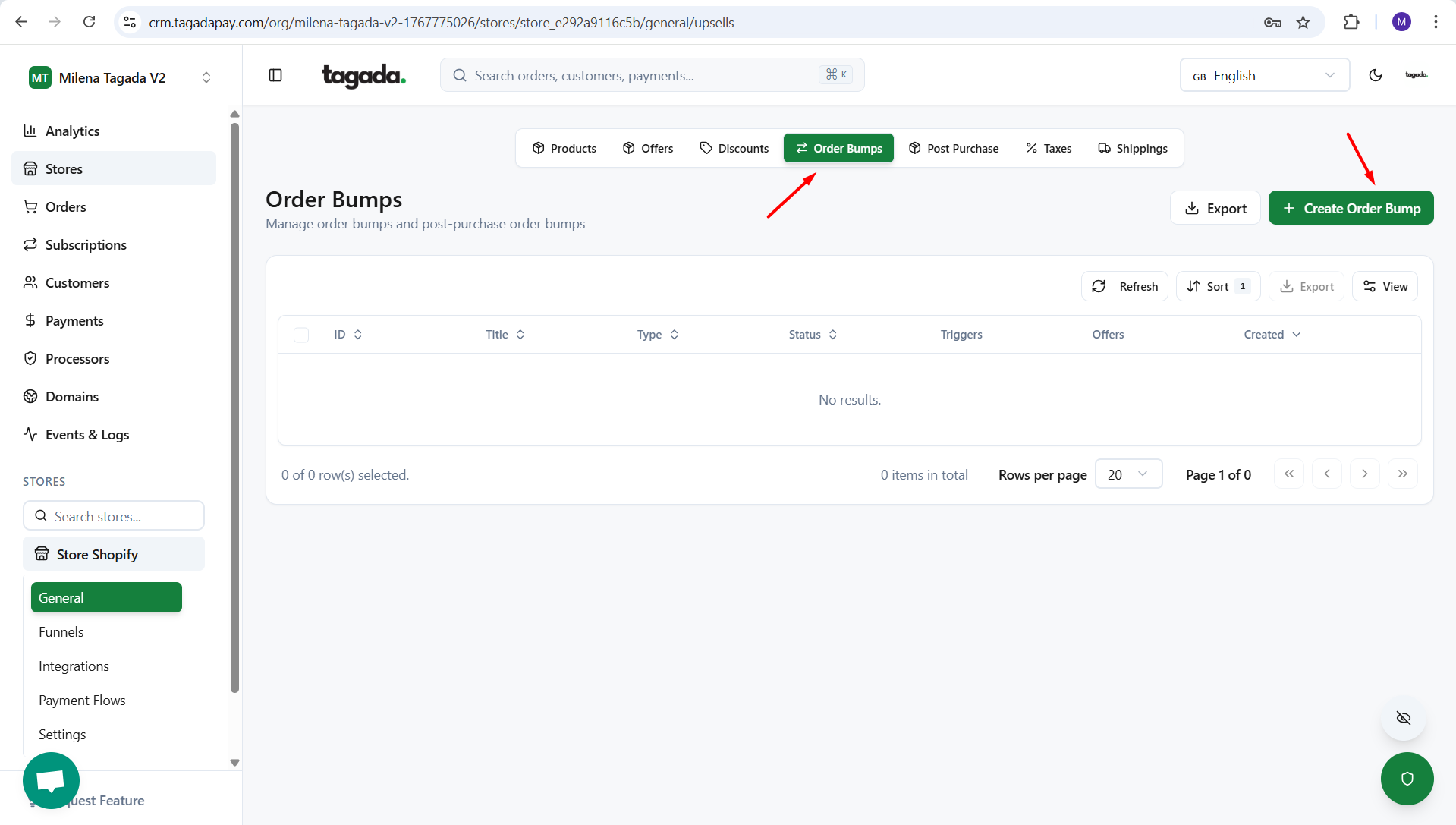
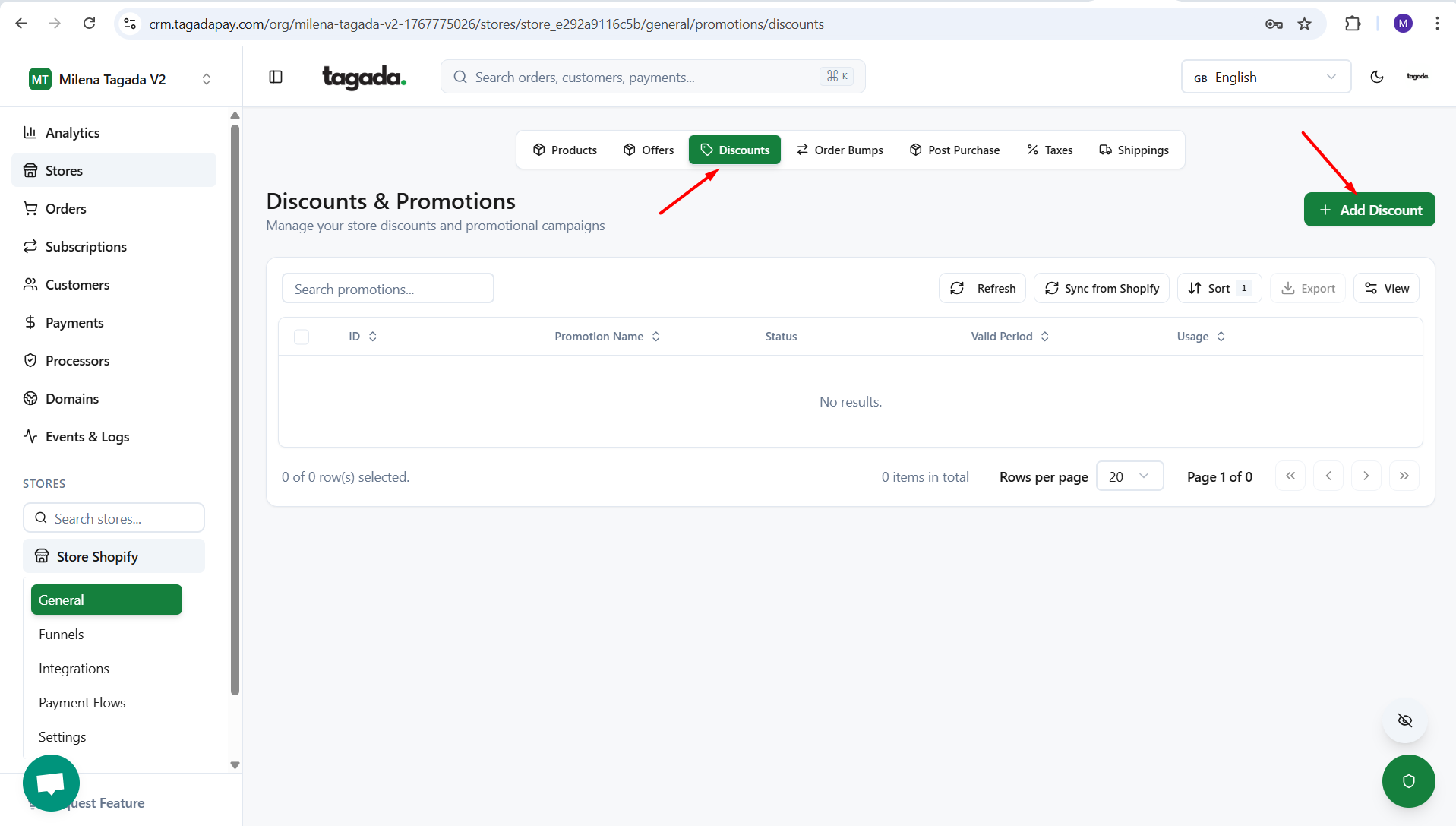
Select the Discounts tab in the menu and create a discount for your upsell. If you need more explanation, you can check this chapter.
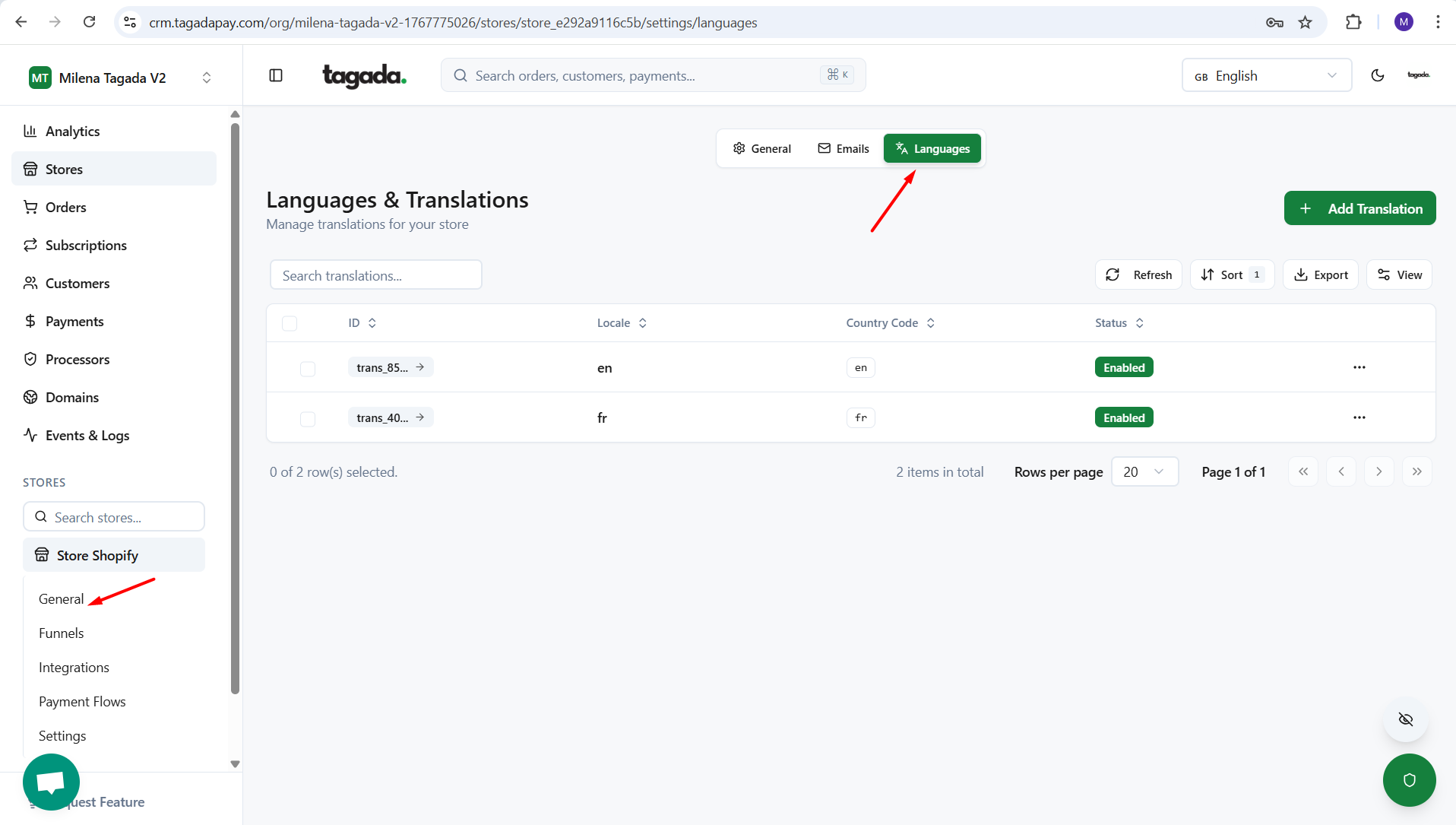
Click on General settings under your store, and then on the Languages tab to modify or remove the wording from the checkout that you don’t need. You can find more detailed instructions here.
Your subscription is now set up. You can manage it in the Subscriptions part. To find out more about how to manage subscriptions, check this chapter.