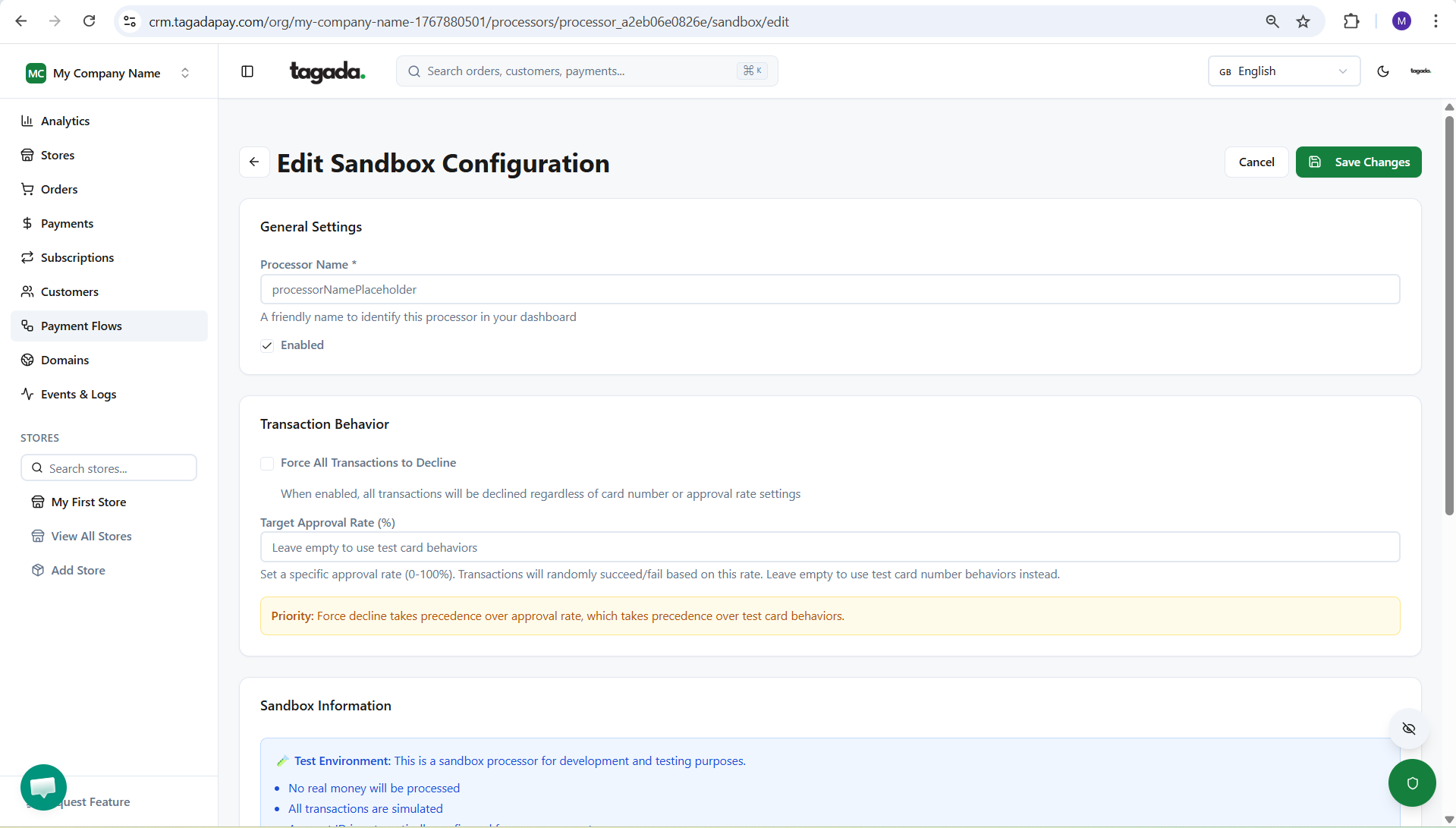
While you're in your Organization, select Payment Flows from the left-hand menu, then select the Processors tab and click on Add Processor.
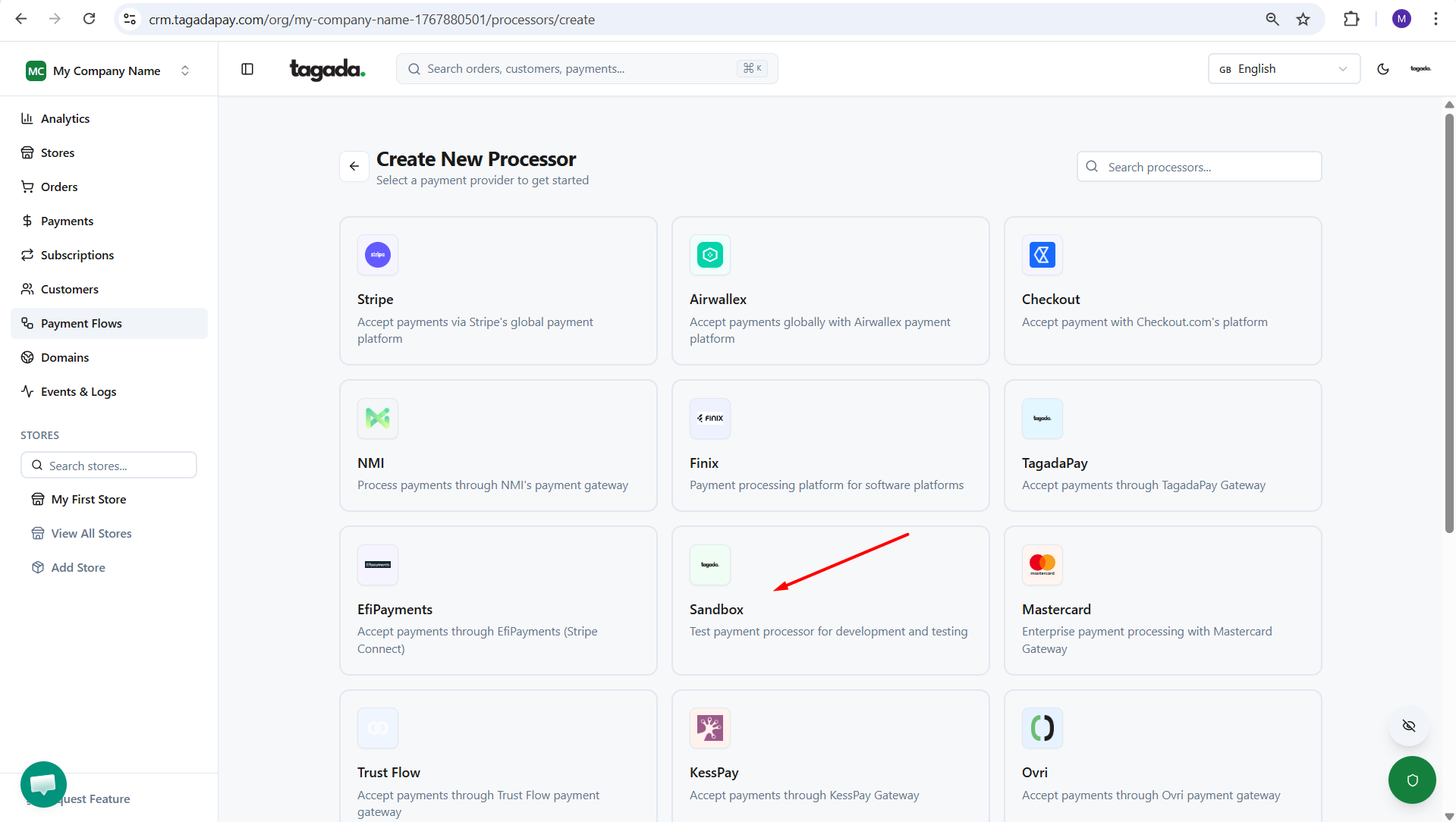
Select Sandbox. Click on Next.
Enter the name of the processor so you can easily identify it in your list of added processors.
You can enter the information you would need for your testing purposes and you will have the test cards information.