While you're in your Organization, select Payment Flows from the left-hand menu, then select the Processors tab and click on Add Processor.
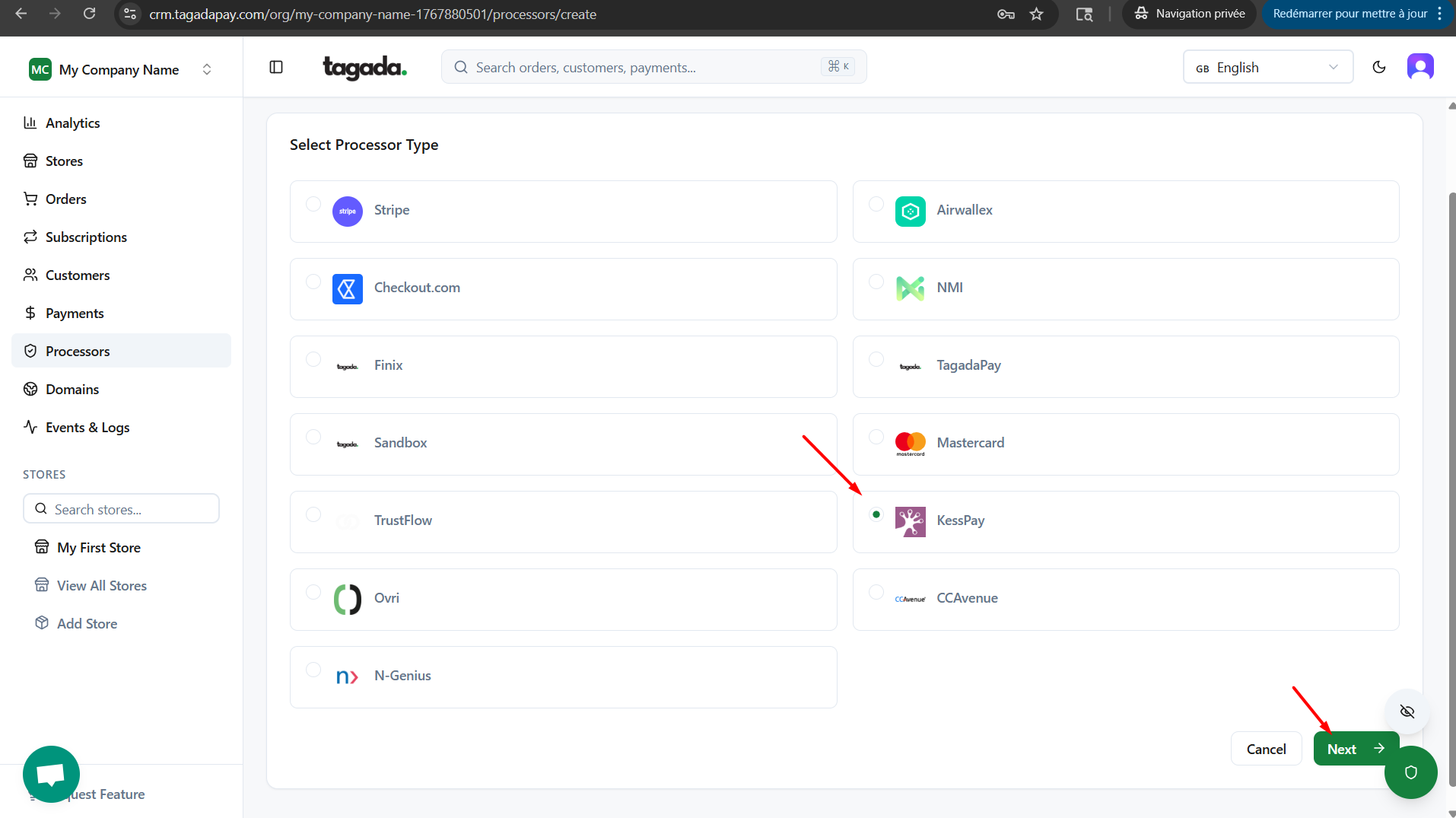
Select KessPay. Click on Next.
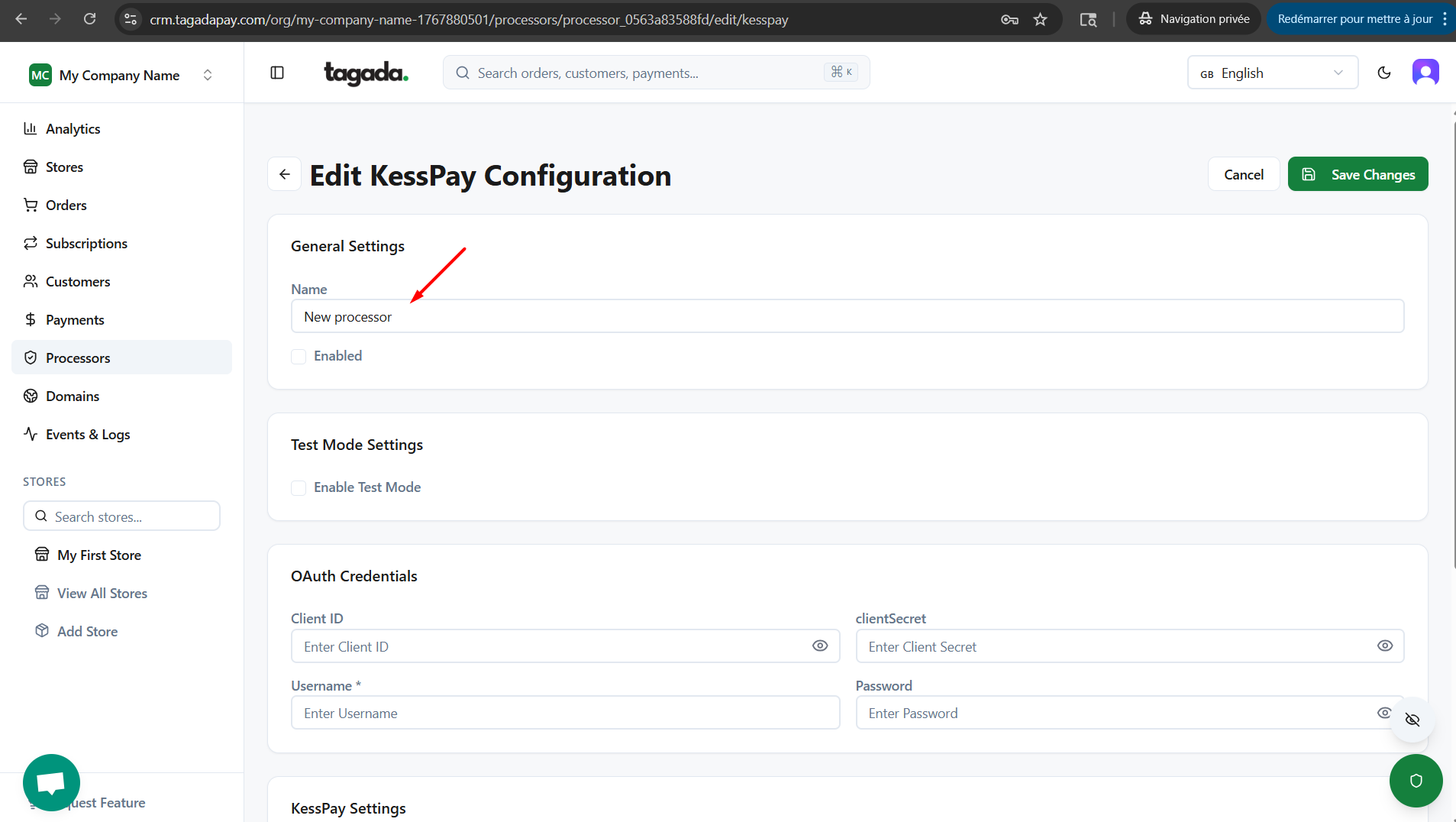
Enter the name of the processor so you can easily identify it in your list of added processors.
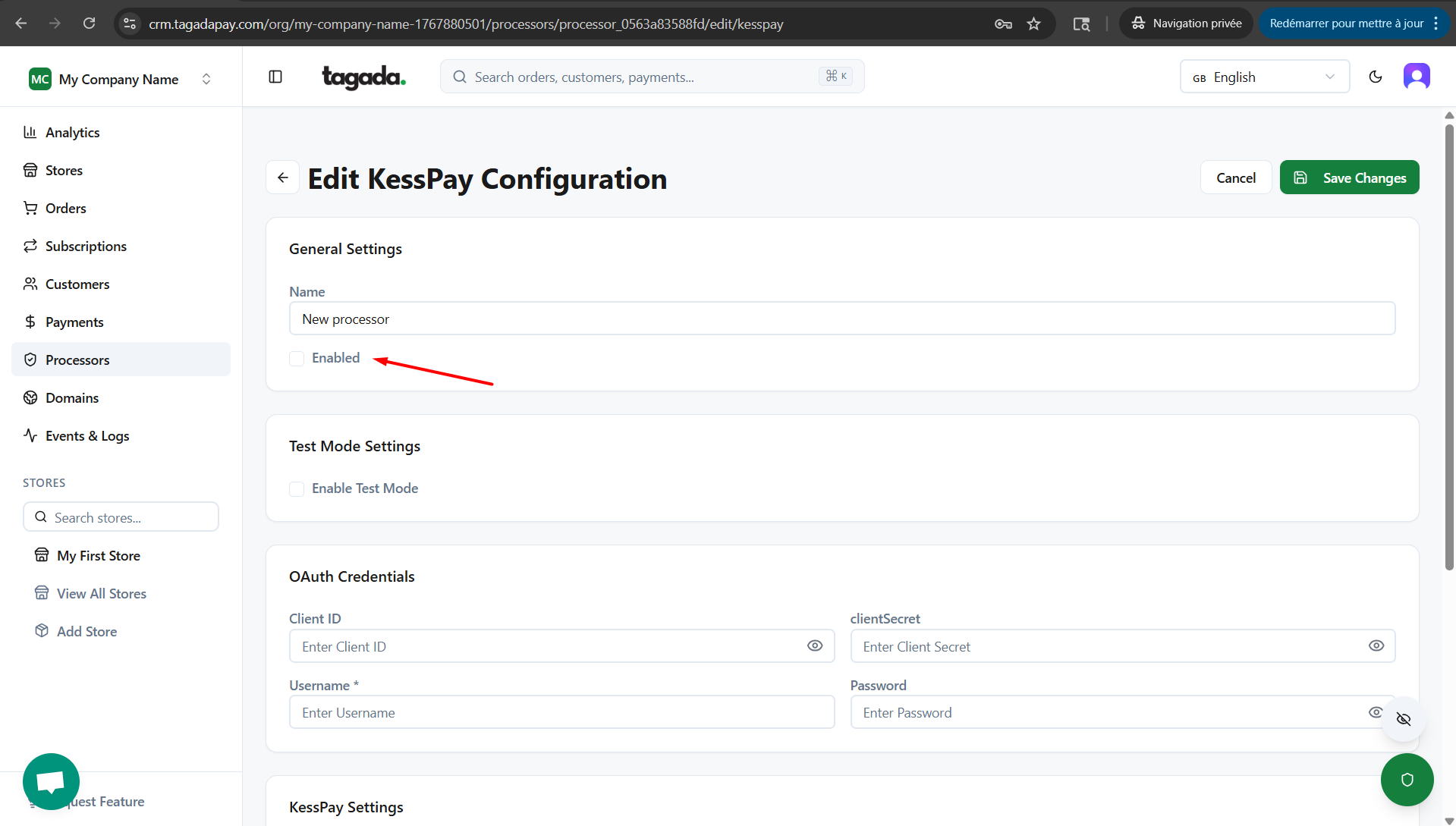
Enter all the information required and make sure you check the Enable option.
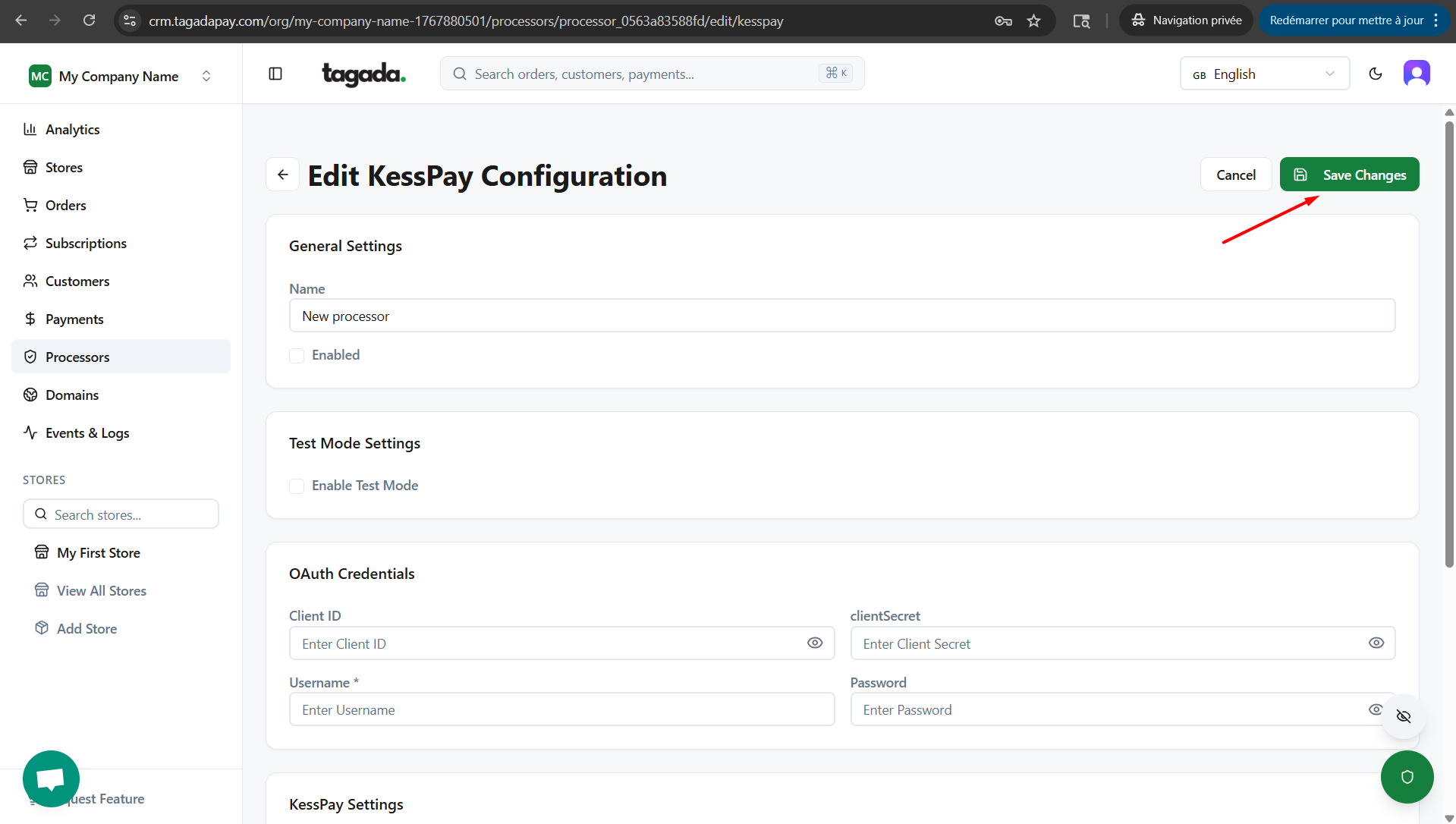
Click on Save Changes.