If you would like or if your processor requires you to do so, you can set up your abuse detection settings on Tagada.
While you're in your Organization, select Payment Flows from the left-hand menu, then click on your flow to enter its settings.
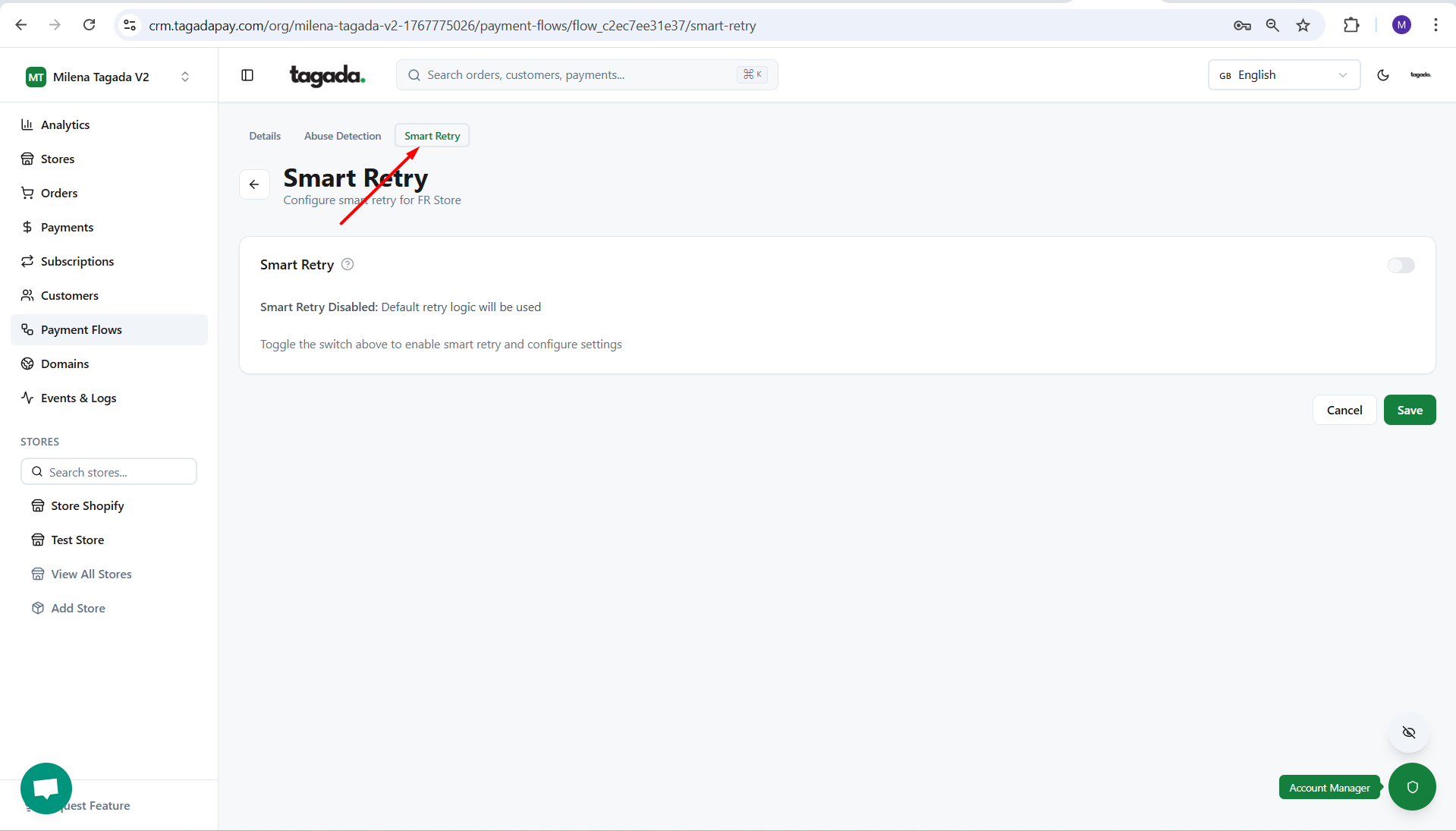
Select the Smart Retry tab.
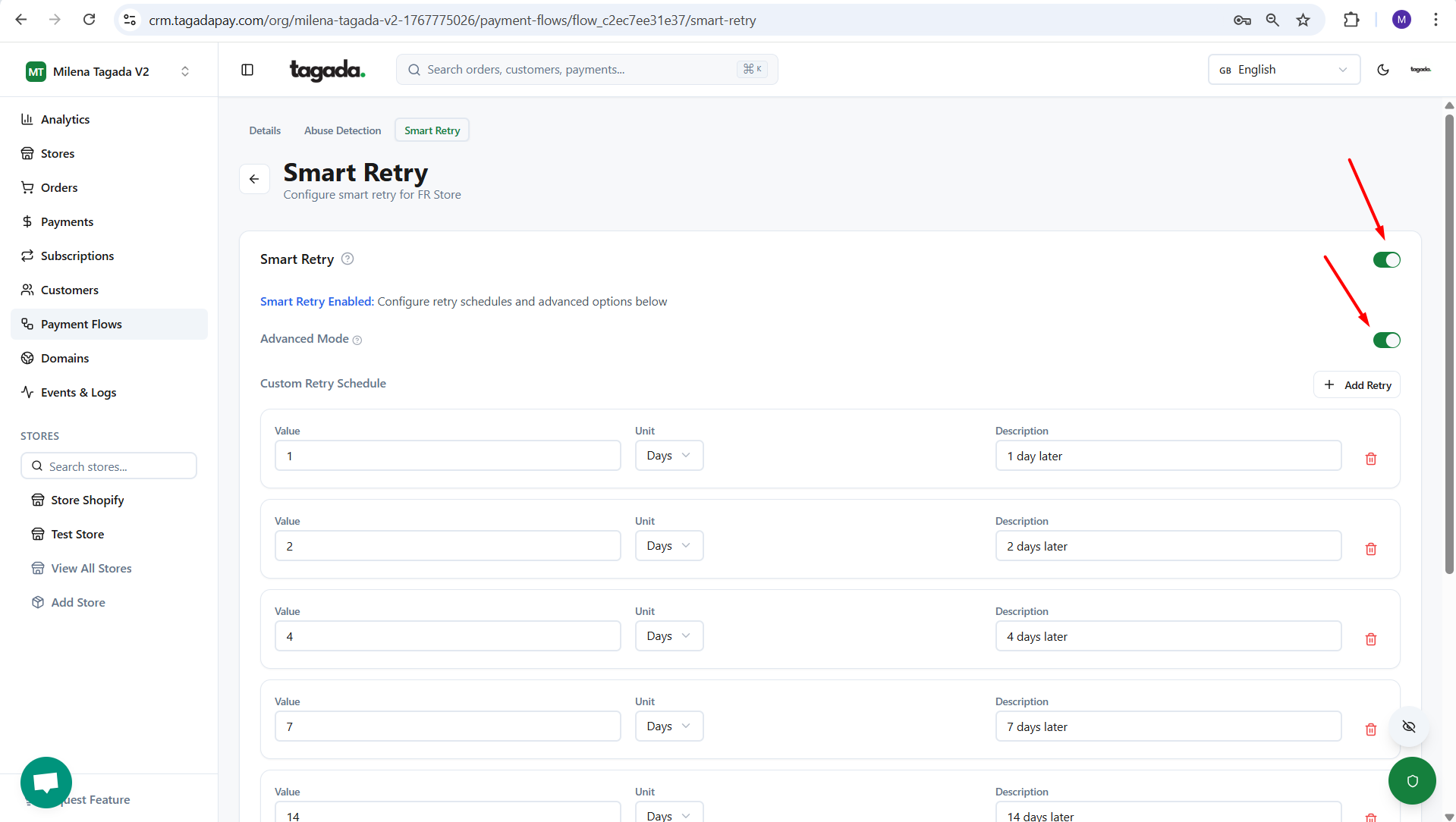
Enable the Smart Retry mode and enable the Advanced more so the settings can expand.
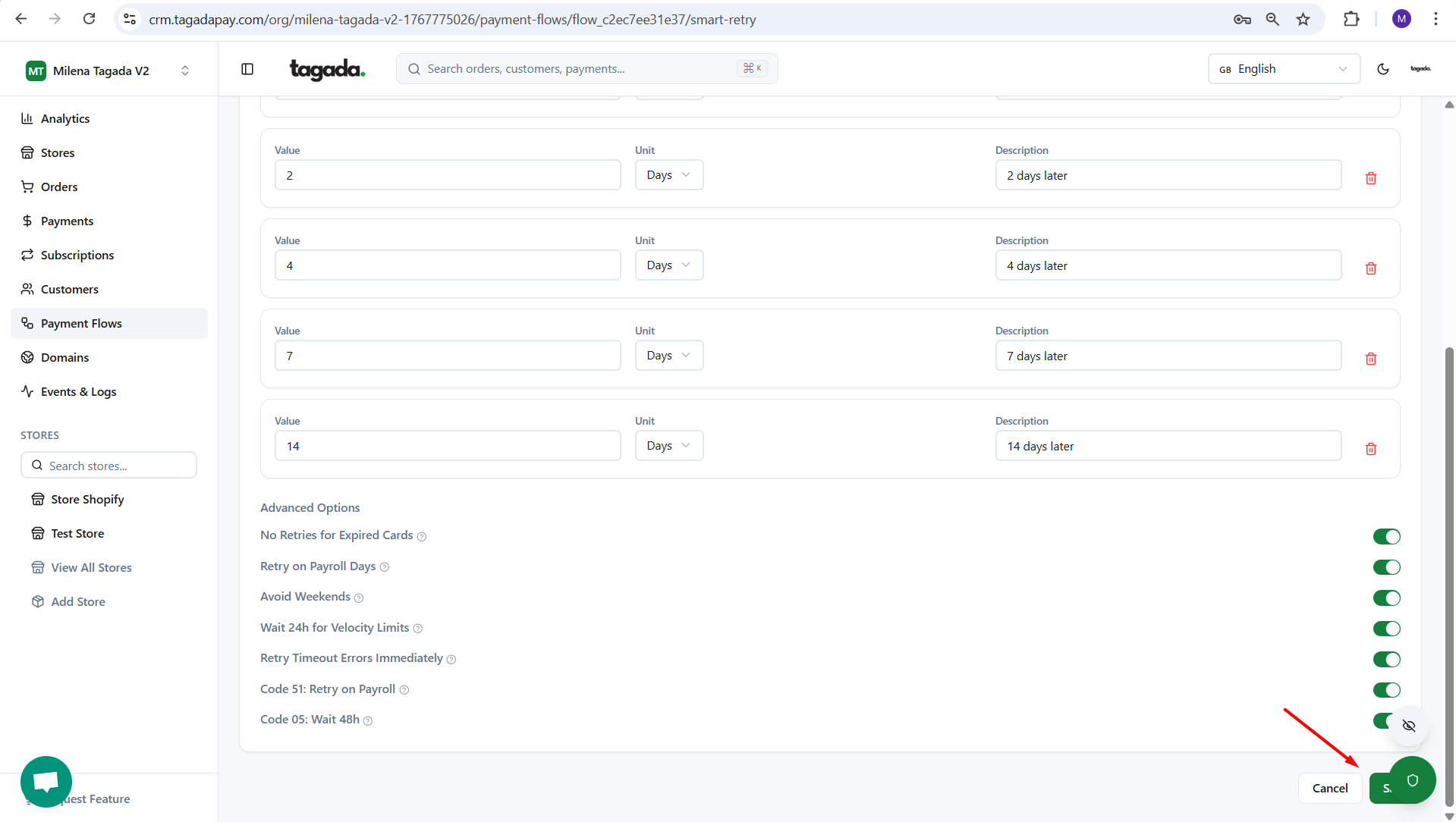
Chose your desired settings and click on Save.