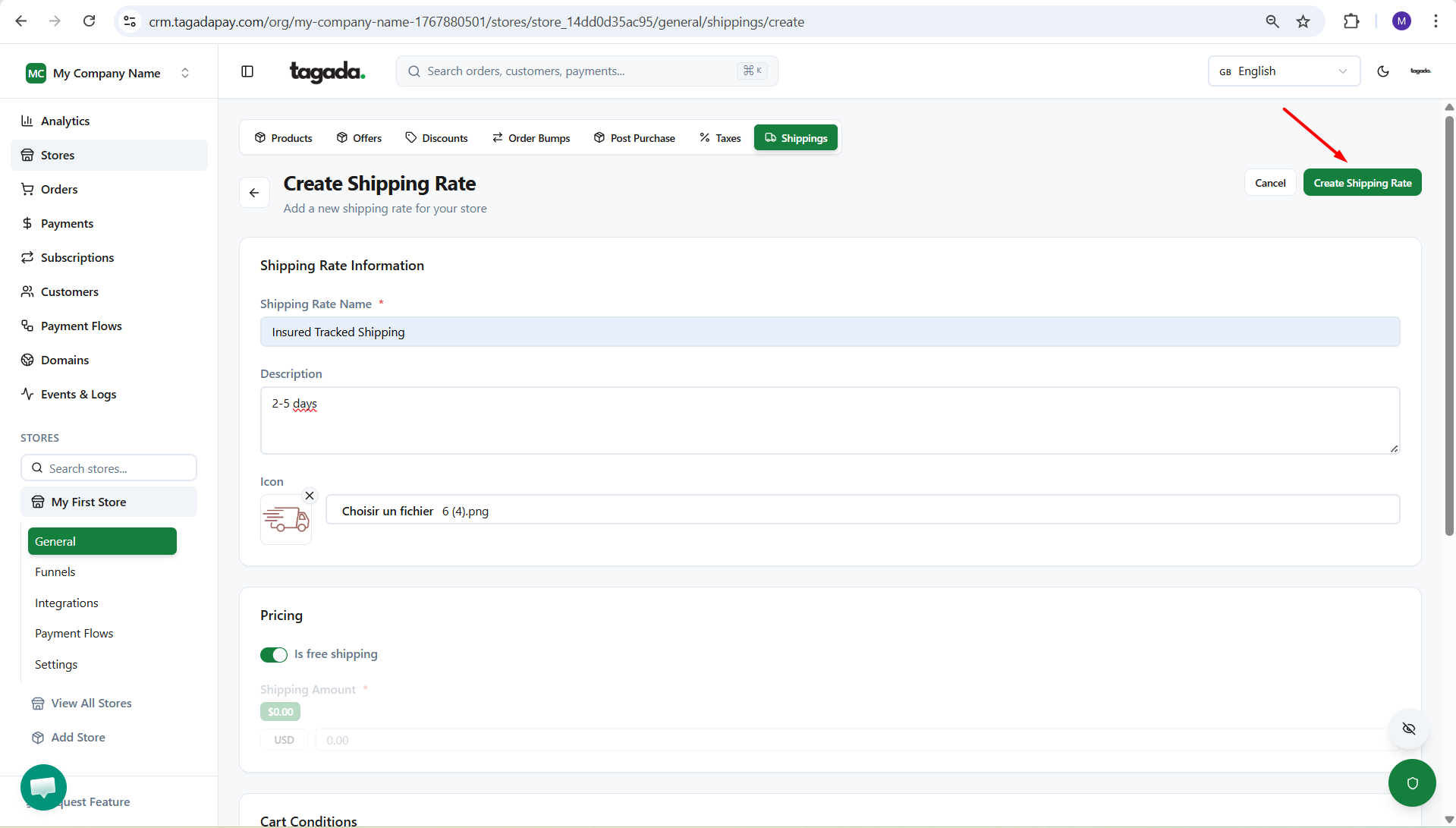
In your Tagada account click on Stores, then chose your store.
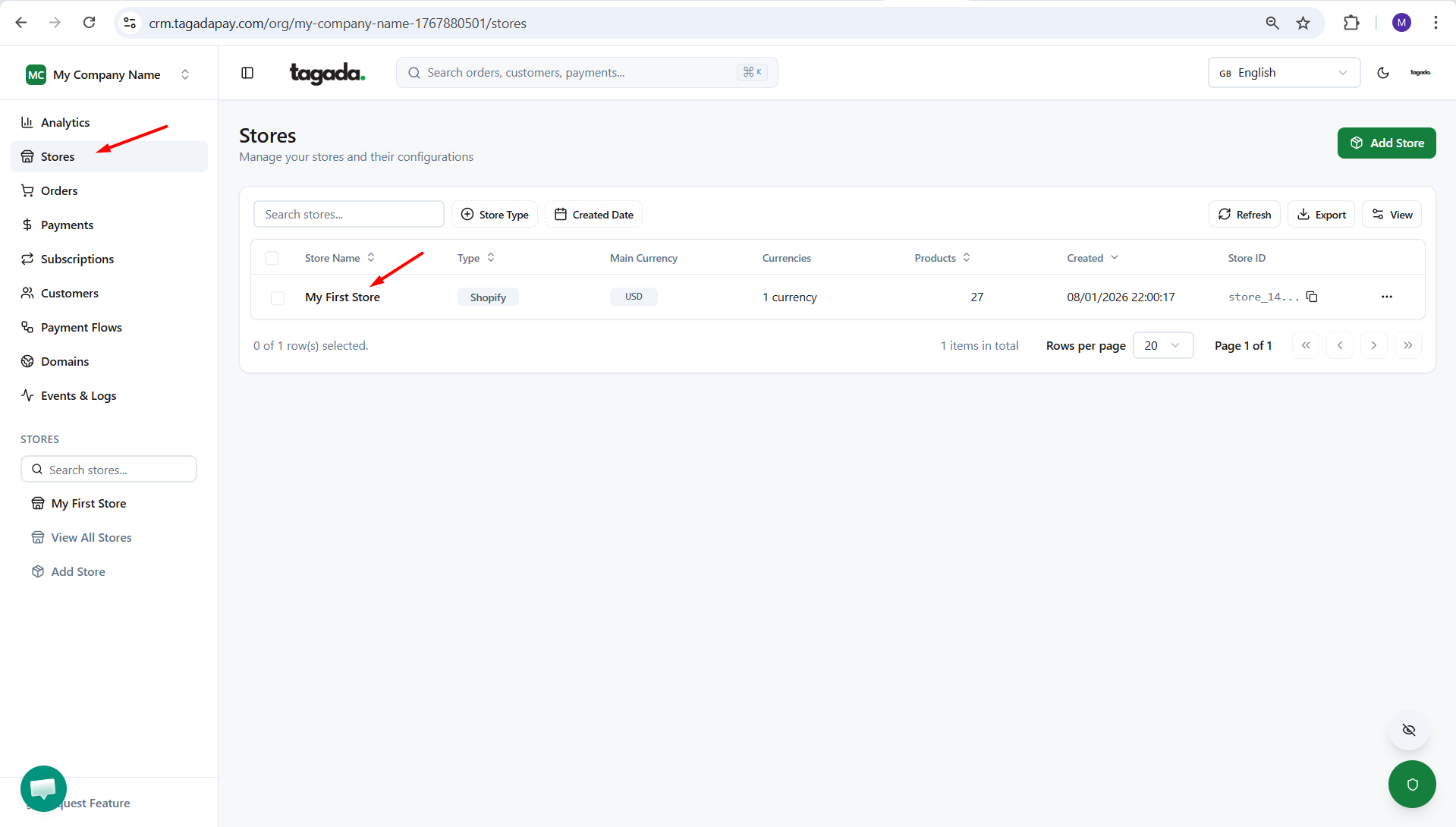
Click on General and then click on Shippings
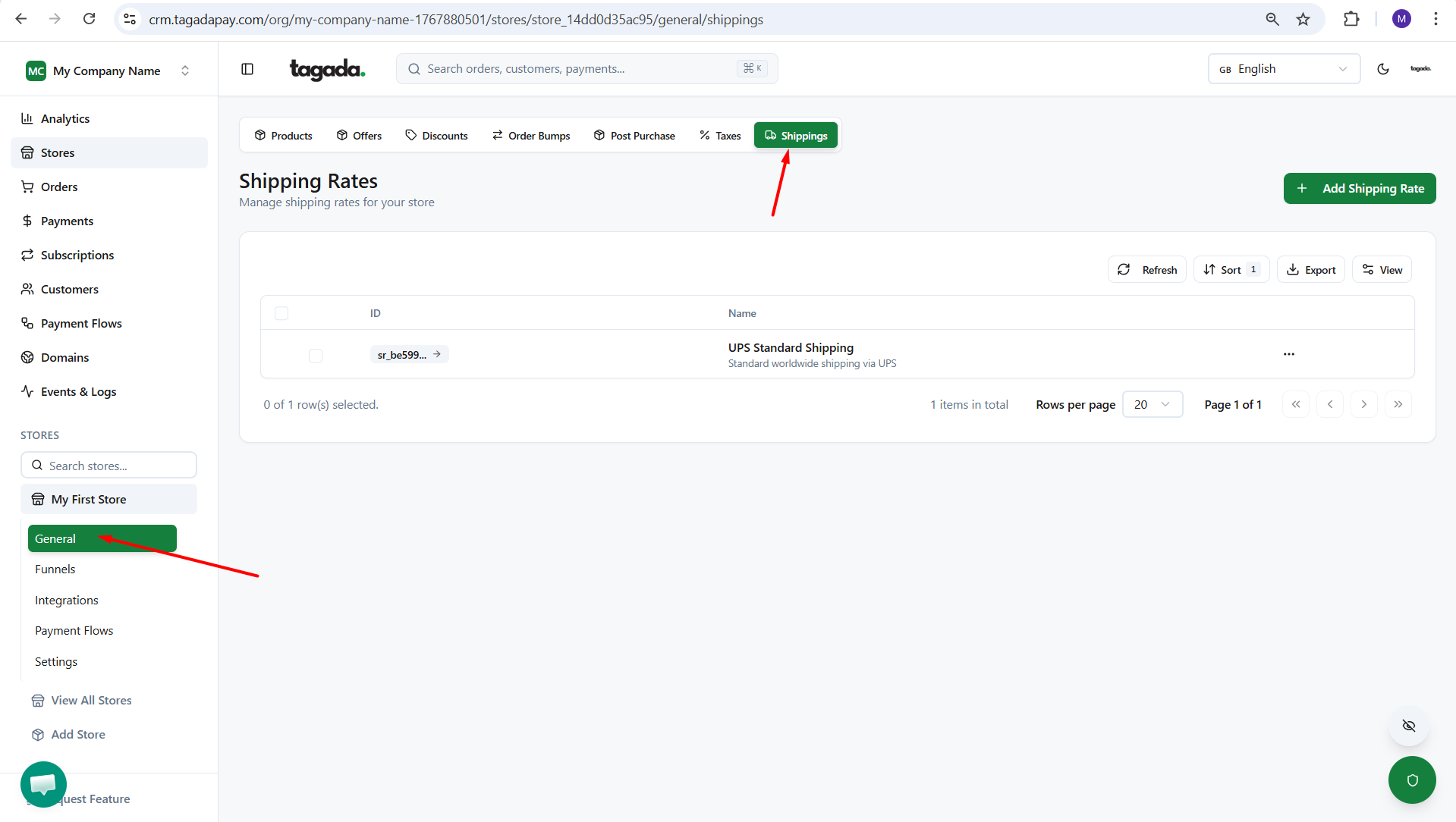
Click on Add Shipping Rate
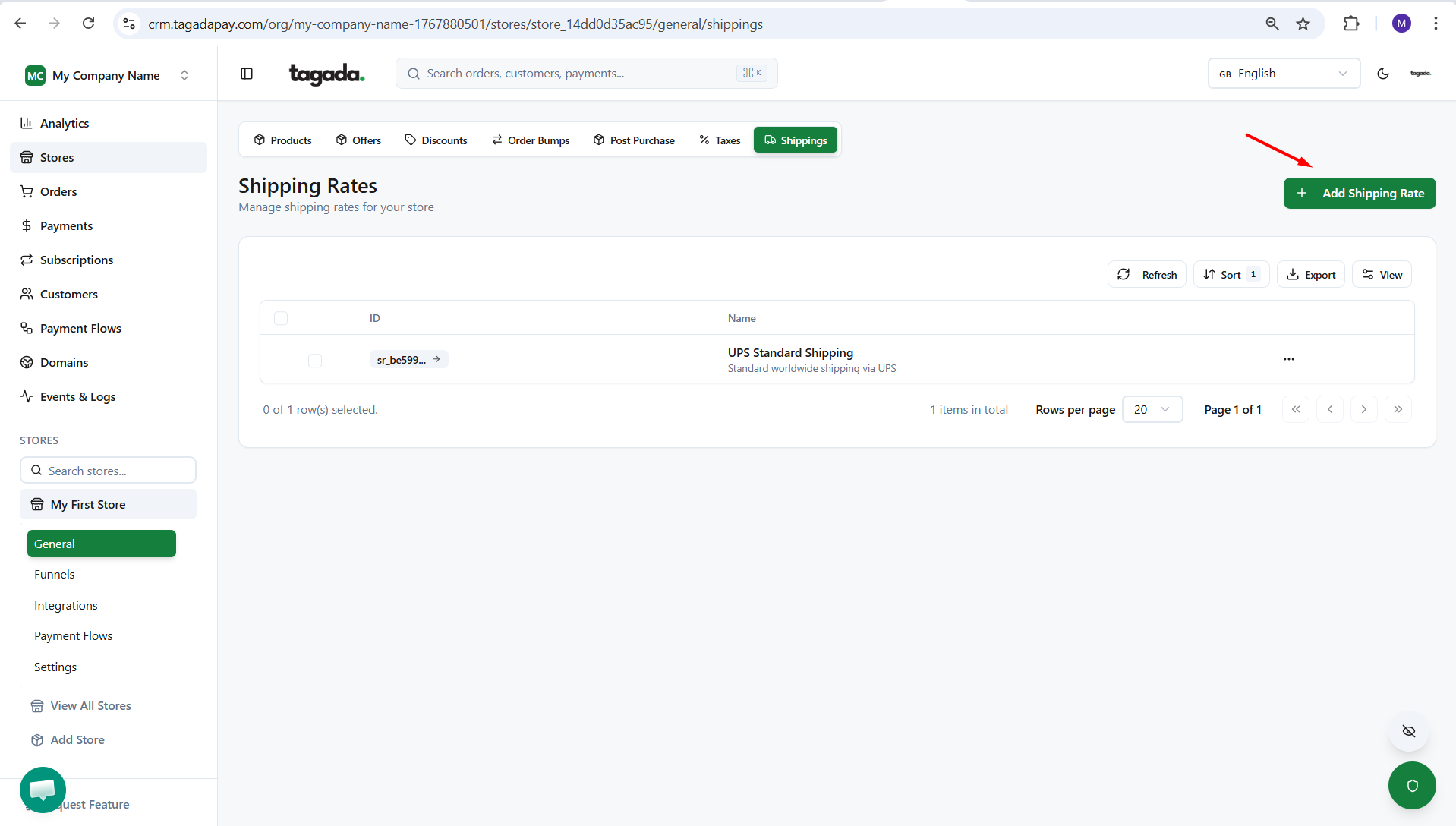
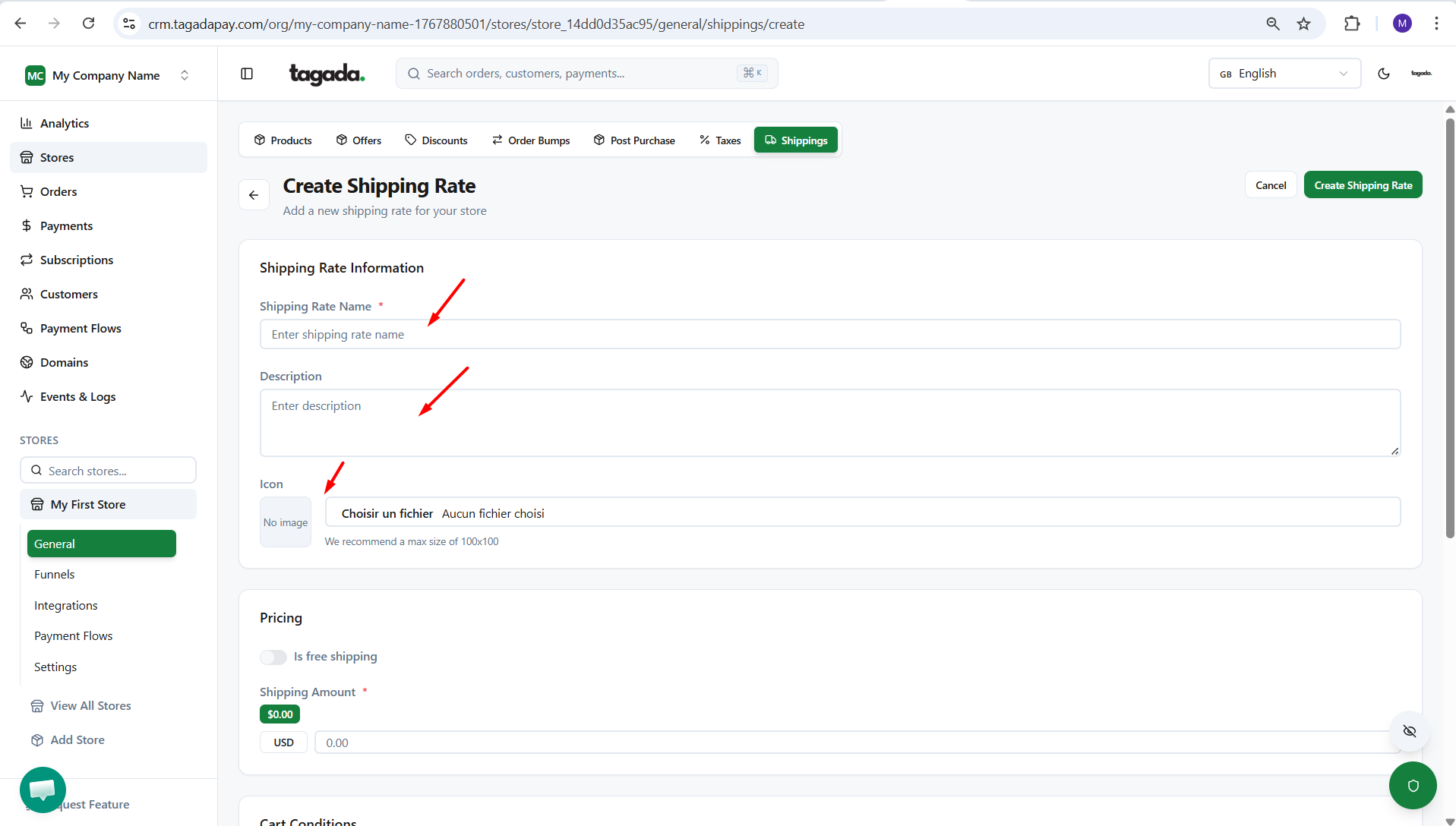
Enter the Shipping Rate Information: Name, Description and if you’d like an image. This information will be visible on the checkout.
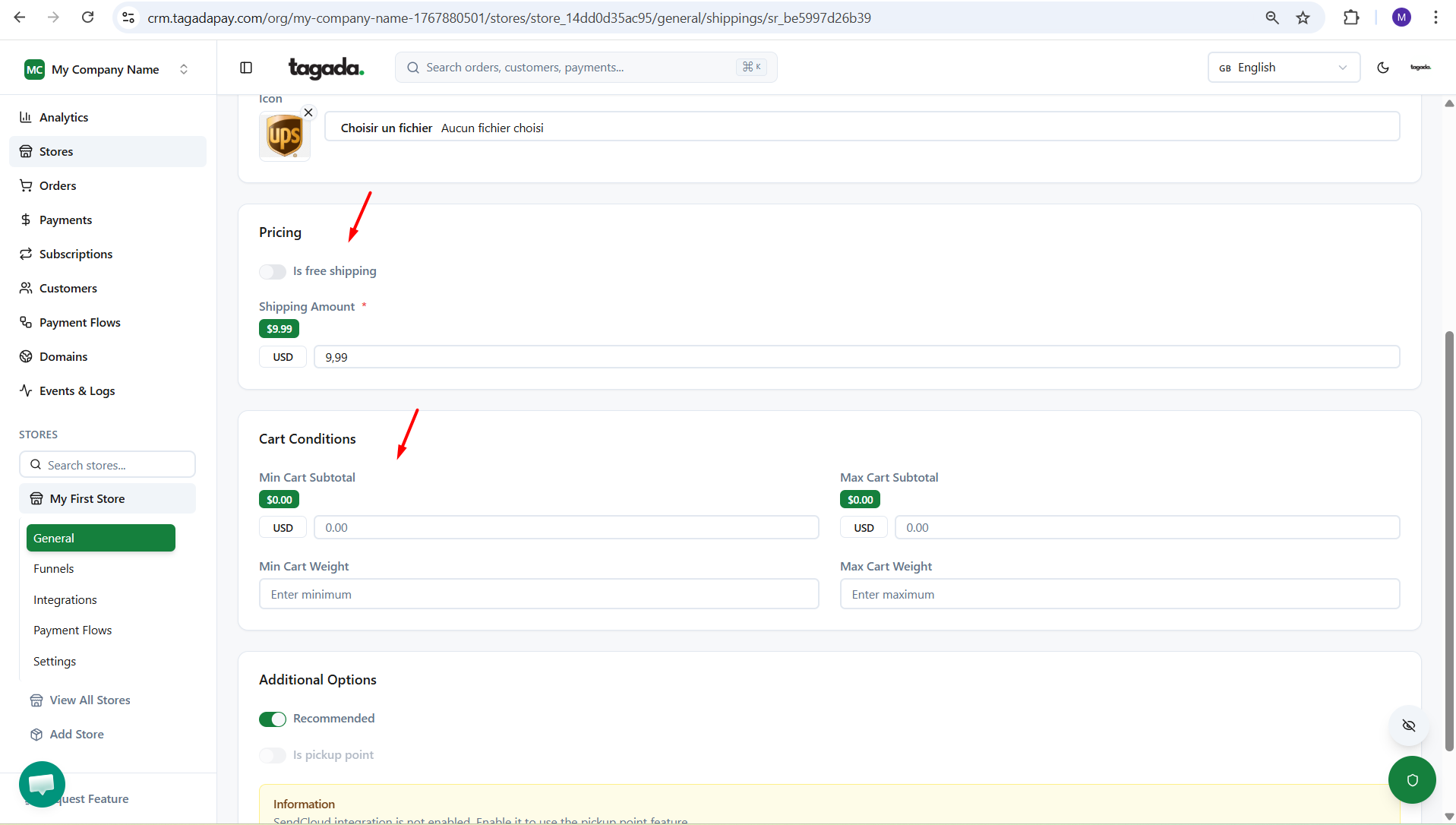
Set your shipping rate. If shipping is free, check the ‘Free Shipping’ option. If it’s paid, enter the Shipping Amount. You can also define conditions based on minimum and maximum order value.
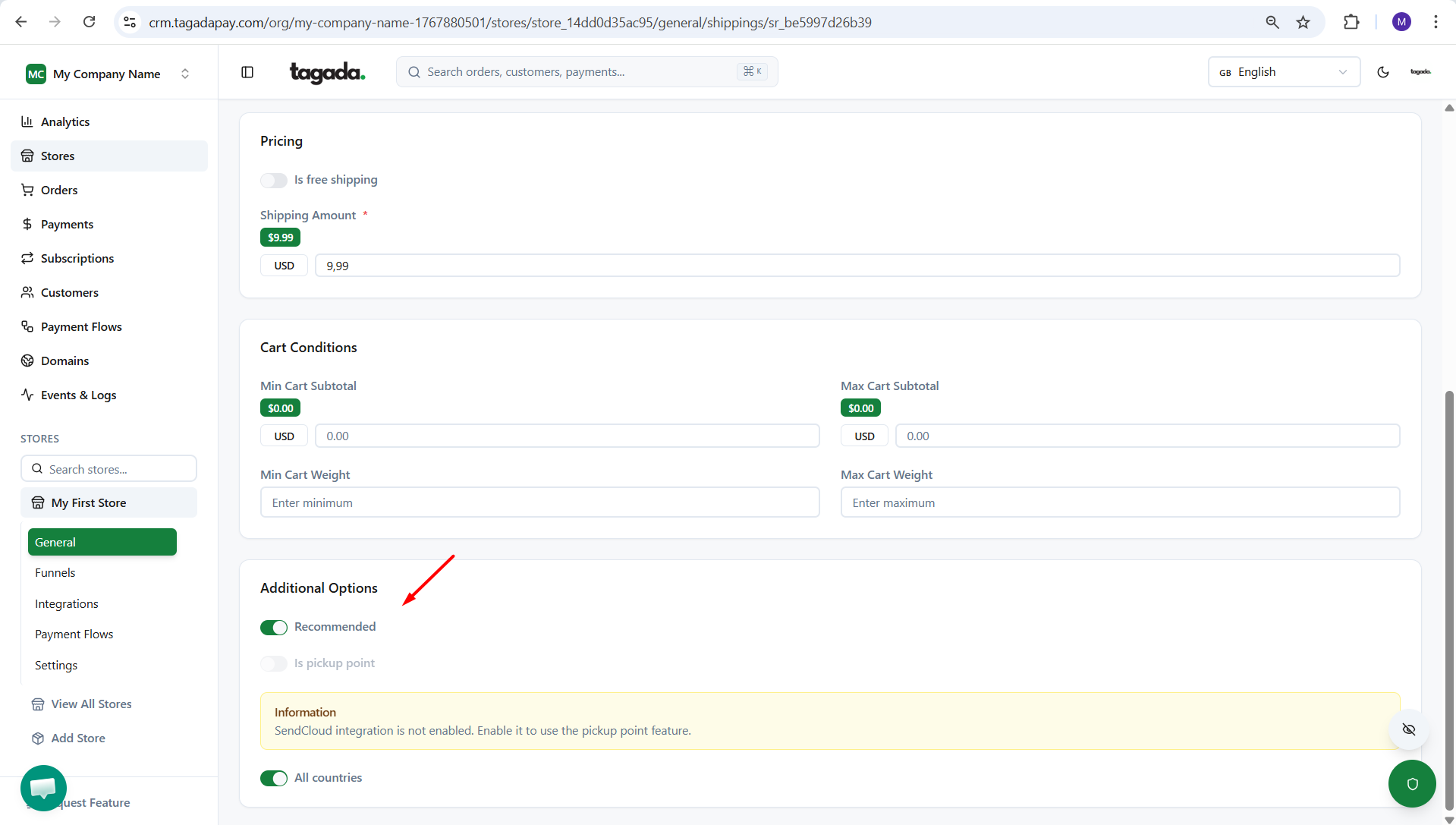
Under Additional Options, you can mark it as Recommended, which means it will appear at the top of the shipping rates list at checkout. You can also set it as a pickup point and limit the countries where it applies.
Once you have set up all the details, click on Create Shipping Rate.