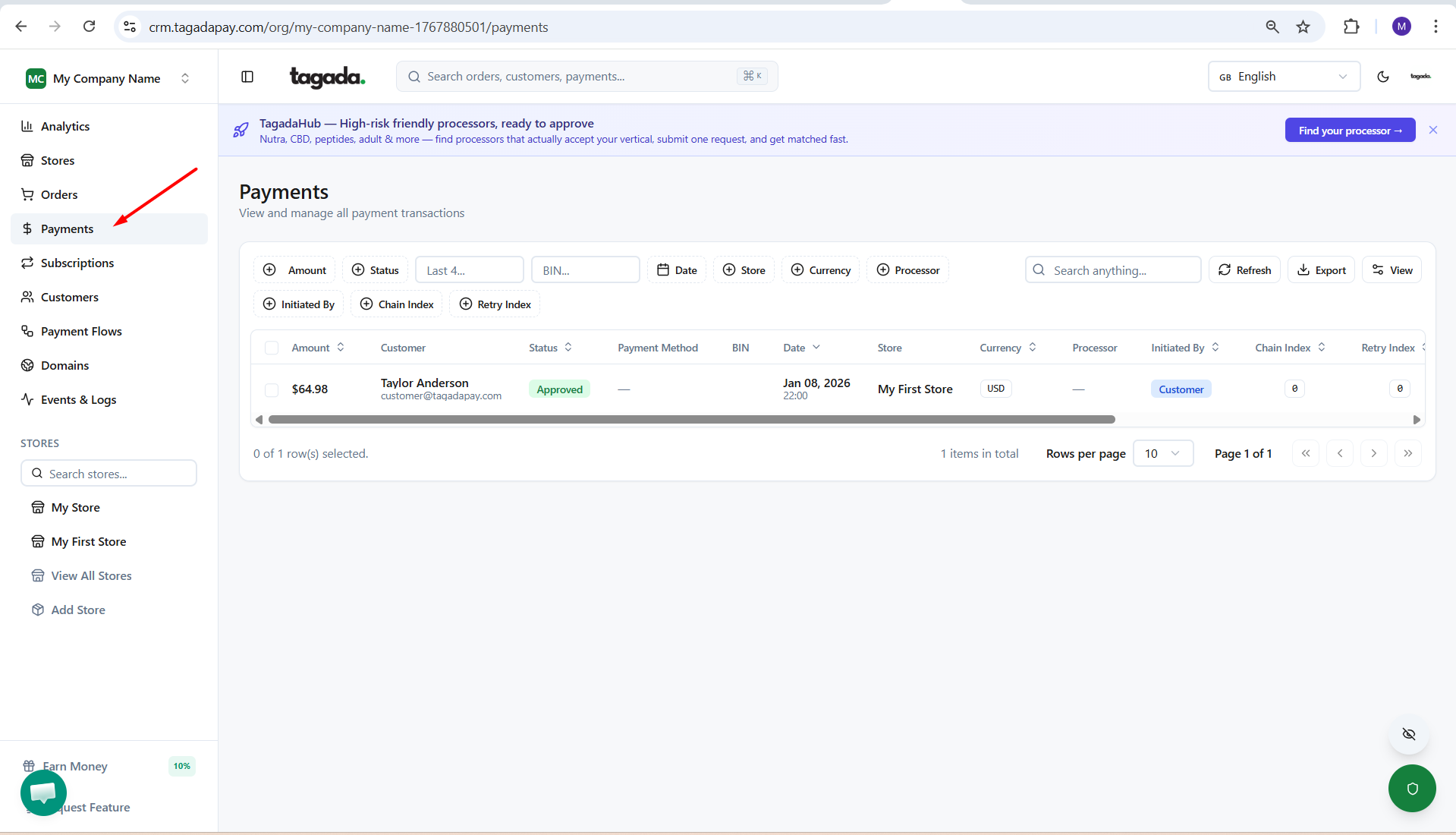
While in your Organization, select Payments from the left-hand menu.
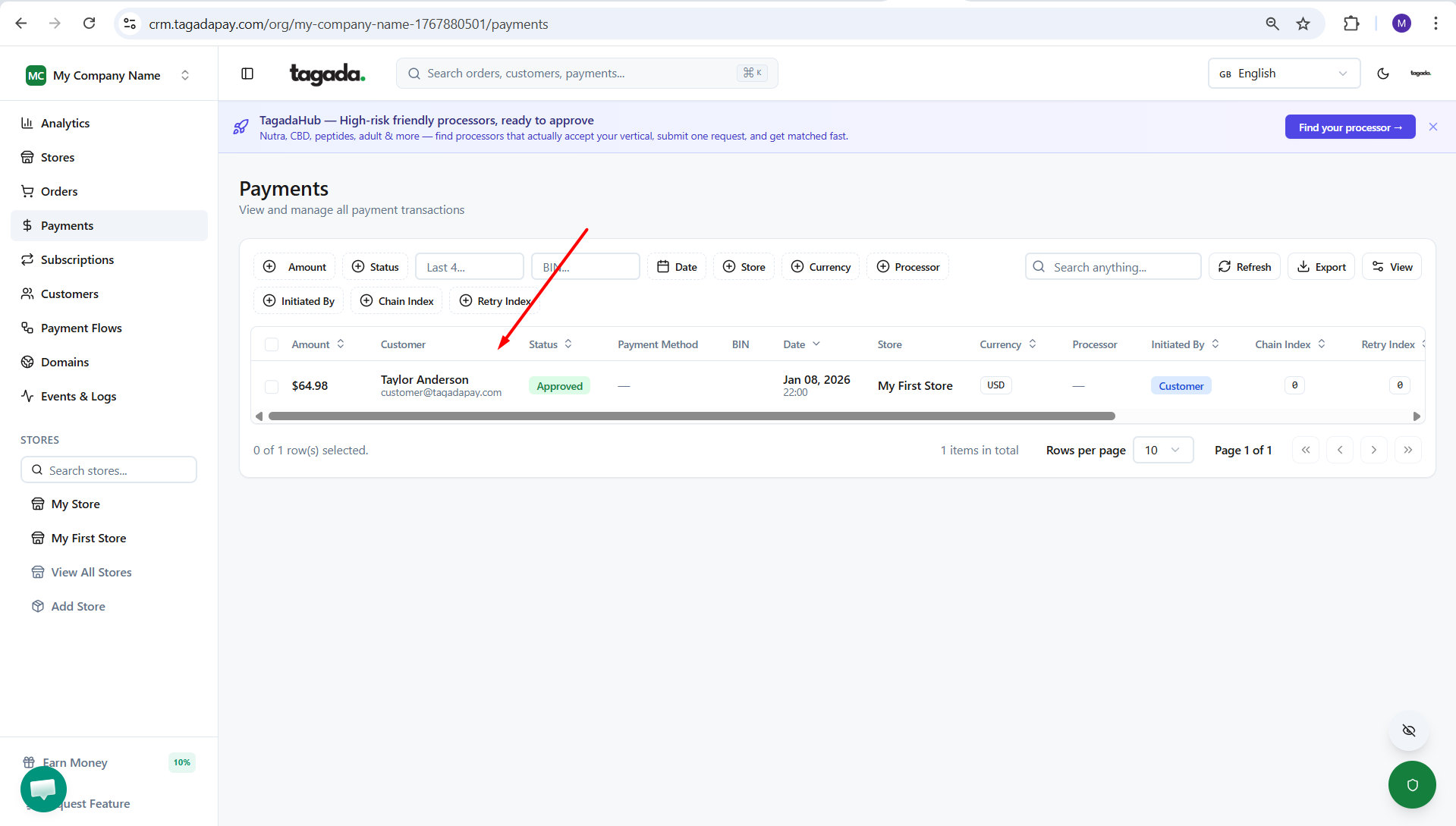
Click on the payment you’d like to view details for.
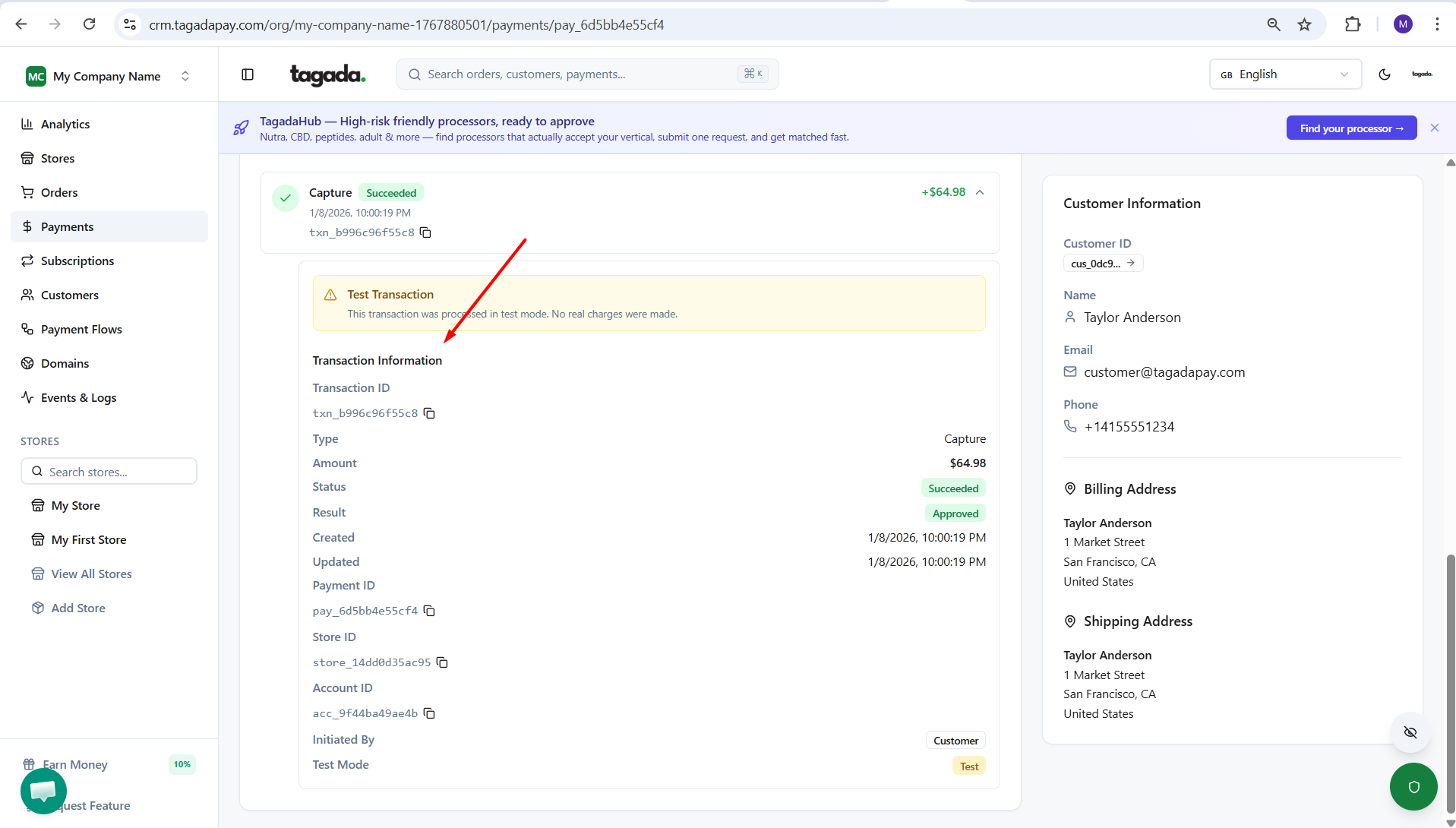
When you scroll down to Transaction Information, you’ll be able to see details of the transaction, including the reason for any payment decline.