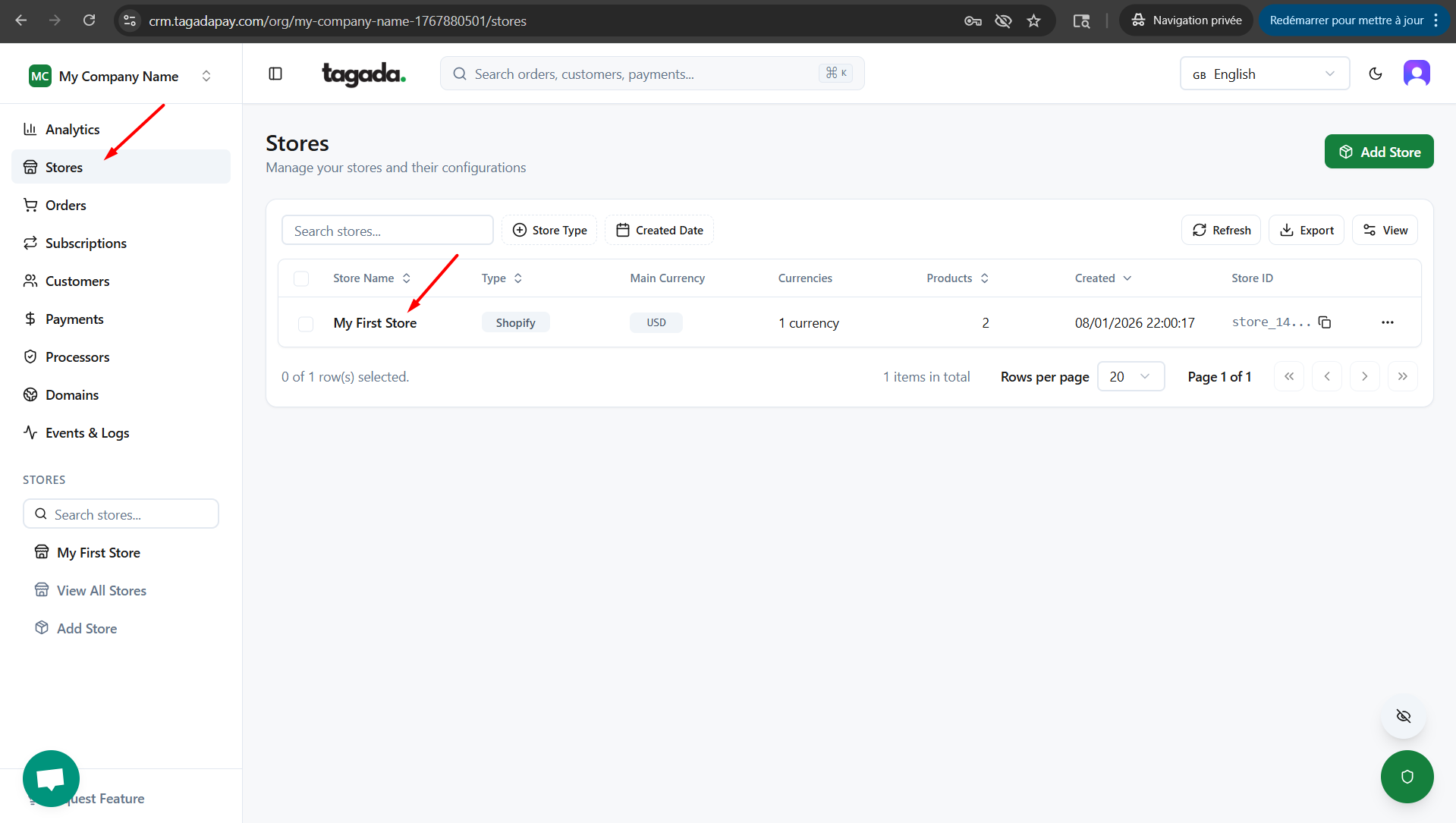
In your Tagada account click on Stores, then chose your store.
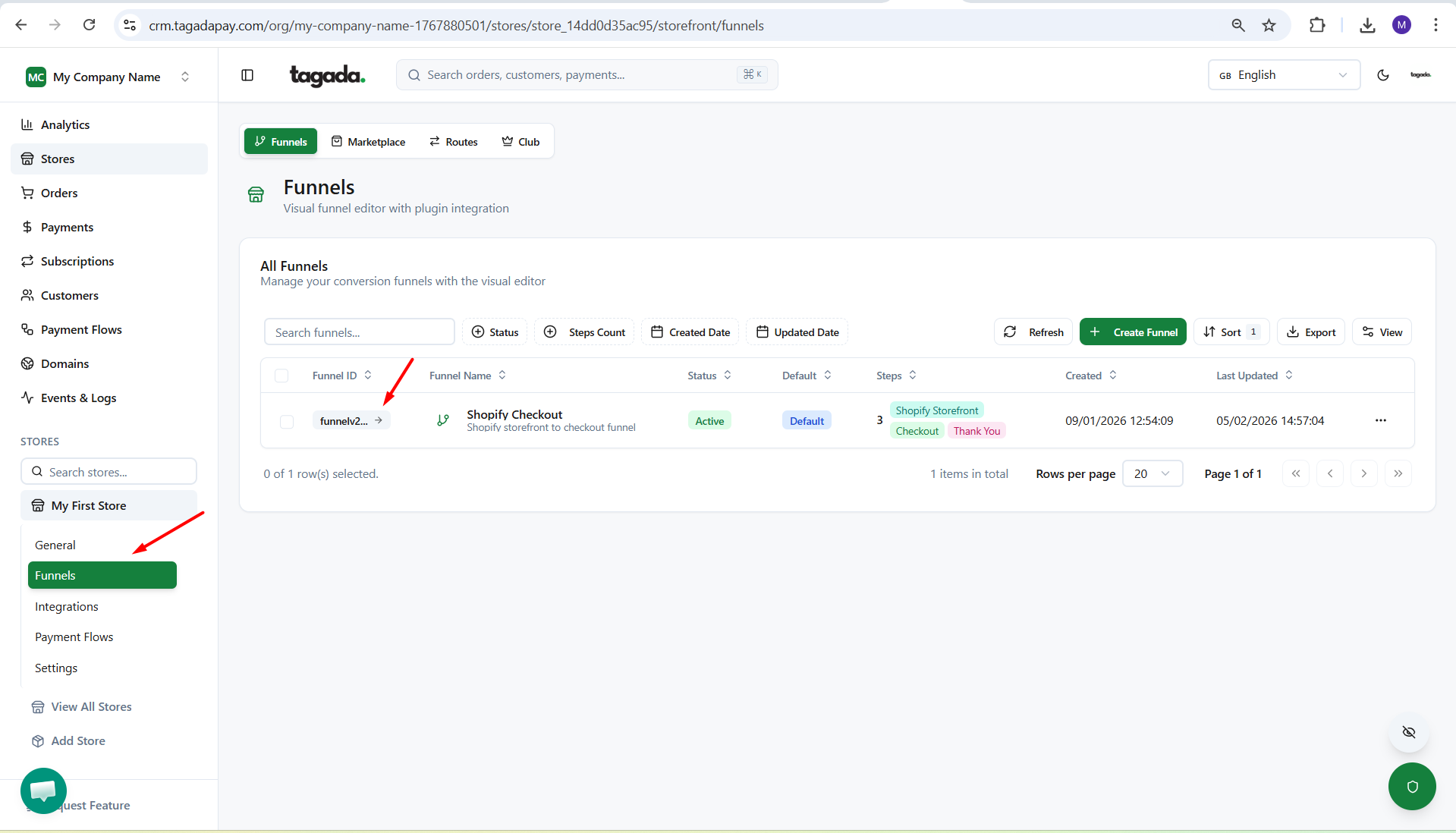
Under General menu, click on Funnels and then click on your Funnel to edit it.
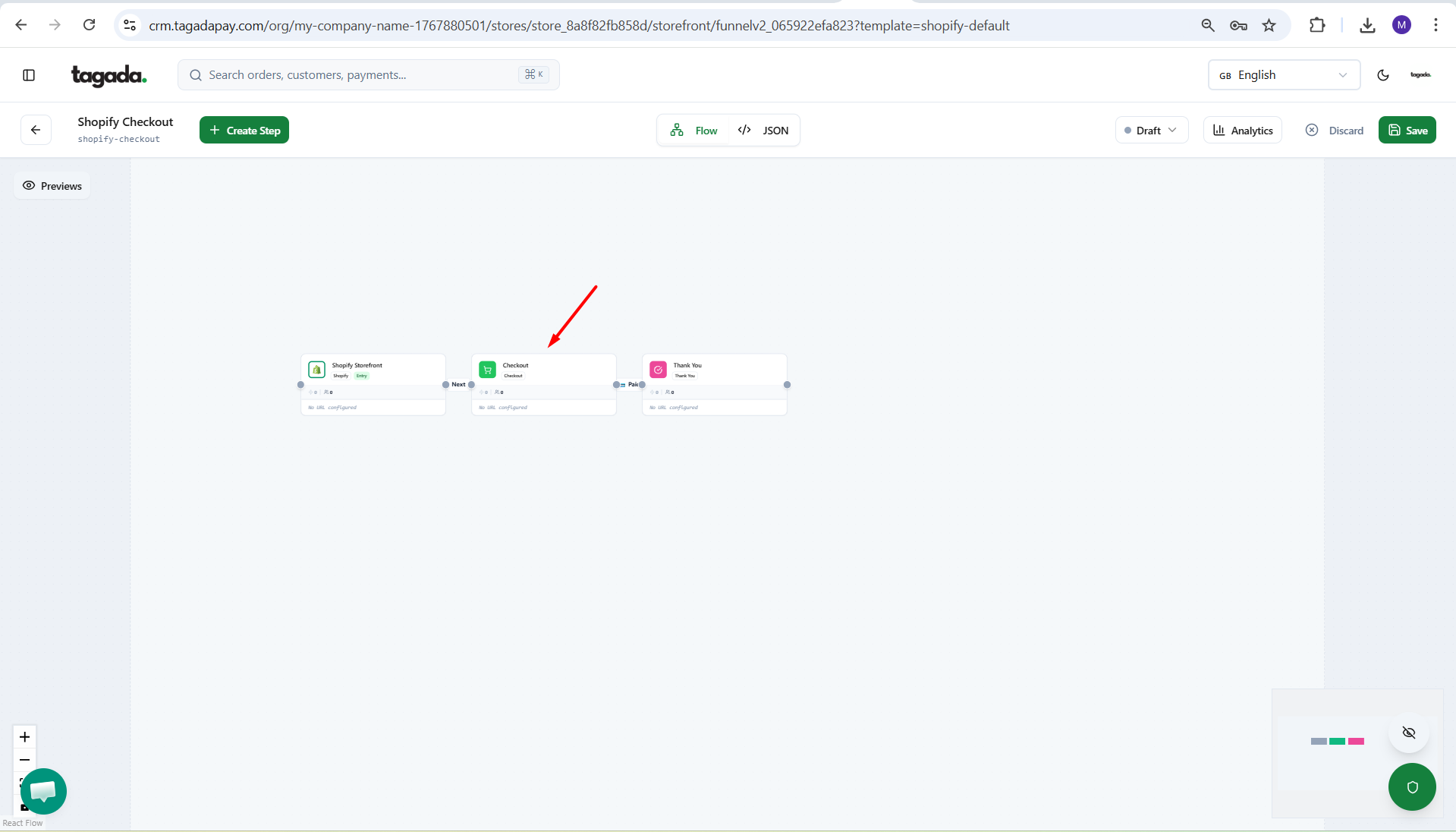
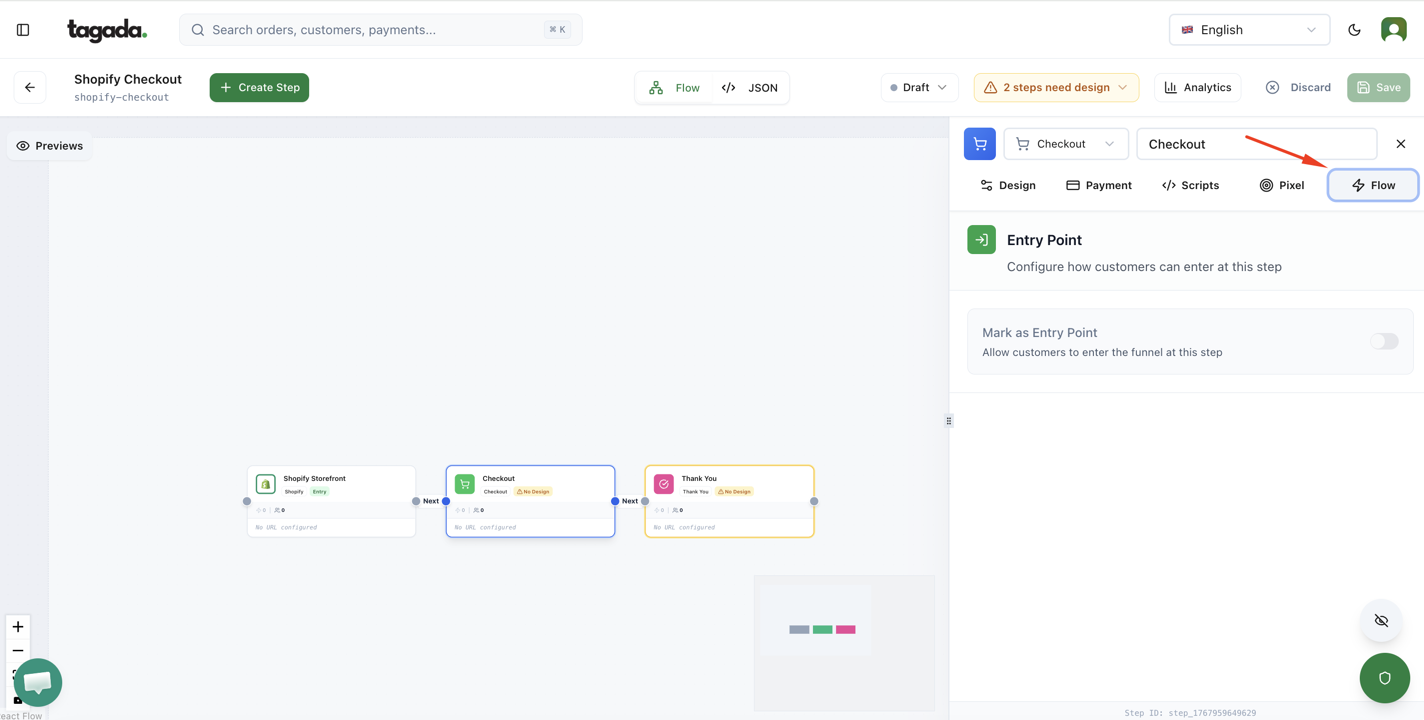
Click on the Checkout box to have the pop up menu appear on the right.
Click on the Flow tab to setup the Entry Point.
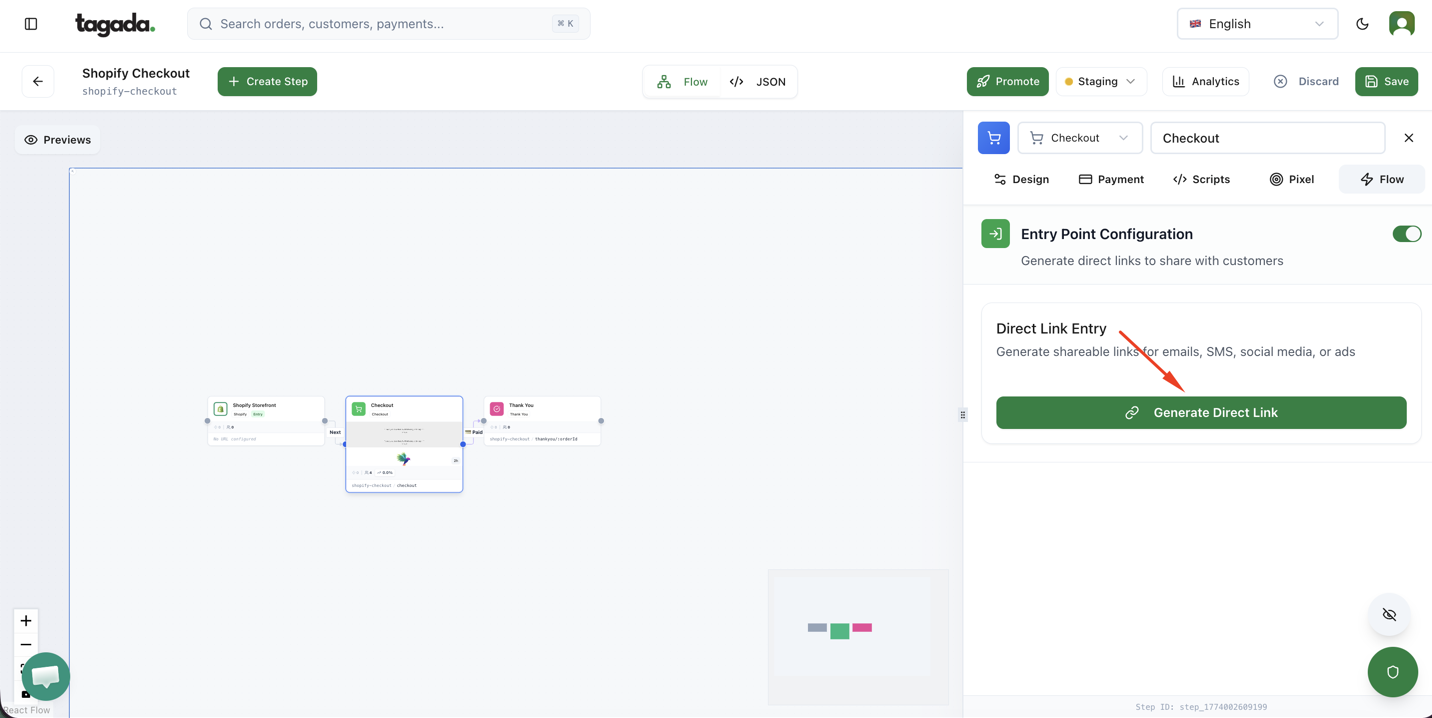
Click on the button Generate Direct Link
Add your product for the Checkout Link
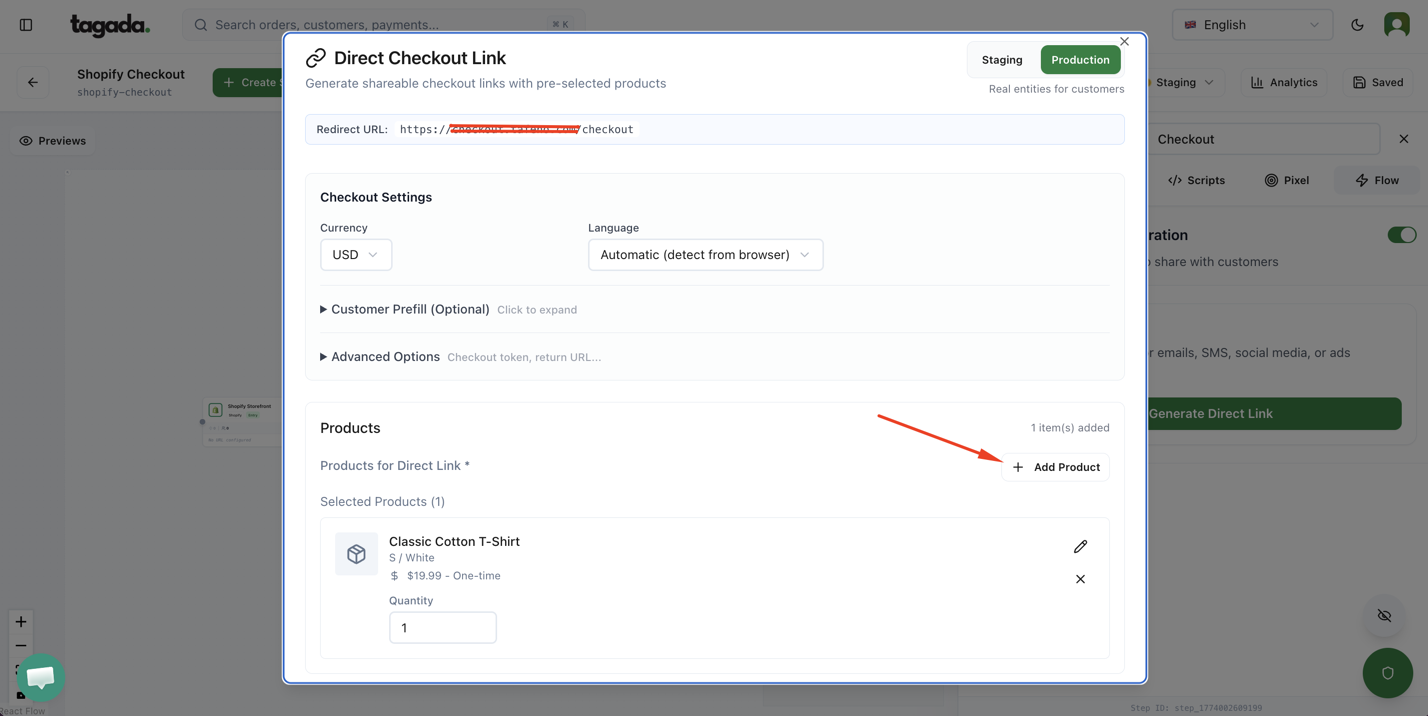
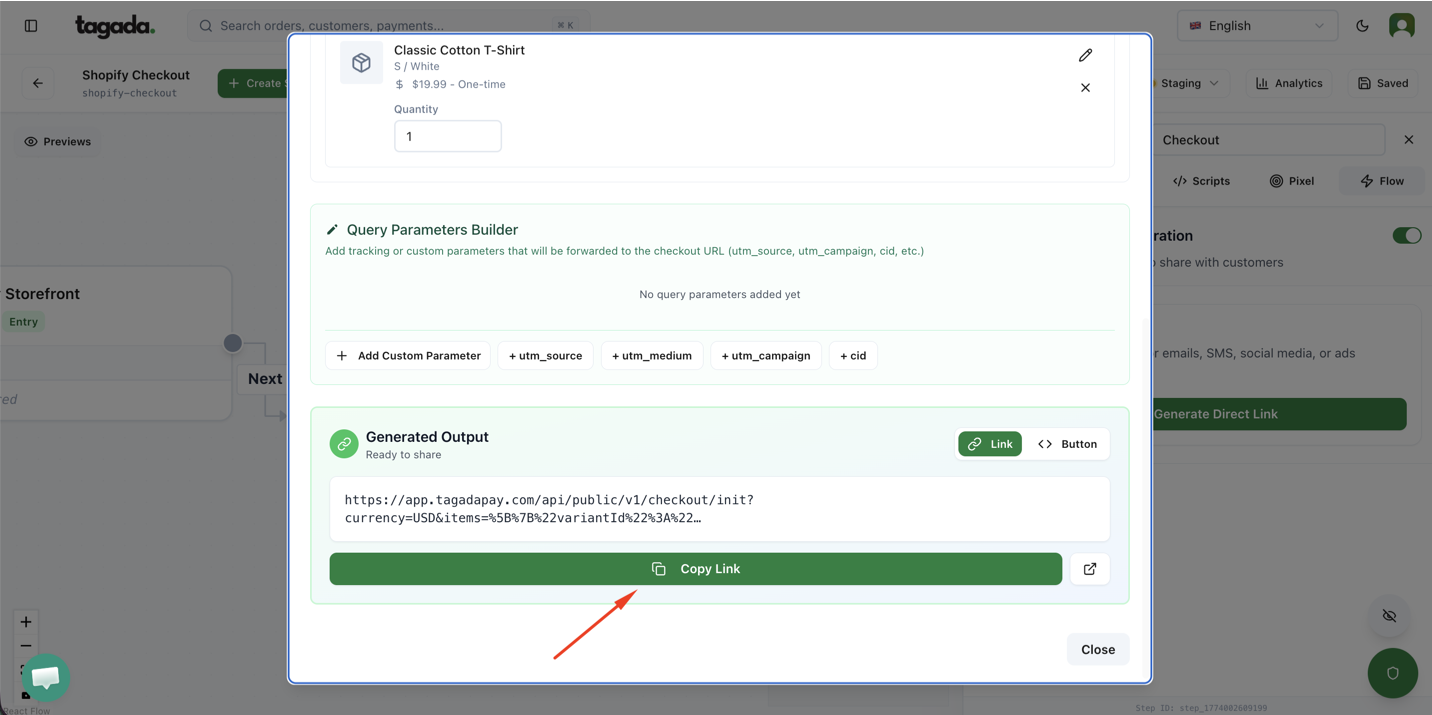
Copy your Checkout Link and share it