
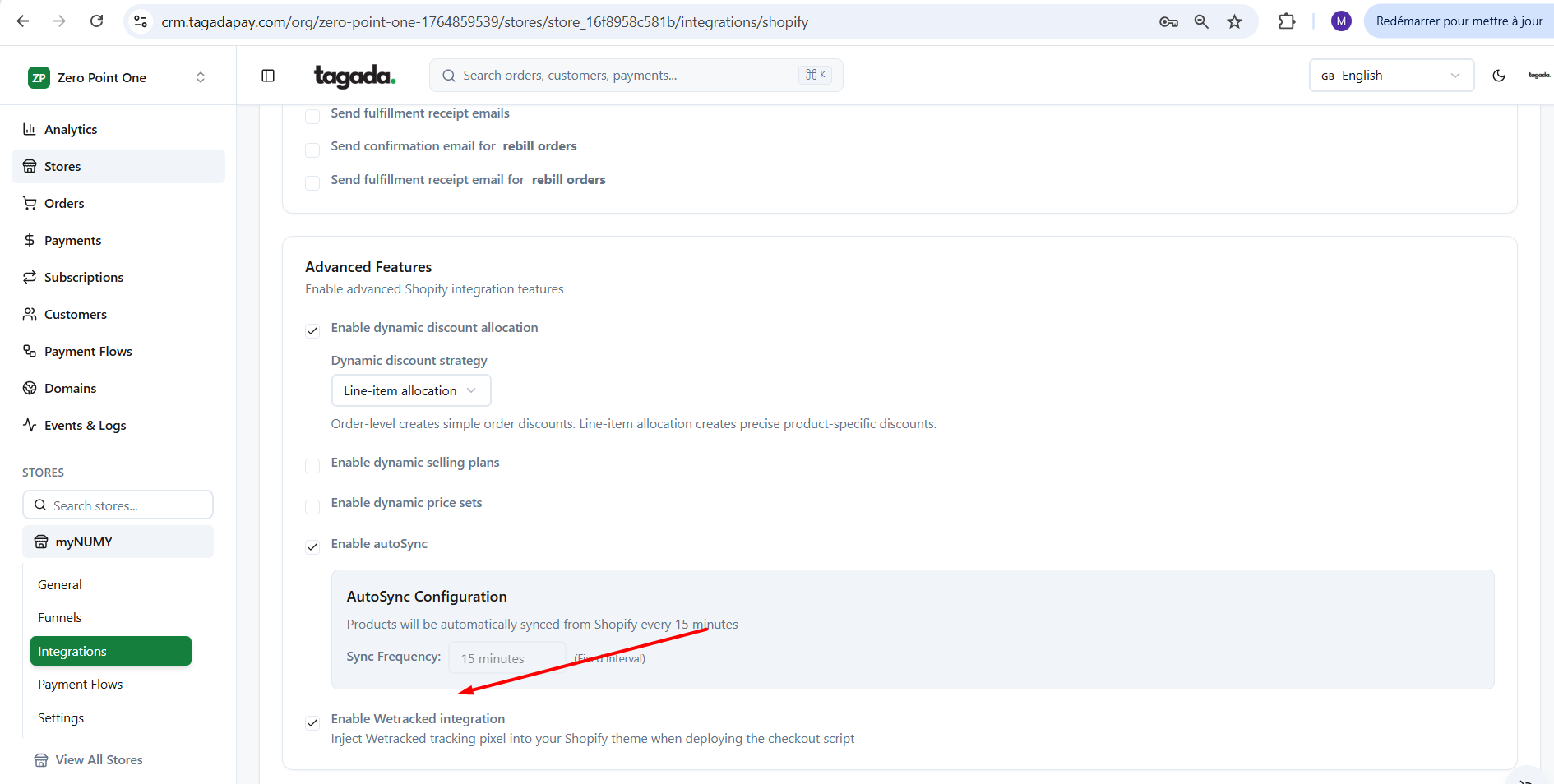
Go to your store on Tagada. Click on Integrations. Click on Shopify. Enable the Wetracked integration option.
Click on the Funnels from the left side menu.
Click on your funnel to enter the edit mode.
Click on the Shopify box. Click on Remove. Then click on Install.