
1. Create an account on Tagada
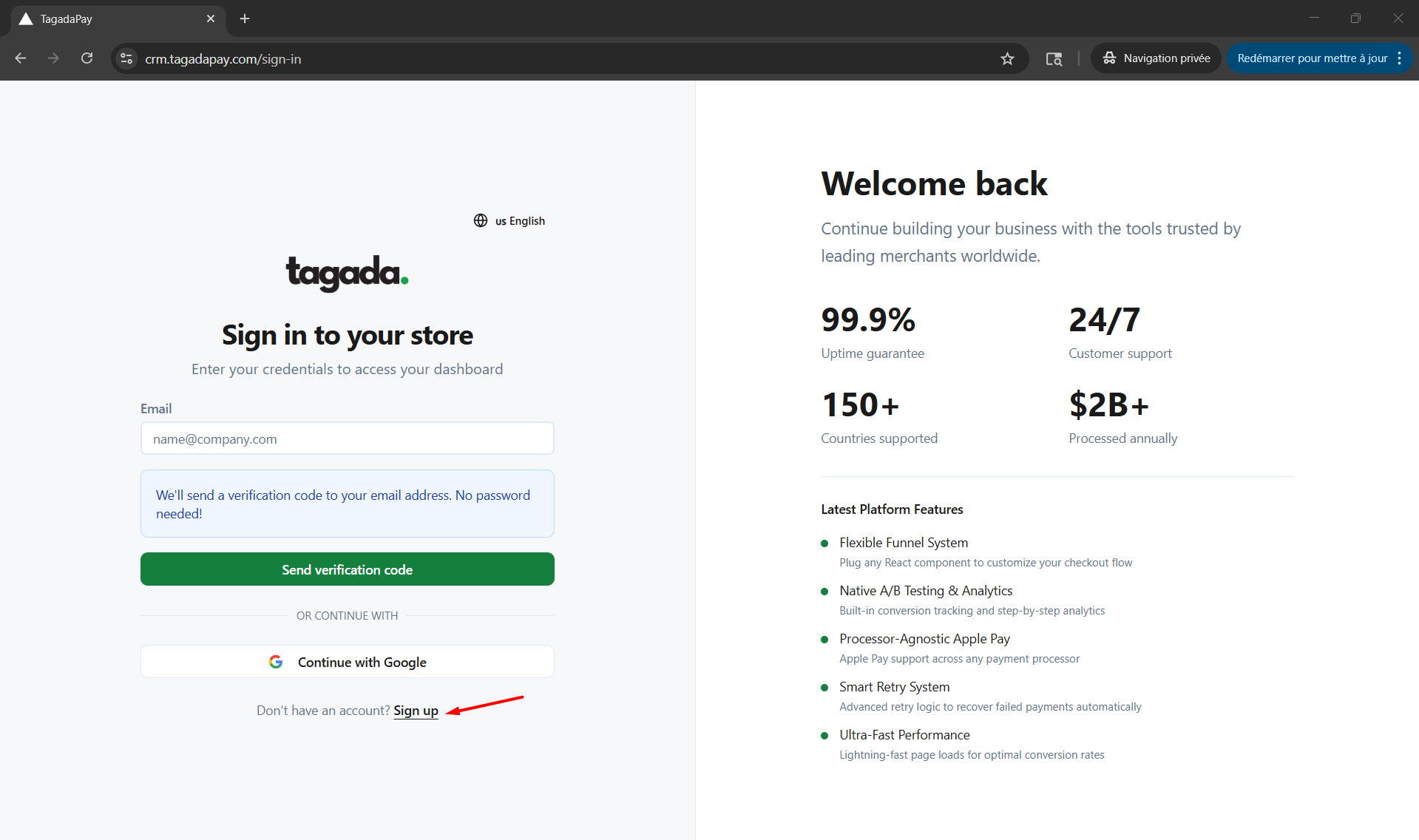
The first step in connecting Tagada is to create an account on the Tagada website. Click on the Sign up button.
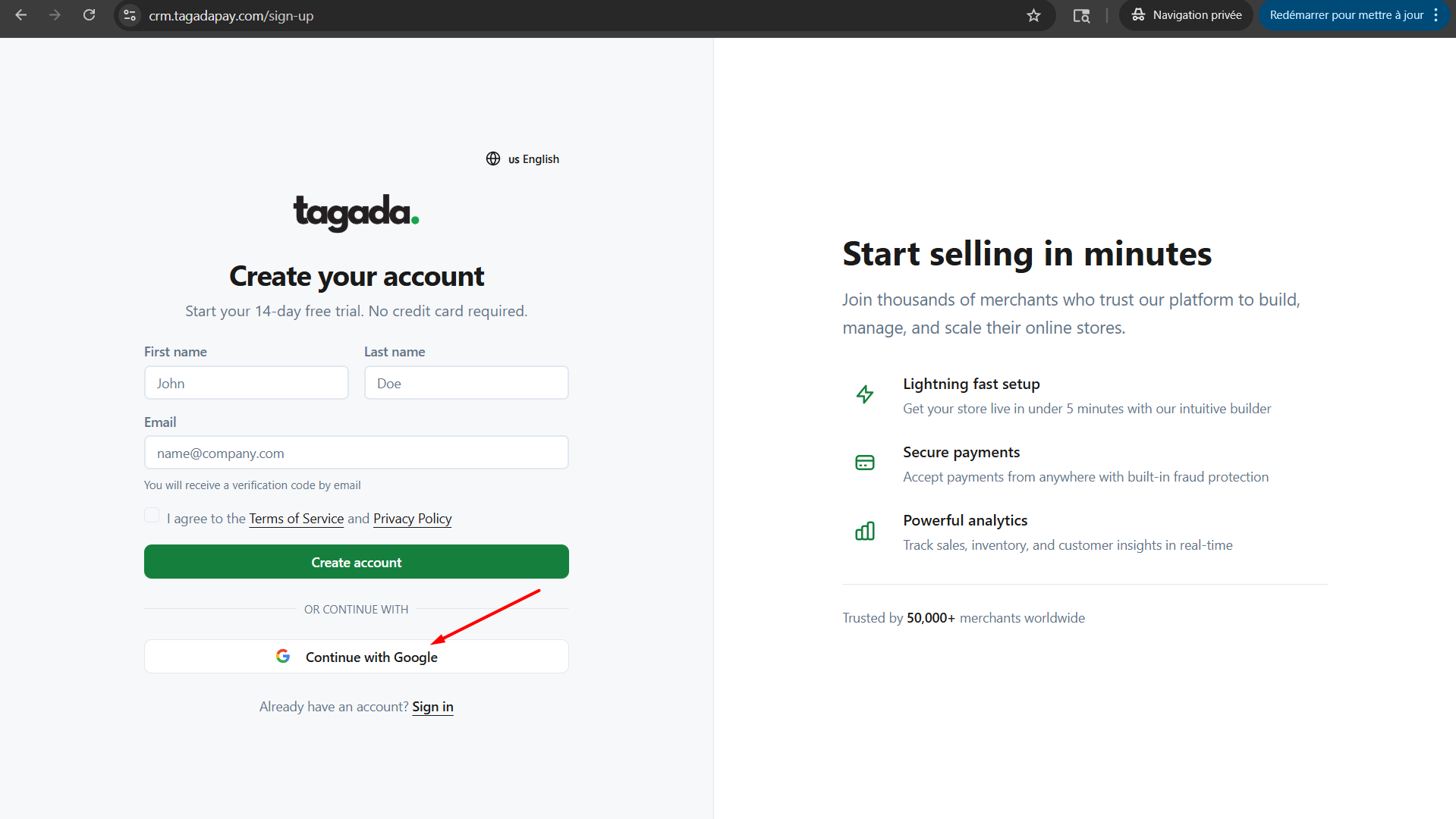
You can either chose to continue with Google, which will redirect you to sign in to your Google account.
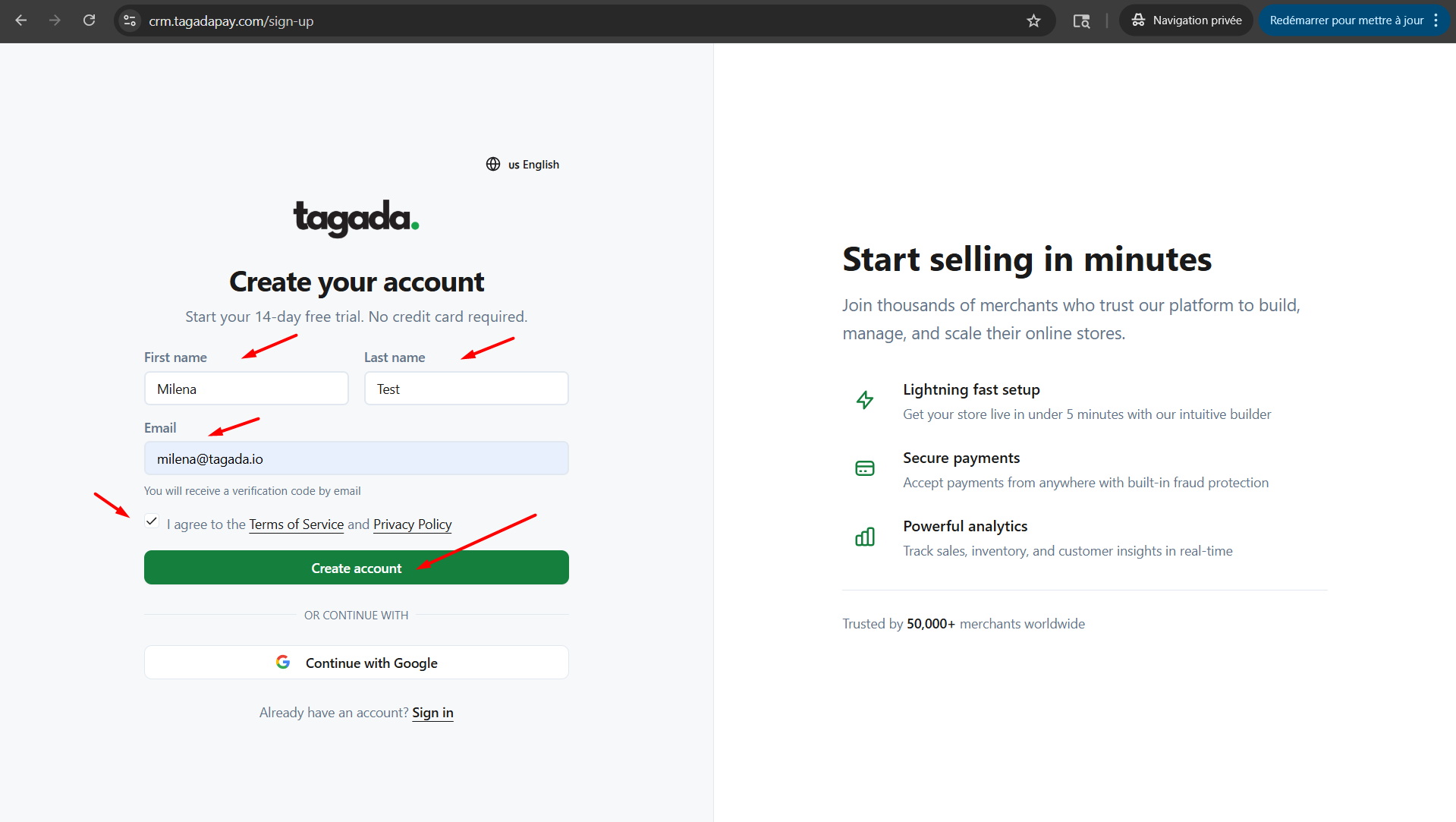
Or you can chose to sign up with your email. For this option, you would need to enter your data and click on Create account.
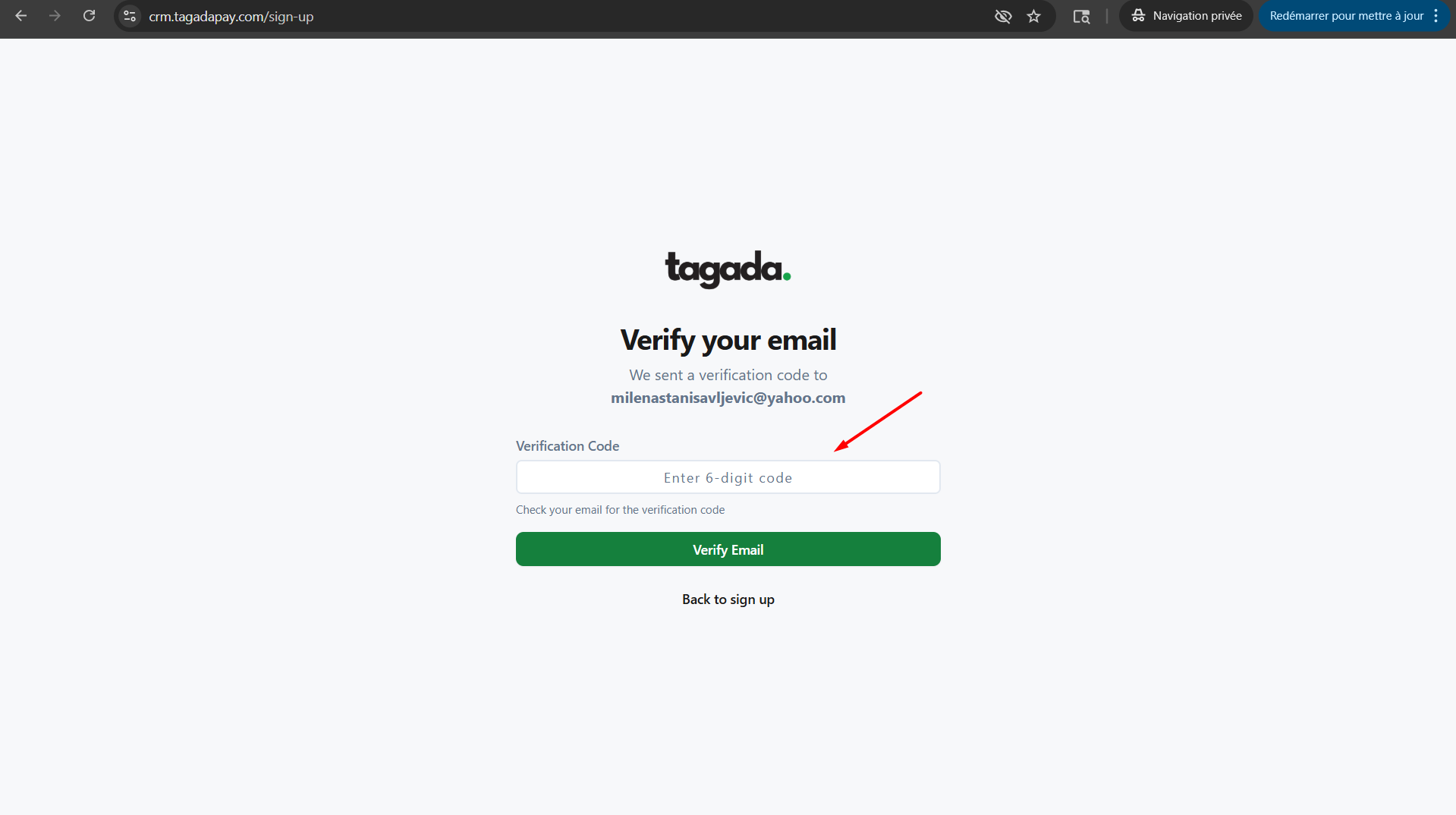
Enter the 6-digit verification code you have received via email and click on Verify Email.
Enter your Account Name, Billing Email and click on Create Account.
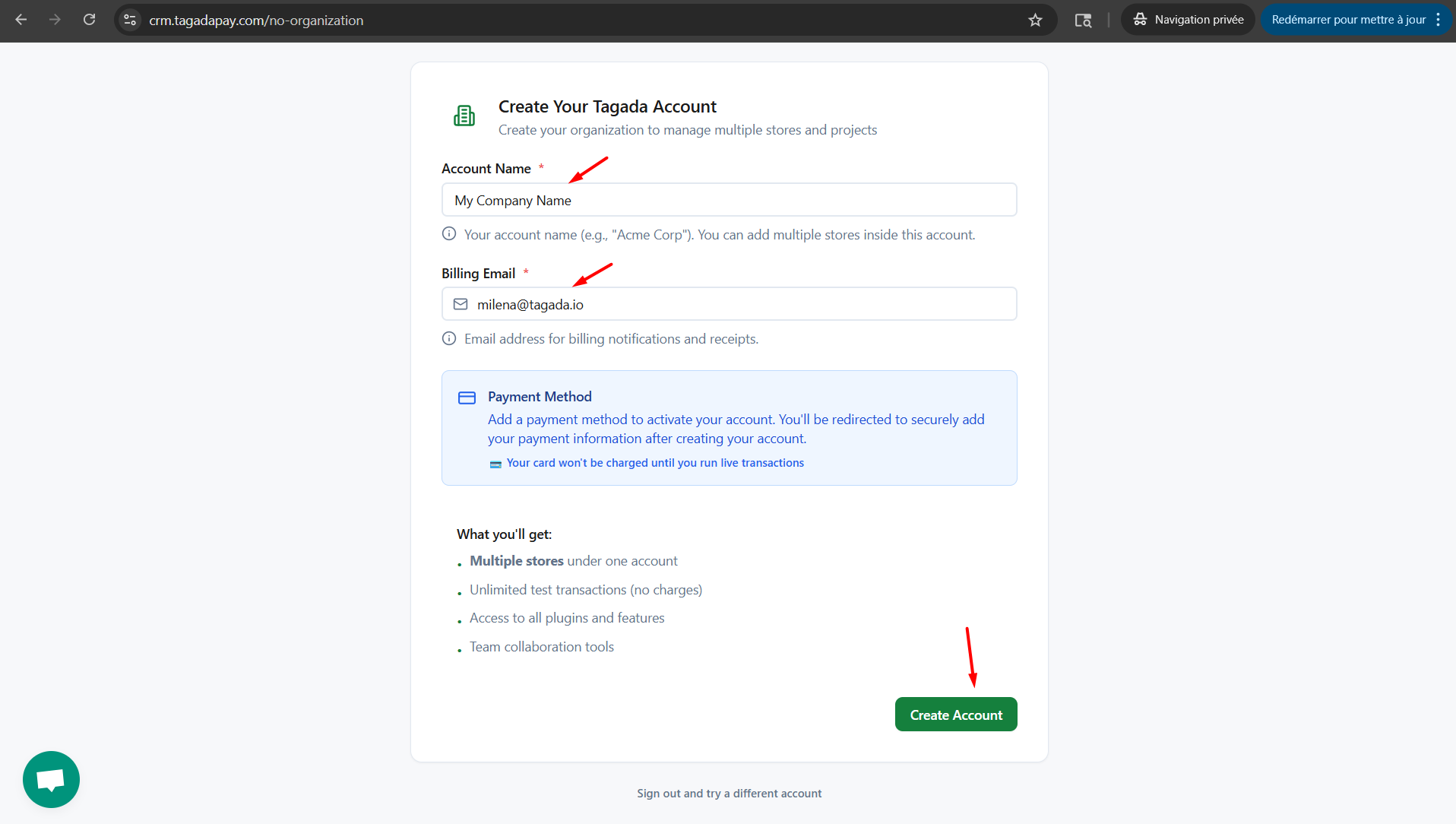
You will be required to enter your payment method.
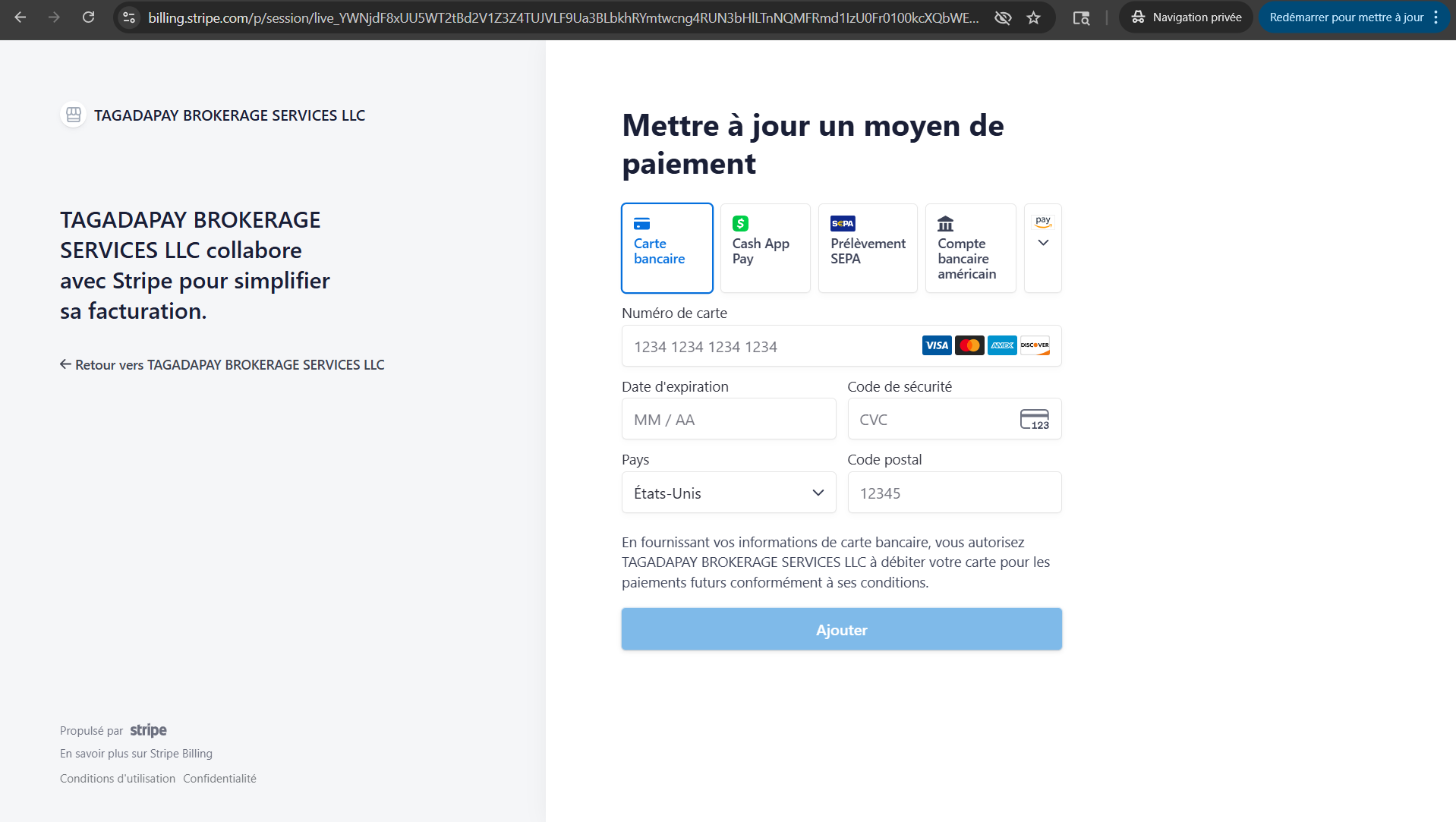
Note: You will not get charged until you start processing on Tagada. If needed, reach out to your account manager to get more explanation regarding your plan.
Once you have added your payment method, you will be able to acces your Dashboard.
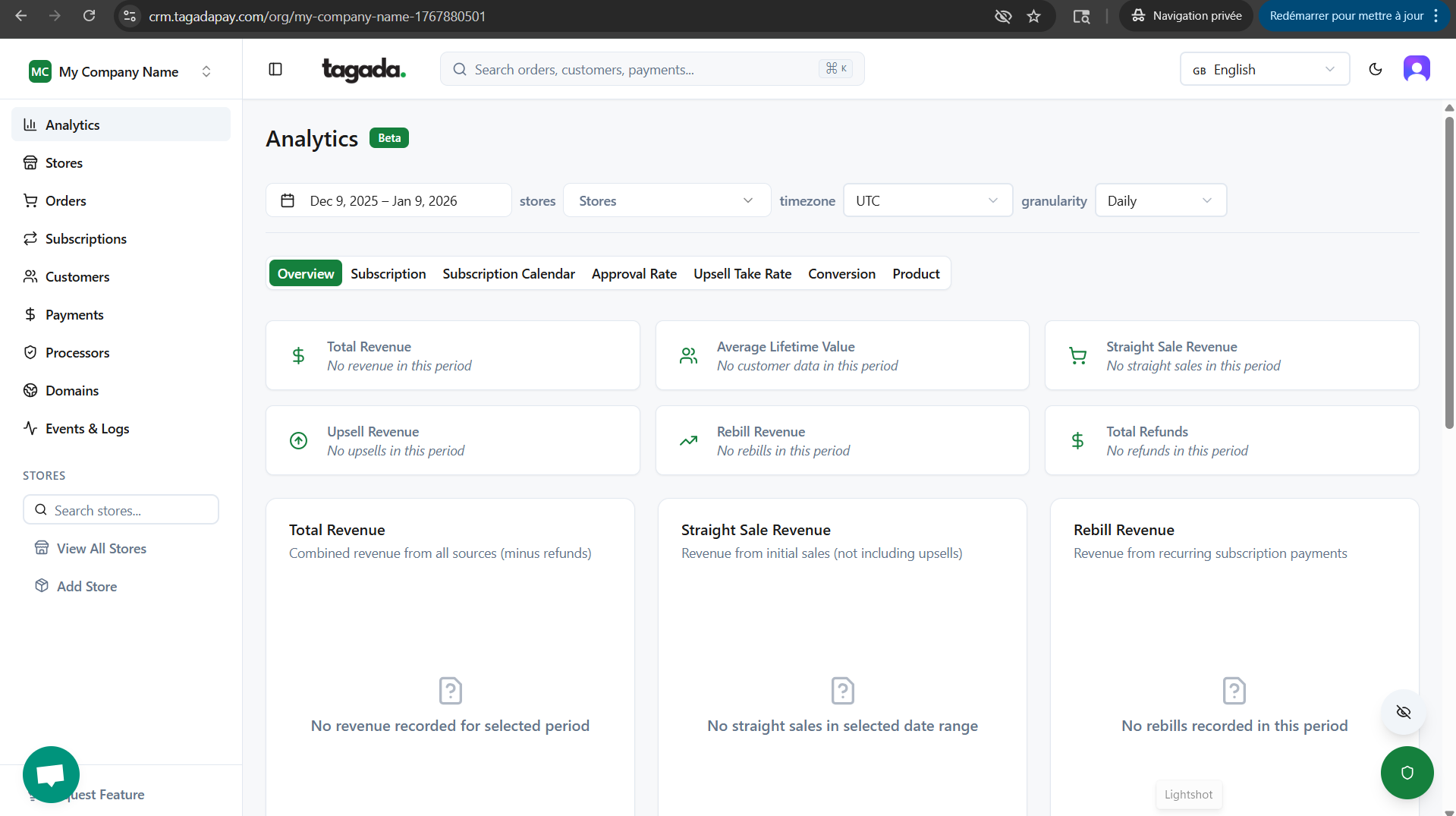
In the next chapter, we will guide you how to connect your store to Tagada.