
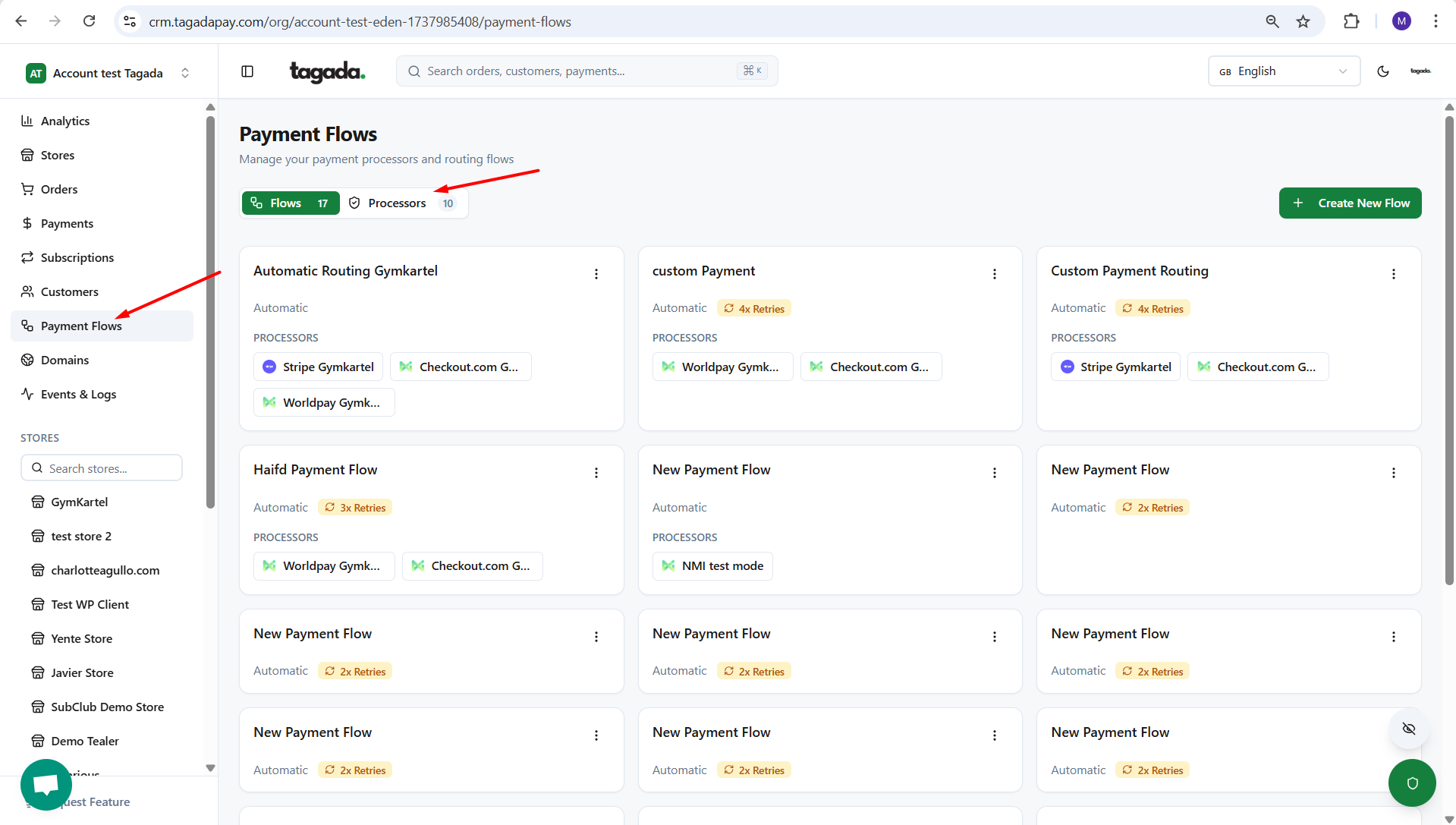
While you're in your Organization, select Payment Flows from the left-hand menu, then click on Processors tab.
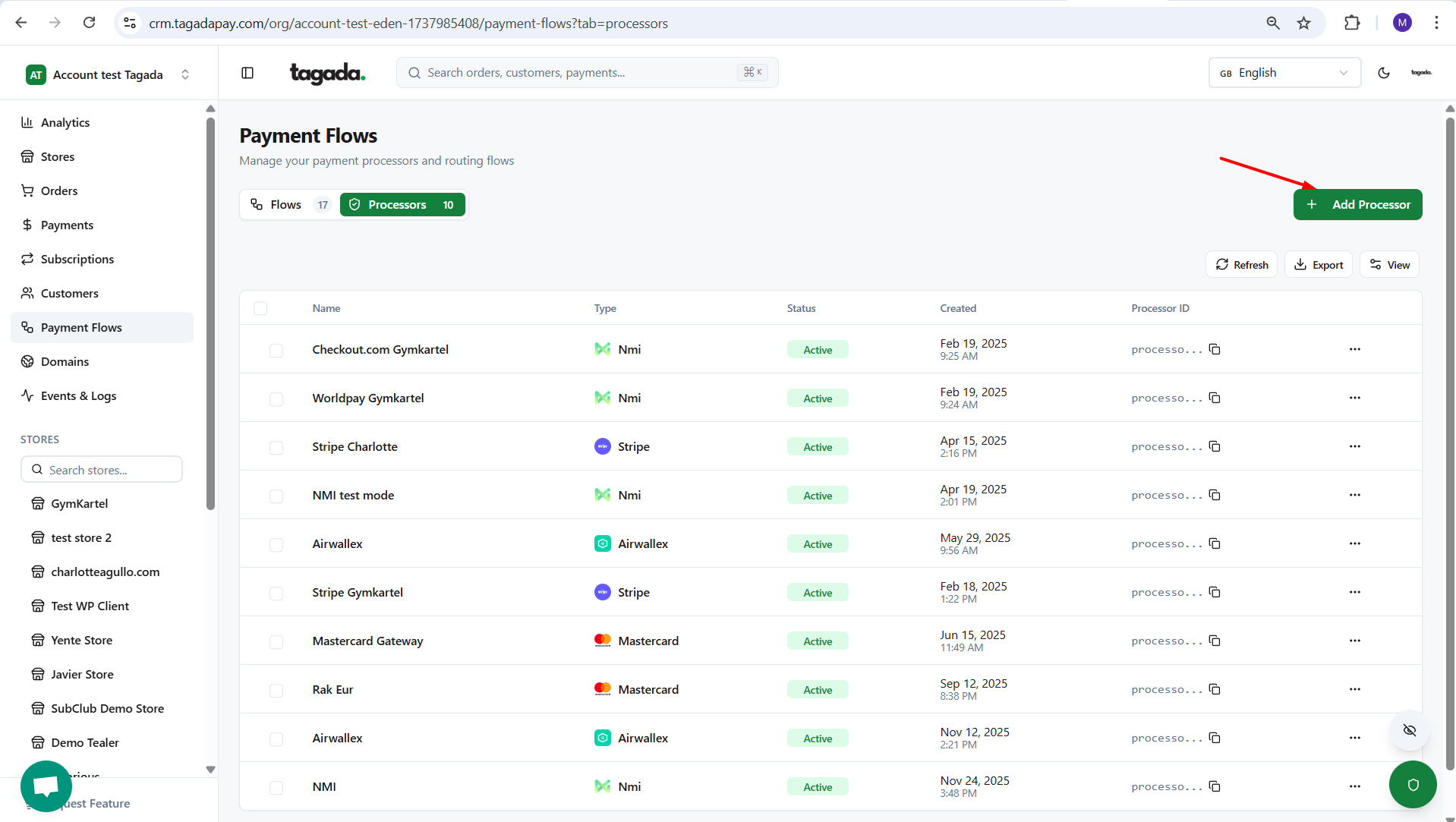
Click on Add Processor.
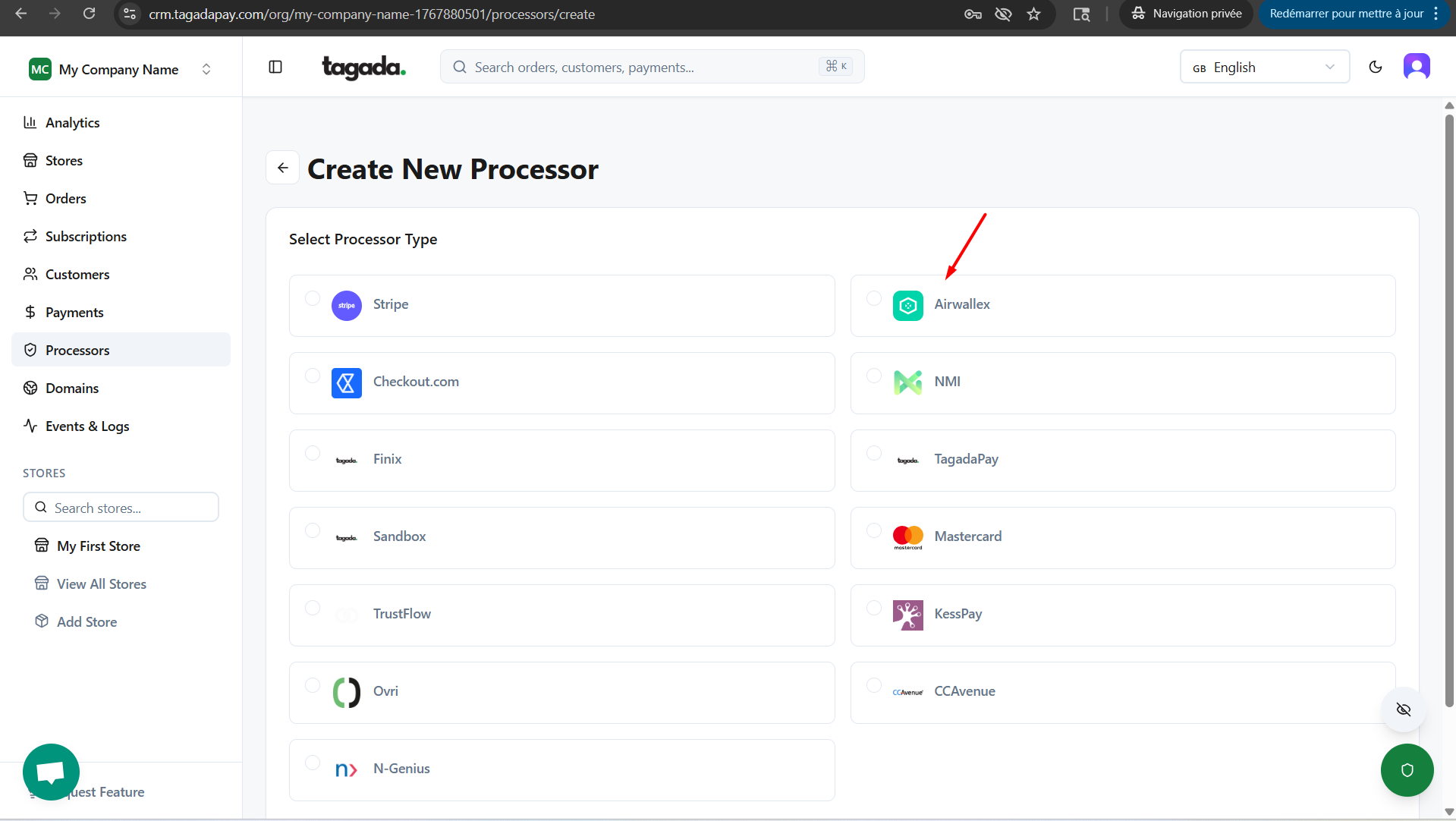
Select the processor you would like to add. If your processor is not available, please get in contact with your Account Manager.
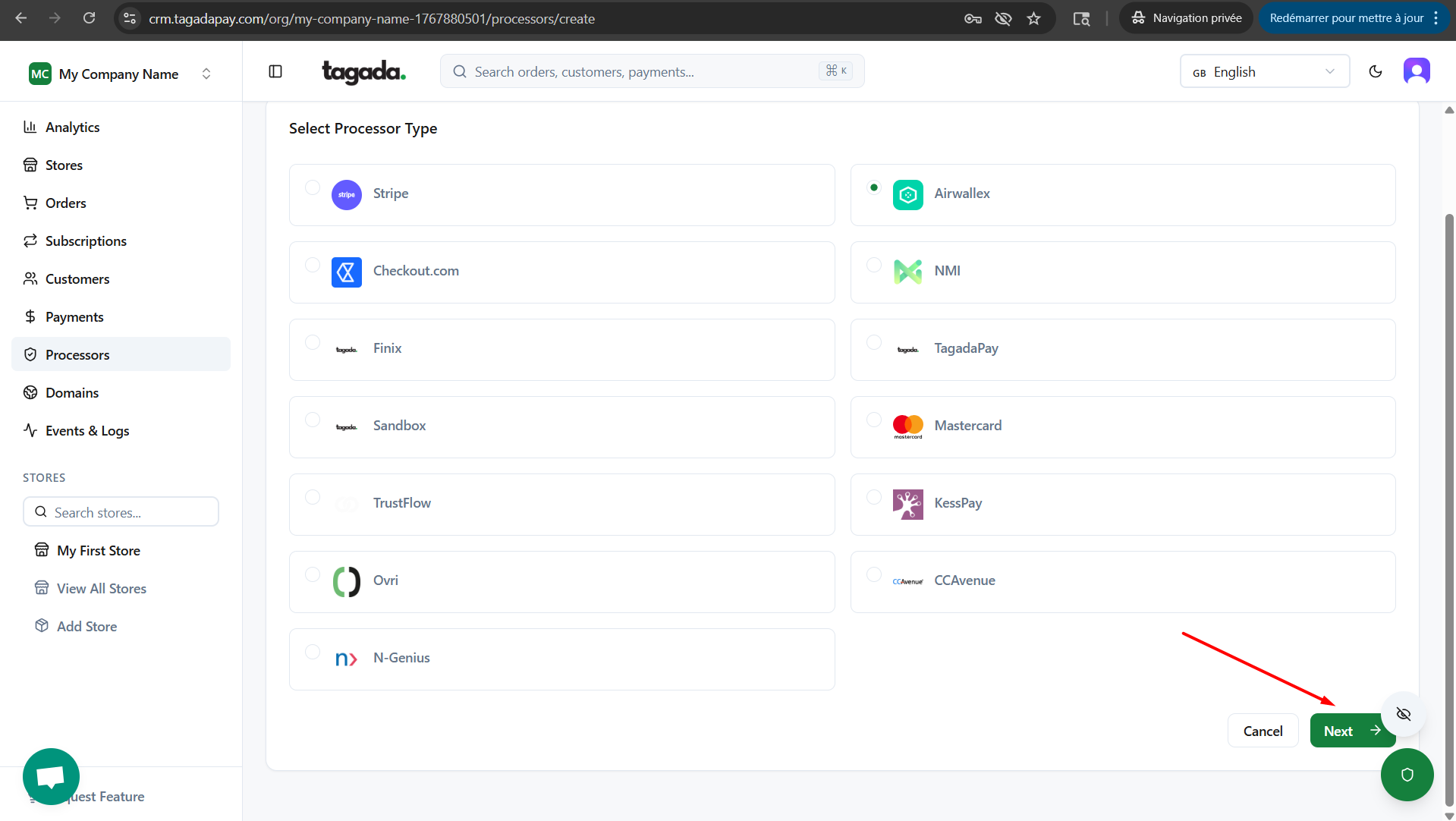
Click on Next.
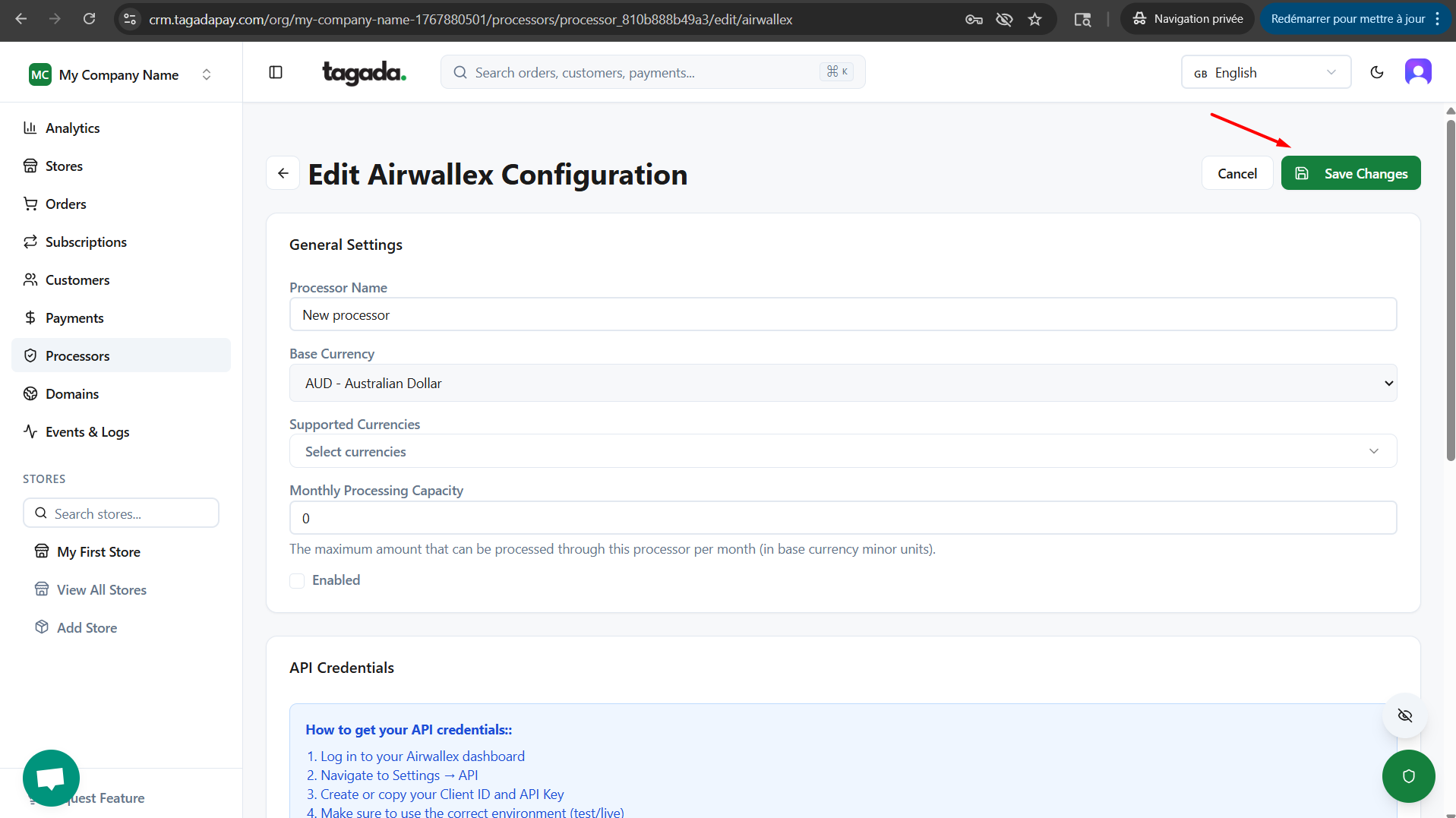
Enter all the information required for your processor and click on Save Changes.
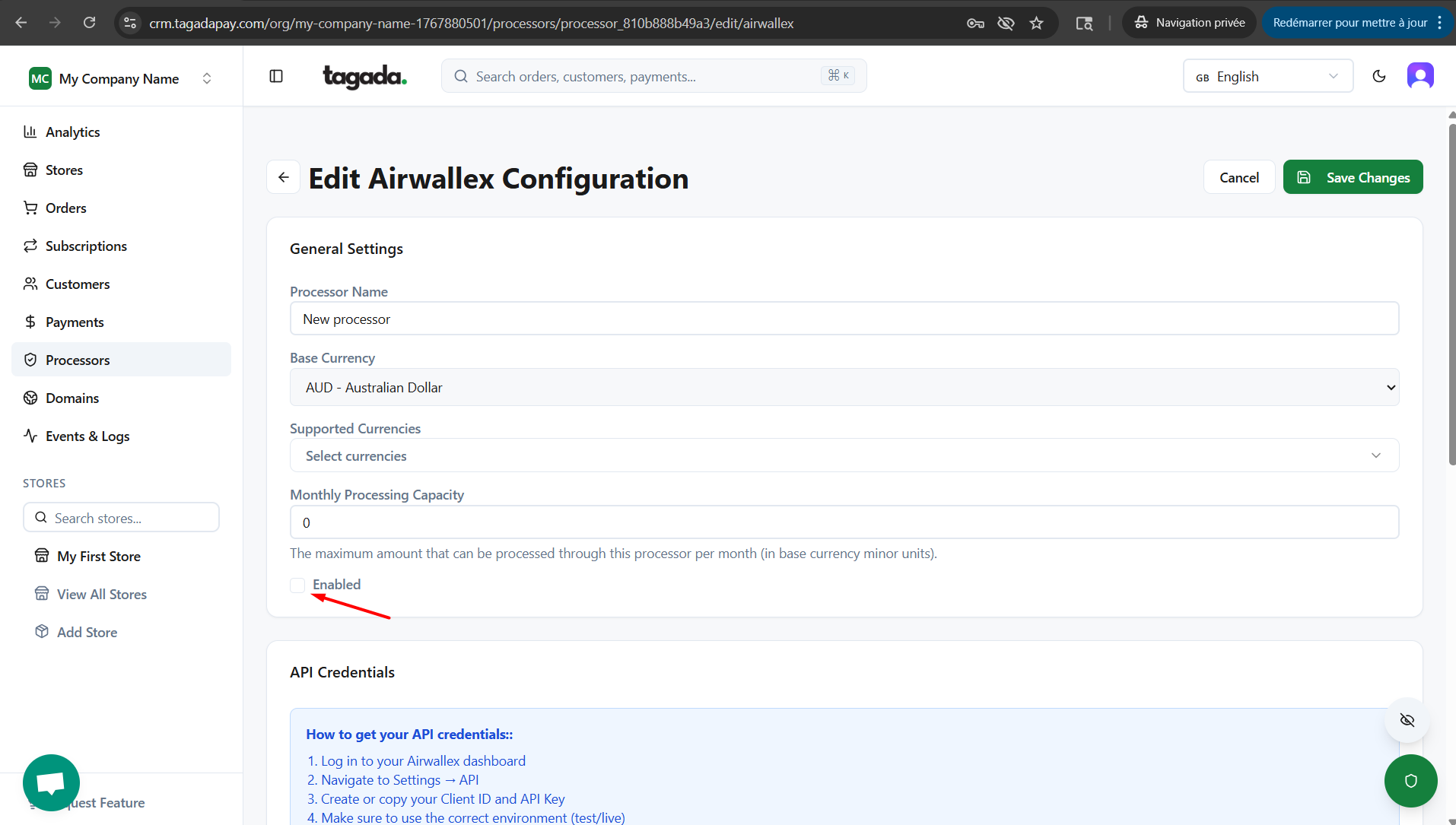
Ensure that the Enabled checkbox is selected.
Repeat the same steps if you would like to add more processors.
Once you are done connecting your processors, you will need to create a Payment Flow for your store.