In your Tagada account click on Stores, then chose your store.
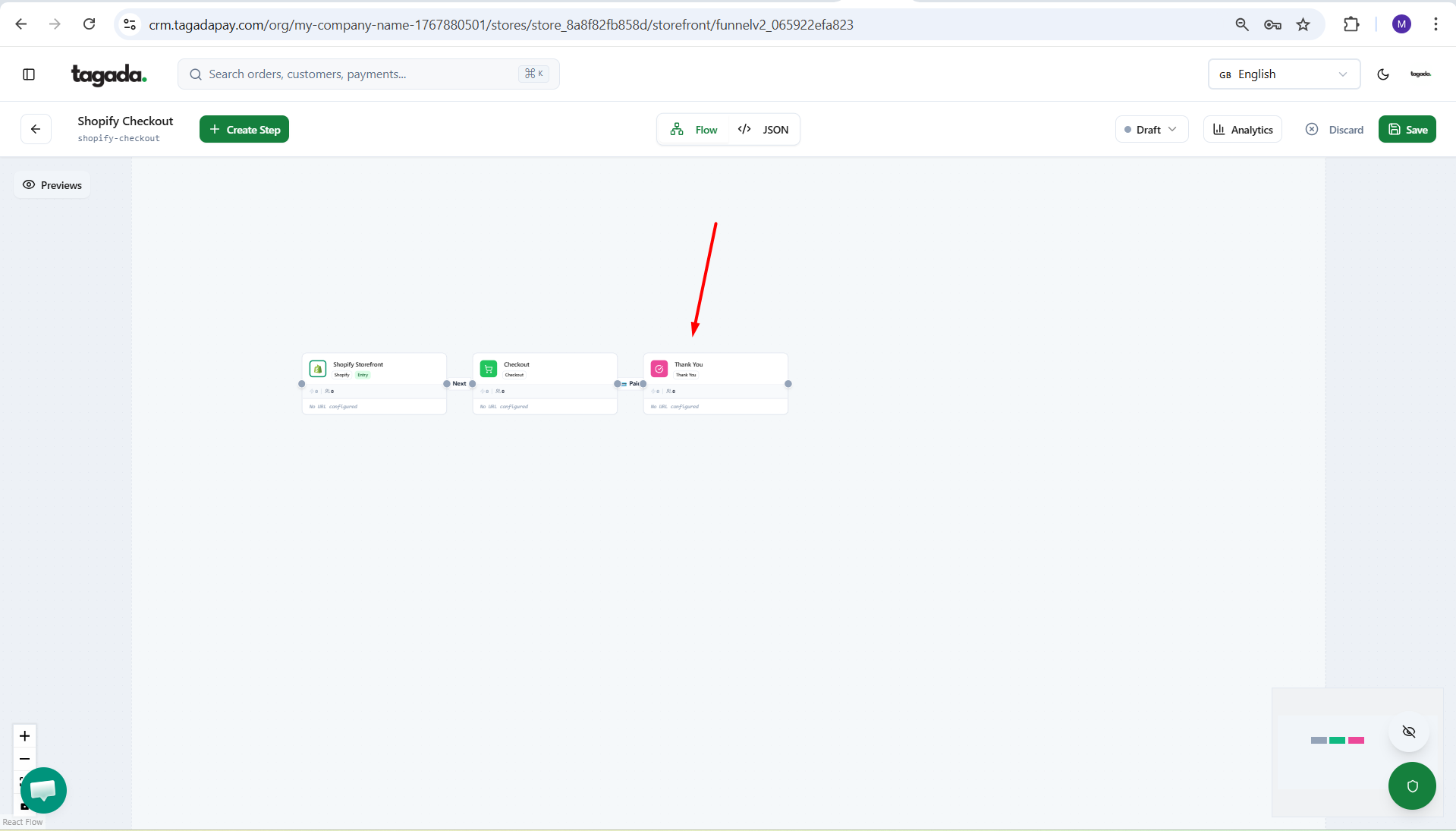
Under General menu, click on Funnels and then click on your Funnel to edit it.
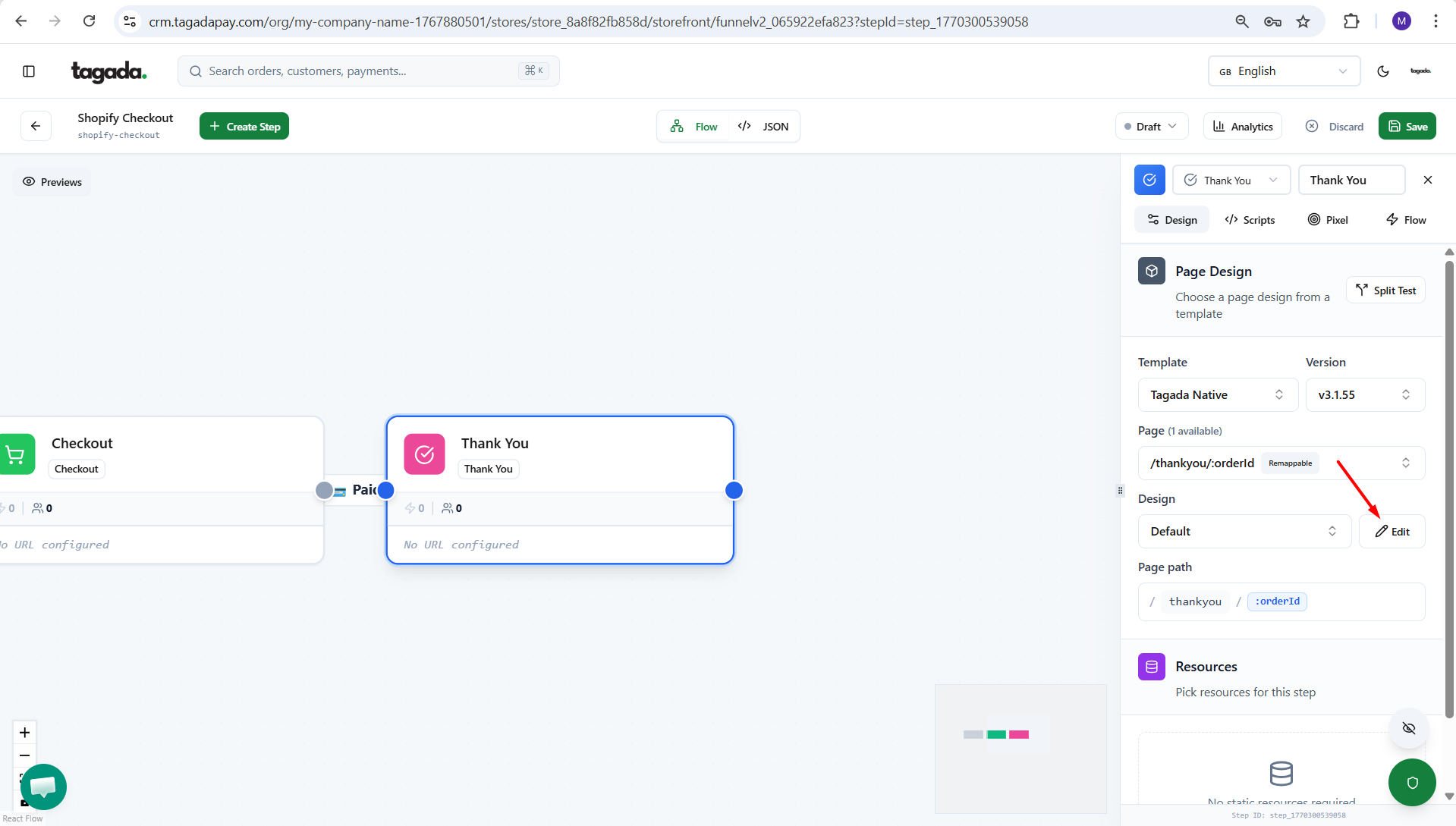
Click on the Thank you box to have the pop up menu appear on the right.
Click on the Edit button to open the config editor.
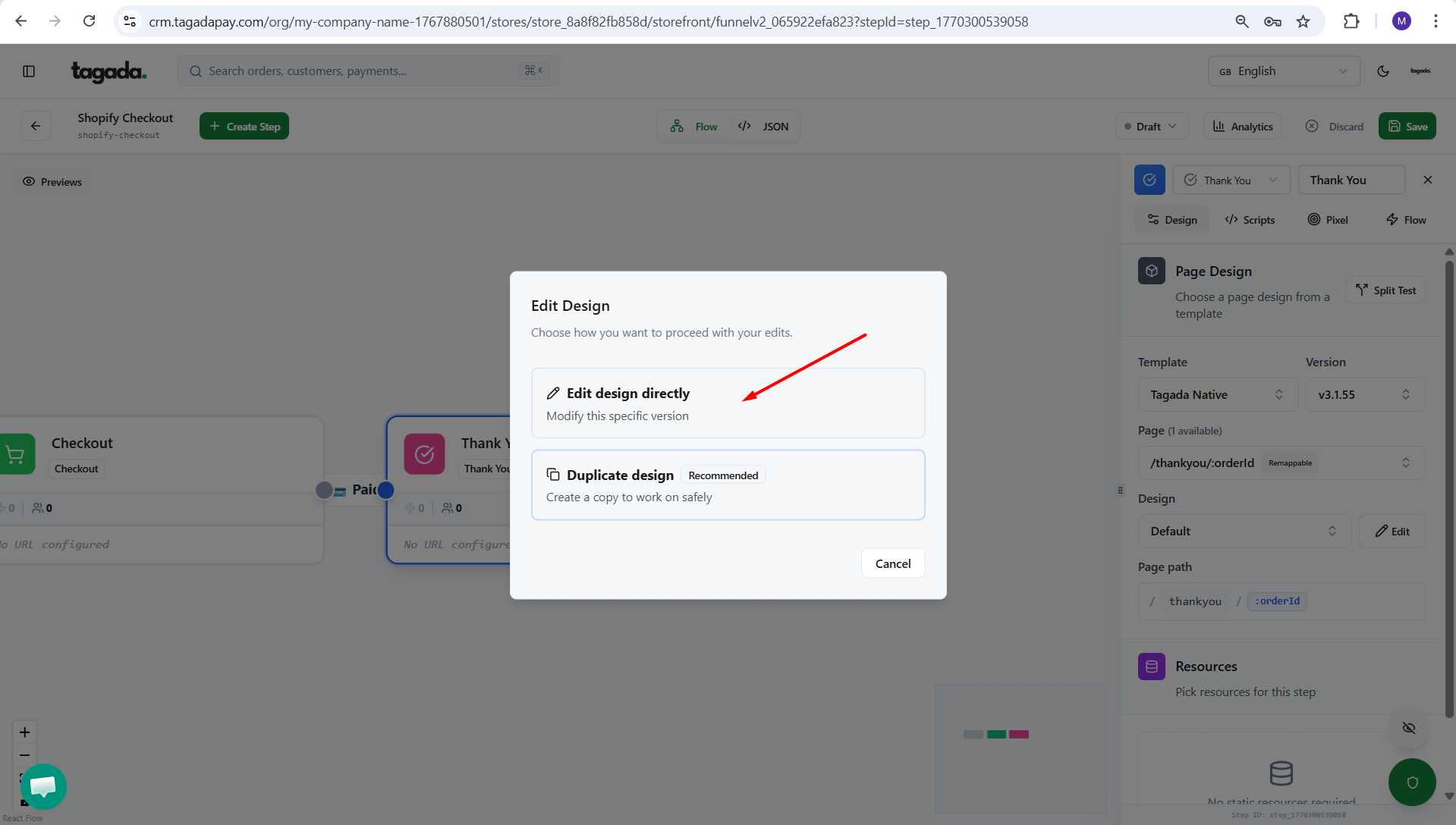
You can either chose to Edit design directly or to Duplicate the design and then edit (interesting if you want to duplicate your thank you page for split tests).
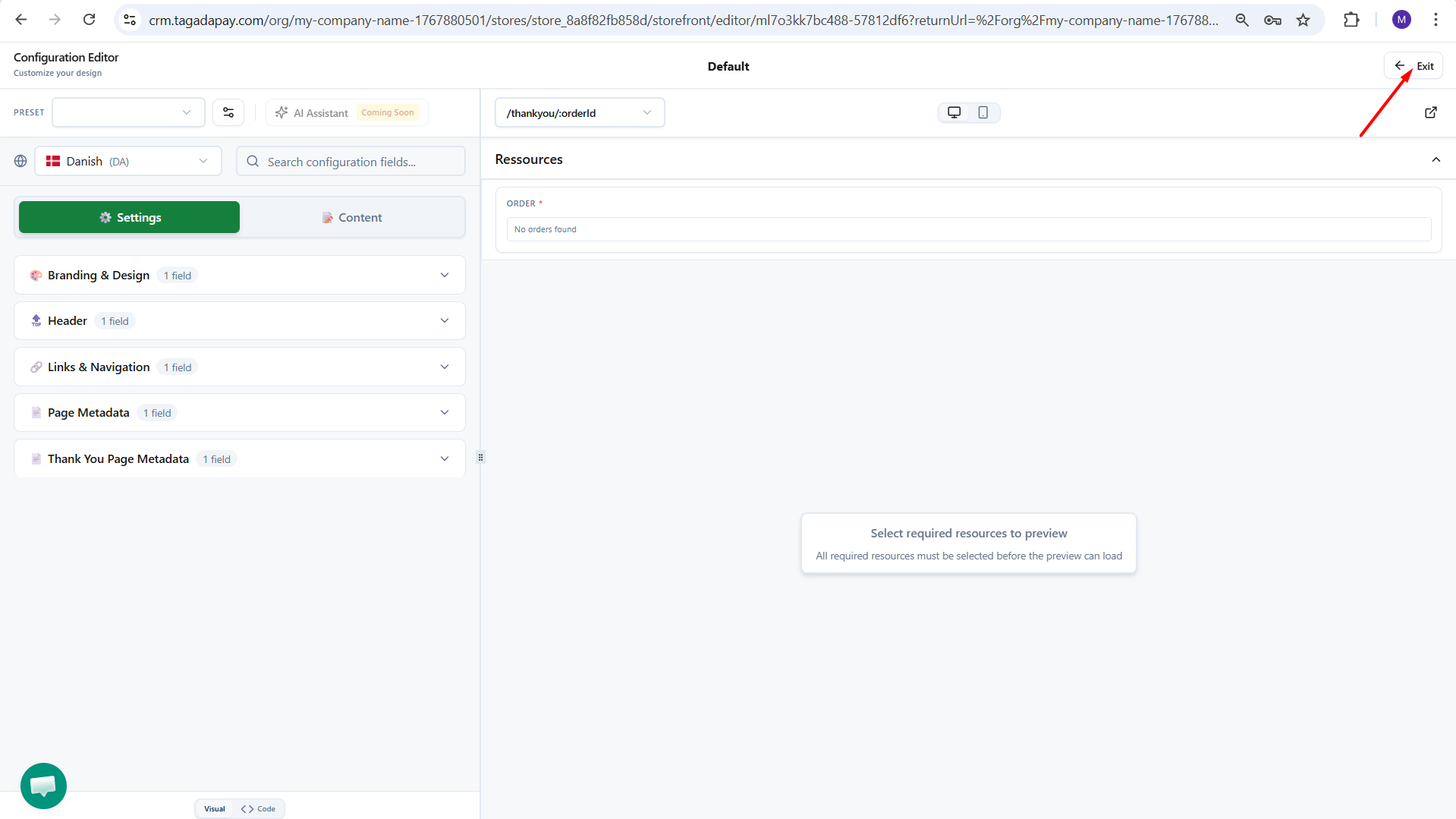
This will open your config editor and from there you will be able to customize the look of your thank you page. Make sure to chose /thank you from the dropdown menu.
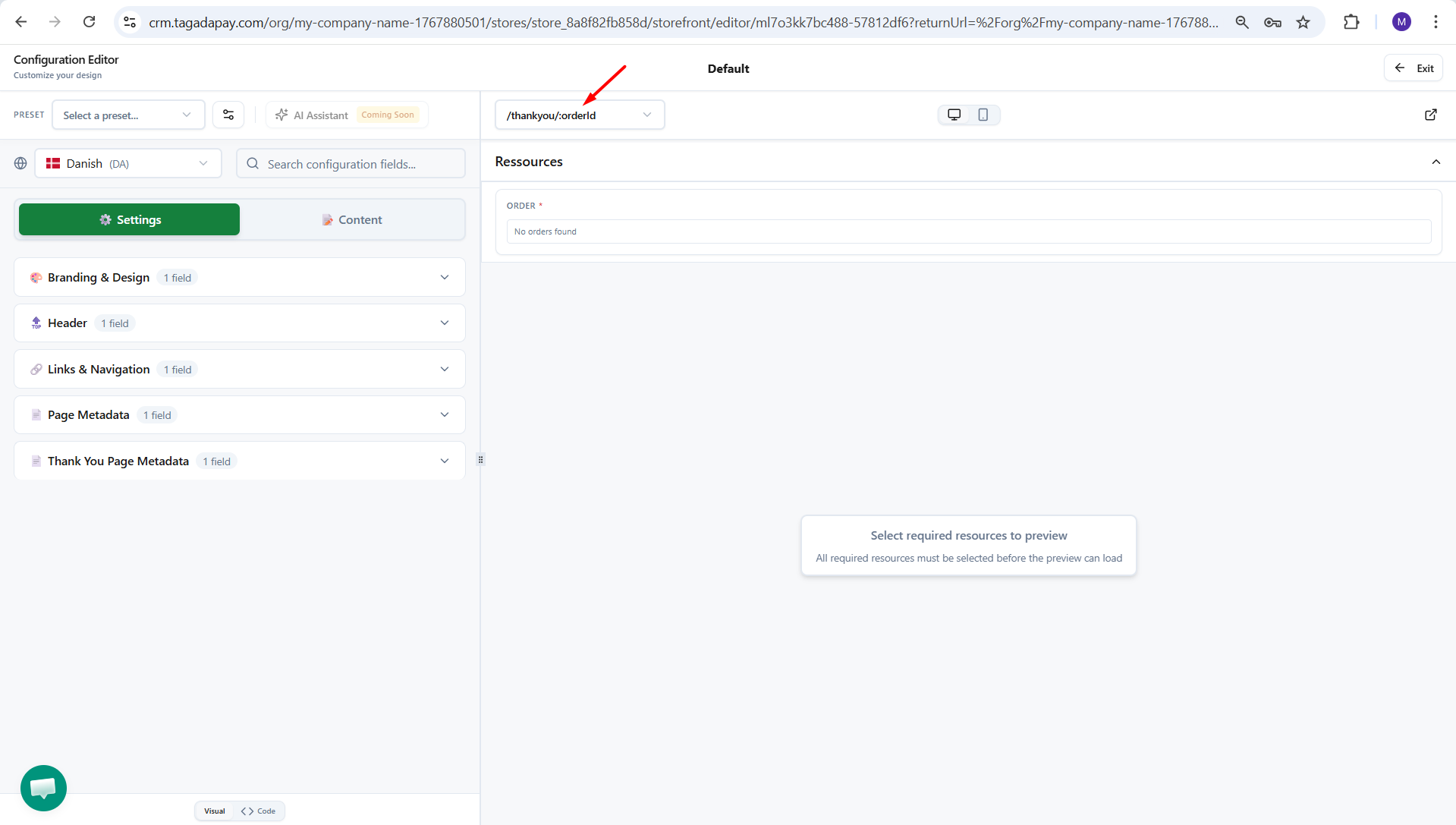
The changes will save automatically. Once you are done, click on Exit.