In your Tagada account click on Stores, then chose your store.
Under General menu, click on Funnels and then click on your Funnel to edit it.
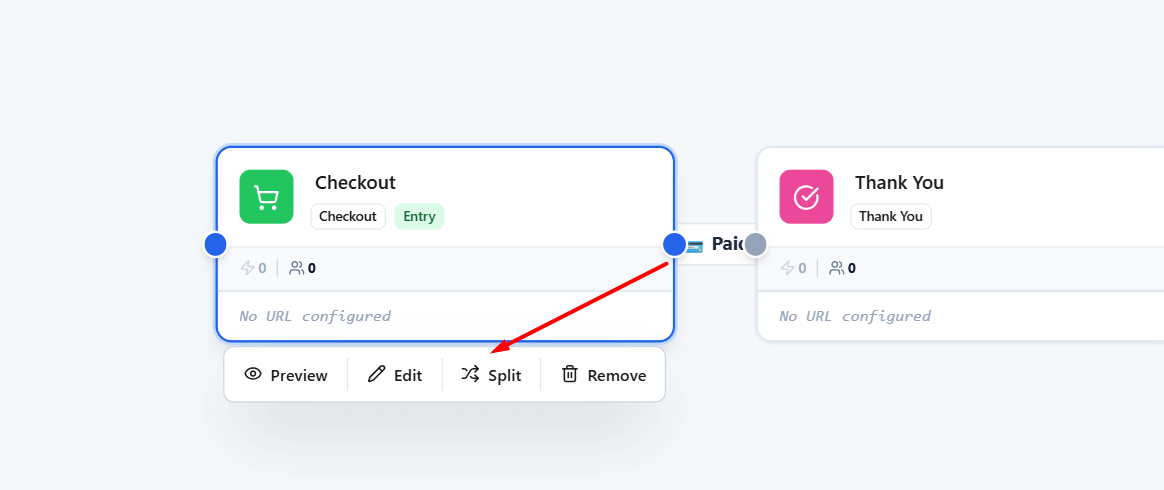
Hover over the checkout box to display the pop-up buttons below. Click on Split button.
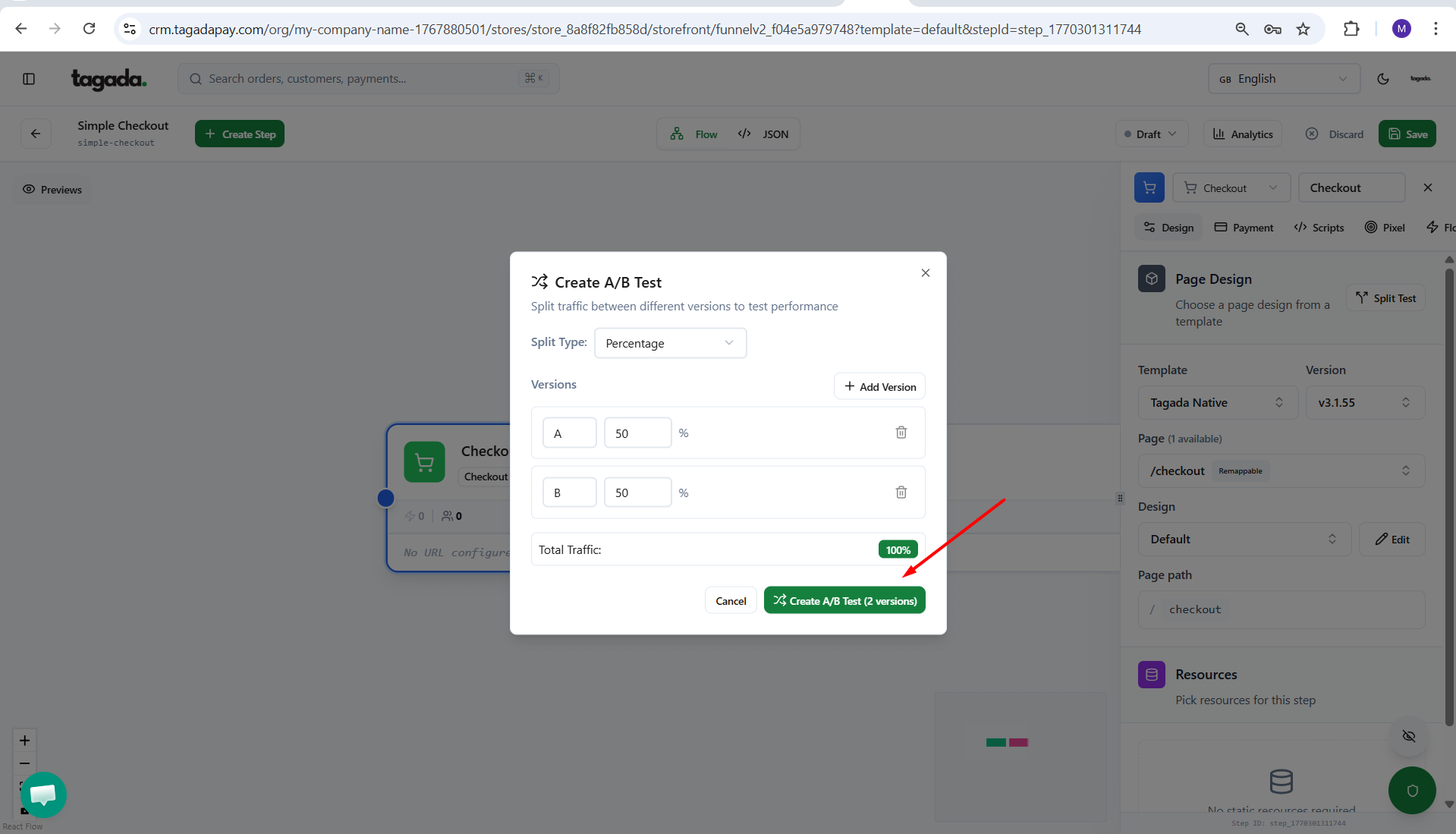
Chose your Split Type. Add Versions and define the Percentage.
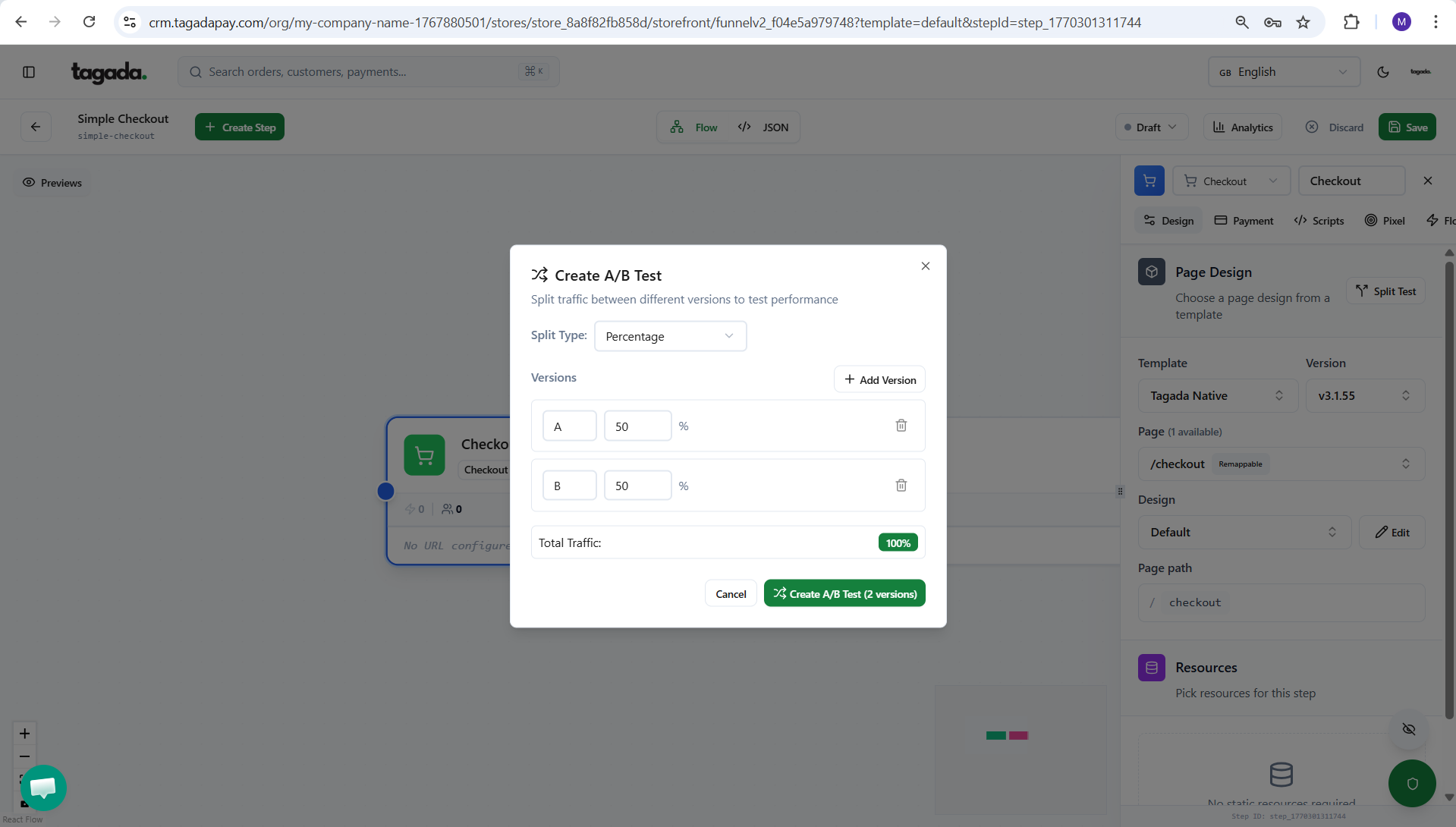
Then click on Create A/B Test.