Whop V2 lets you accept payments through a Whop company that Tagada creates and manages for you. Unlike other processors on this list, you never enter an API key: Tagada creates a connected Whop company for your store, walks you through Whop's own identity verification (KYC), and settles every charge on your behalf once you're approved. Whop V2 is currently in beta, shown in the CRM as Whop V2 (Beta).
Have a contact email ready. Tagada uses it to create your Whop company, and Whop uses it throughout the verification process.
Whop's hosted KYC form may ask for identity or business details, depending on your account. Have your usual verification documents on hand.
Whop V2 connects per store, not across your whole organization. Repeat these steps separately for each store that needs it.
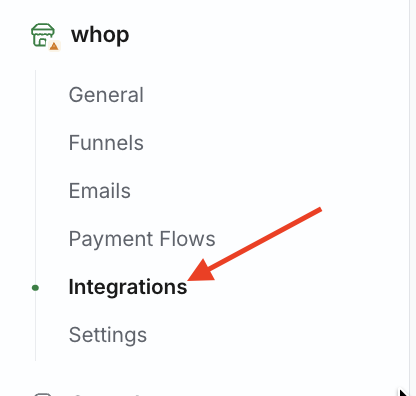
Open the store you want to connect, then go to Integrations in the store's left-hand menu.
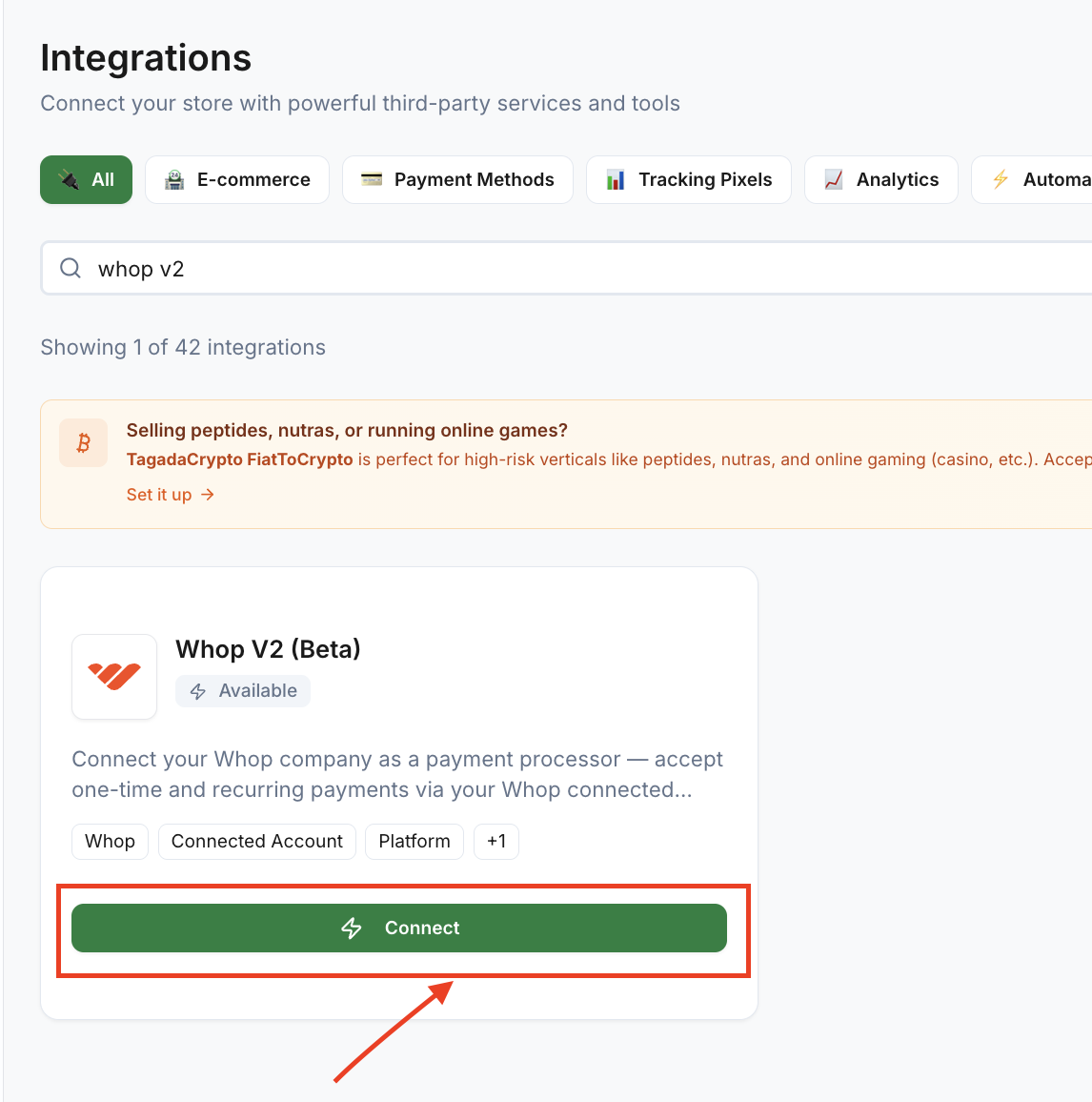
Filter by Payment Methods (or search "Whop"), then select the Whop V2 (Beta) card.
Confirm or edit the contact email (pre-filled from your Tagada account).
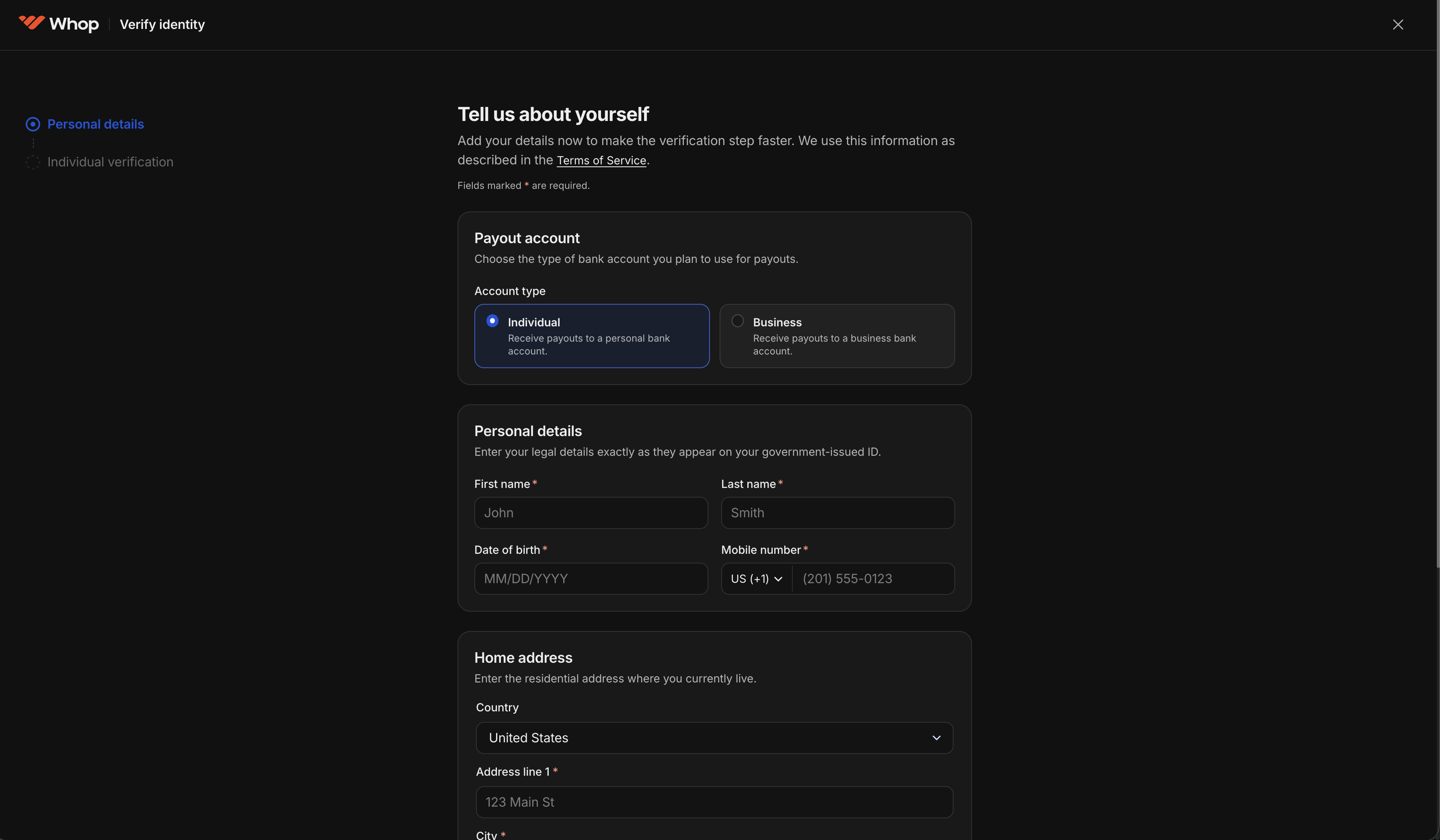
Click Connect with Whop. You're redirected to Whop's hosted KYC form.

Complete Whop's form. When you're done, Whop redirects you back to Tagada automatically.
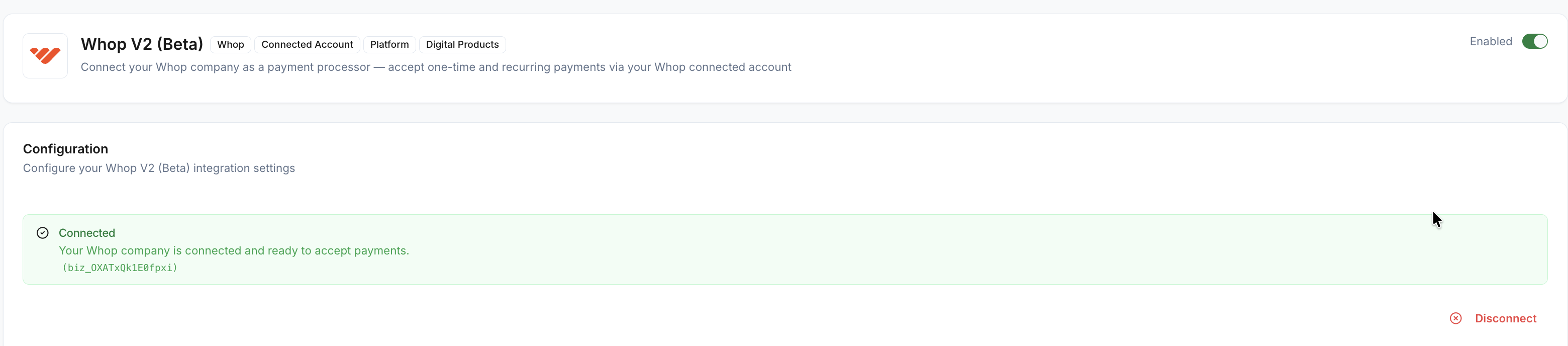
The Whop V2 card shows one of these statuses:
KYC in progress
Your Whop company was created, but you haven't finished Whop's verification form yet
Click Continue KYC on Whop to pick up where you left off

Pending review
You submitted Whop's verification form, and it's now waiting on Whop's decision
No action needed. This can take some time; if it doesn't resolve, see Troubleshooting

Connected
Whop approved your verification and this store is now live on Whop V2
You can accept new checkouts, upsells, rebills, and refunds (see What you can accept once connected)
No further setup is required in this card
Rejected
Whop rejected your verification
Click Retry KYC to start a new attempt. If Whop gave a reason, it's shown on the card
Action required
Whop needs more information before it can finish reviewing you
Click Retry KYC to provide what's requested
Disconnected
You or someone on your team disconnected Whop V2 from this store
Reconnect at any time using the steps above
You can disconnect Whop V2 from the same card at any time, in any status.
Once your status is Connected, your store can accept:
One-time payments, through an embedded Whop checkout on your storefront
Post-purchase upsells, charged to the same payment method your customer used at checkout
Subscription rebills, so recurring products keep billing automatically
Full and partial refunds
Whop confirms every charge asynchronously: your storefront shows the checkout completing, but the final success or failure arrives a short moment later, once Whop's webhook reaches Tagada. A brief delay between checkout and a confirmed order is expected, not a sign something went wrong.
My status has been stuck on "Pending review" for a while
Likely cause: Whop's review can take some time, especially for new companies
Fix: No action needed on your side. If it's been an unusually long time, contact your account manager
Whop rejected my verification, or asked for more information
Likely cause: Whop's KYC couldn't confirm your details, or needs additional documents
Fix: Click Retry KYC on the Whop V2 card and follow Whop's prompts. Any message Whop provided is shown on the card
I don't see anywhere to enter a webhook secret
Likely cause: Whop V2 doesn't need a merchant-configured webhook. Tagada listens to your connected company's events automatically once you're set up
Fix: Nothing to do here
Orders aren't confirming even though the customer paid
Likely cause: Whop confirms charges asynchronously, so there's a short delay between checkout and a confirmed order (see What you can accept once connected)
Fix: Wait a short moment for the payment to resolve. If it's been unusually long, contact your account manager
