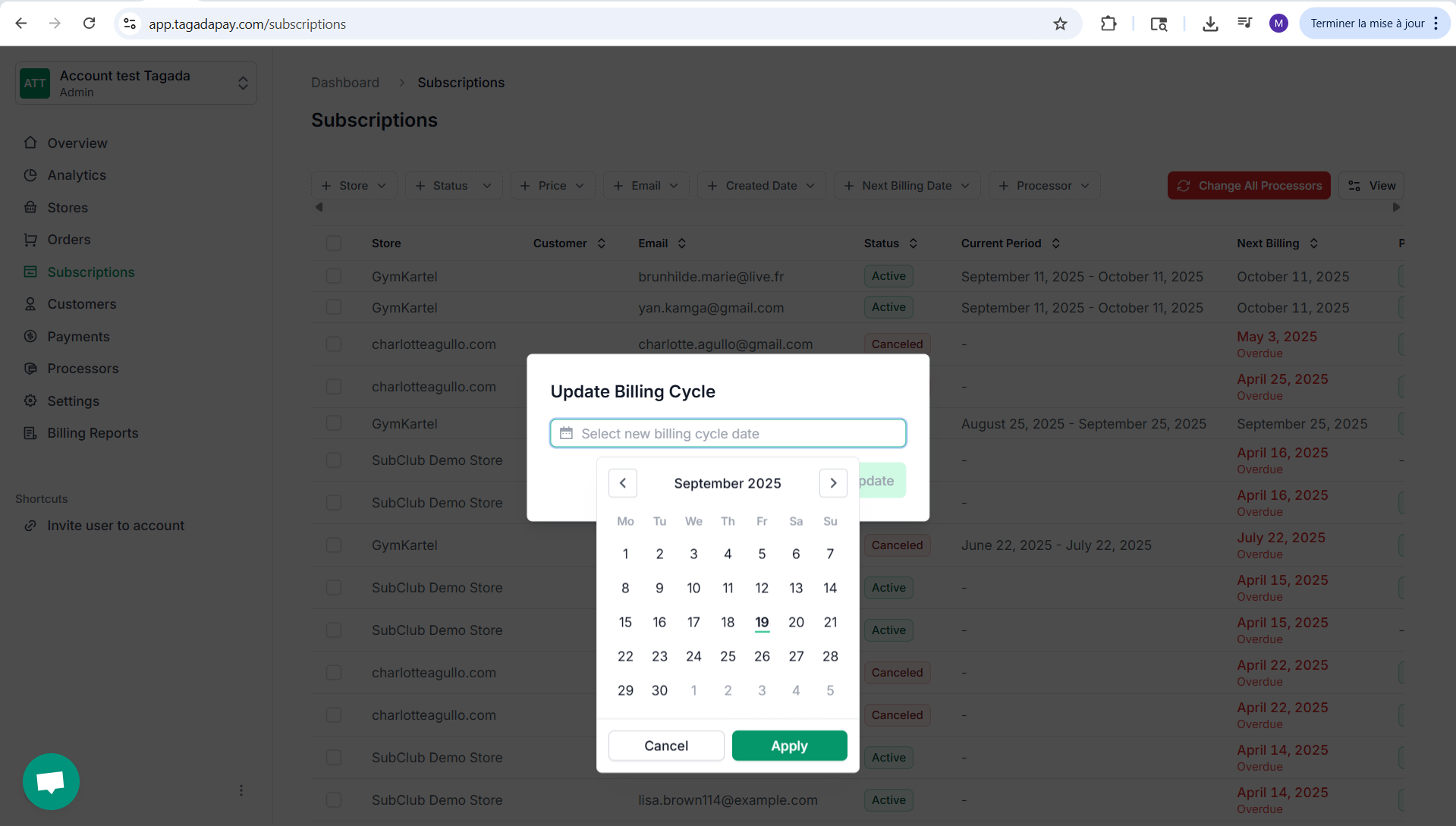
Step 1: While you're in your Organization, select Subscriptions from the left-hand menu.
.png)
Step 2: Select the subscriptions you would like to manage. Click on desired action at the bottom.
.png)
Step 3: If you would like to update the billing cycle, click on Update Billing Cycle and update it by chosing a date, then click on Update.