✖️
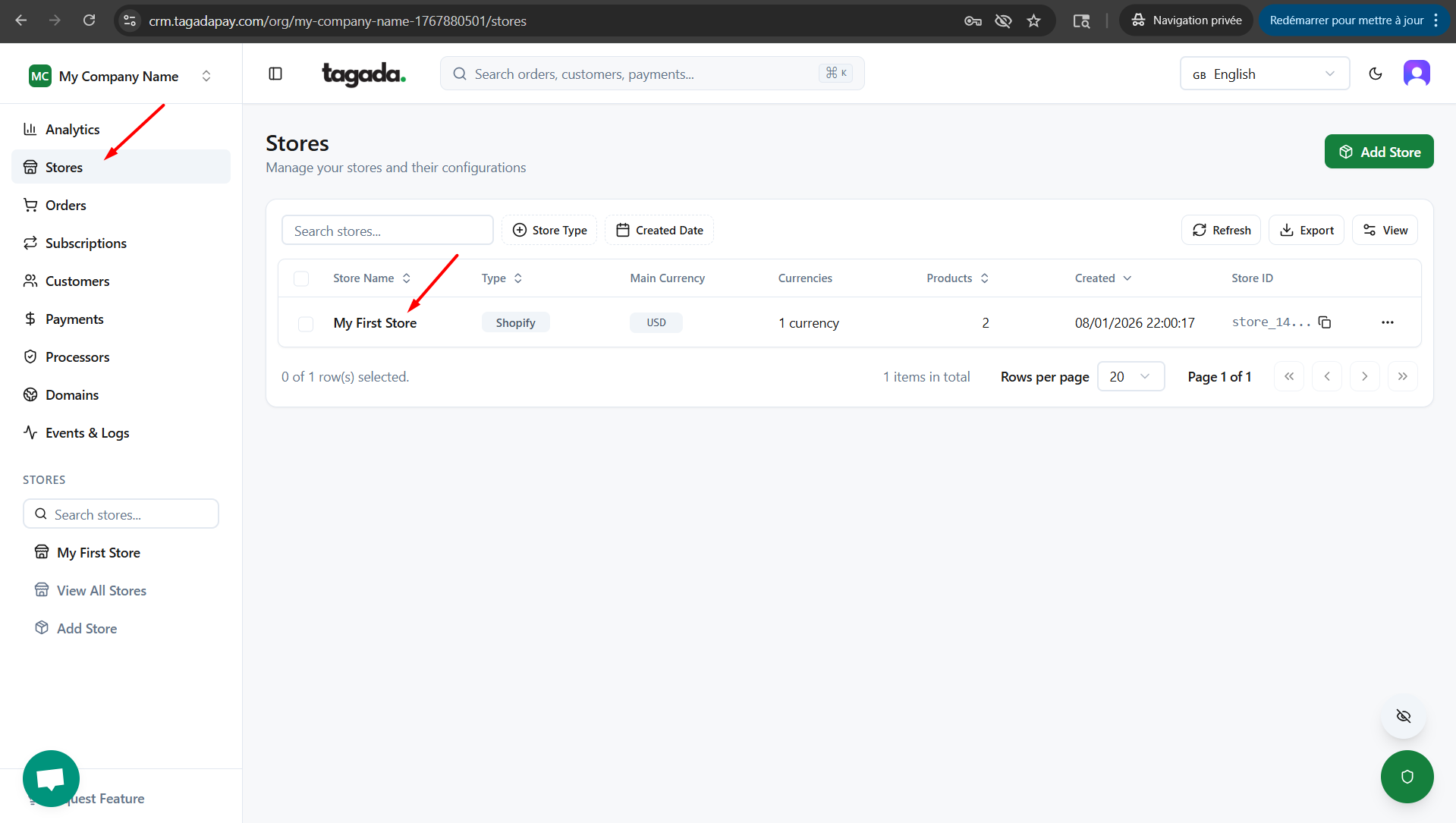
In your Tagada account click on Stores, then chose your store.
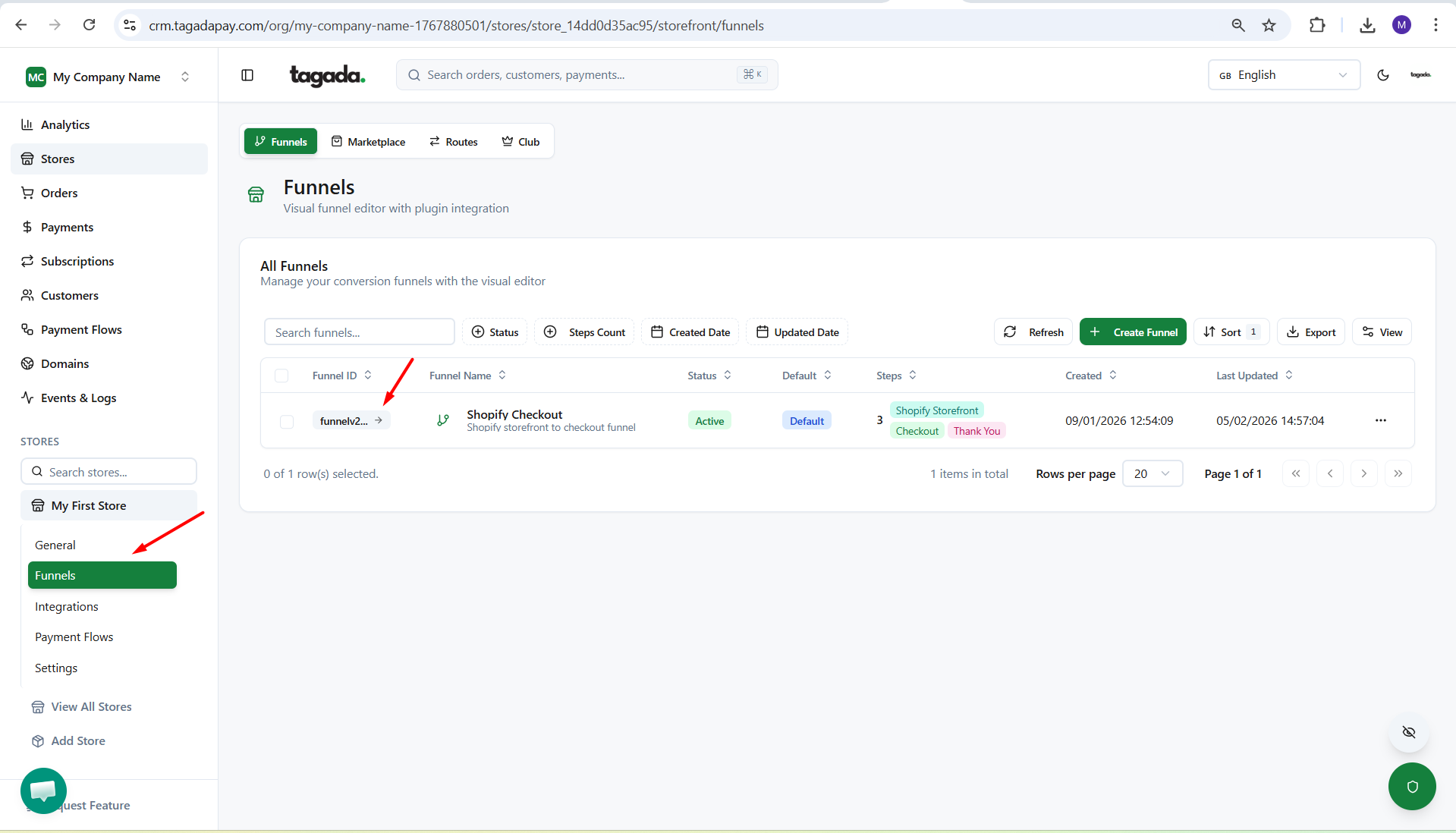
Under General menu, click on Funnels and then click on your Funnel to edit it.
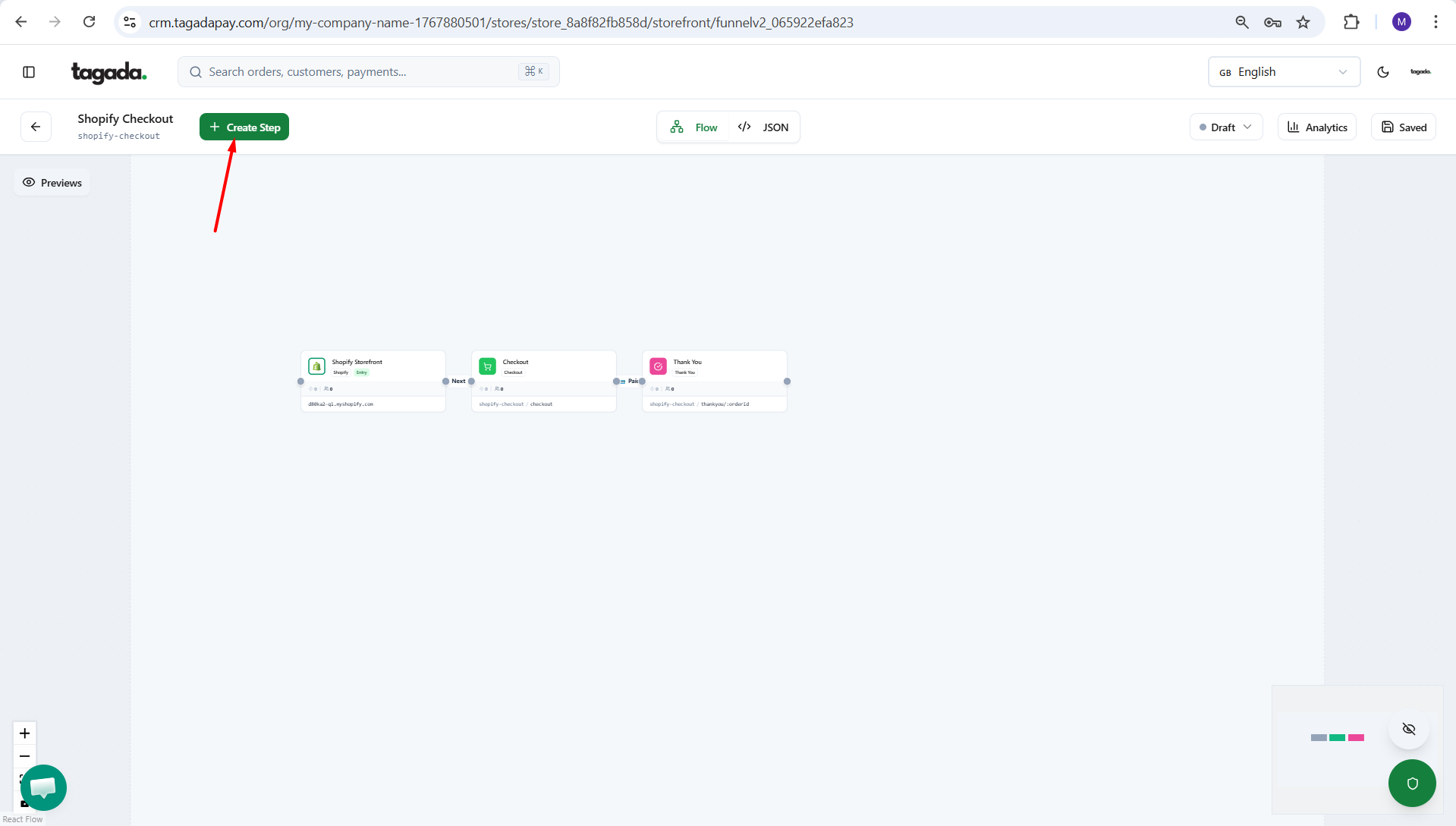
Click on Create Step.
Click on External Link.
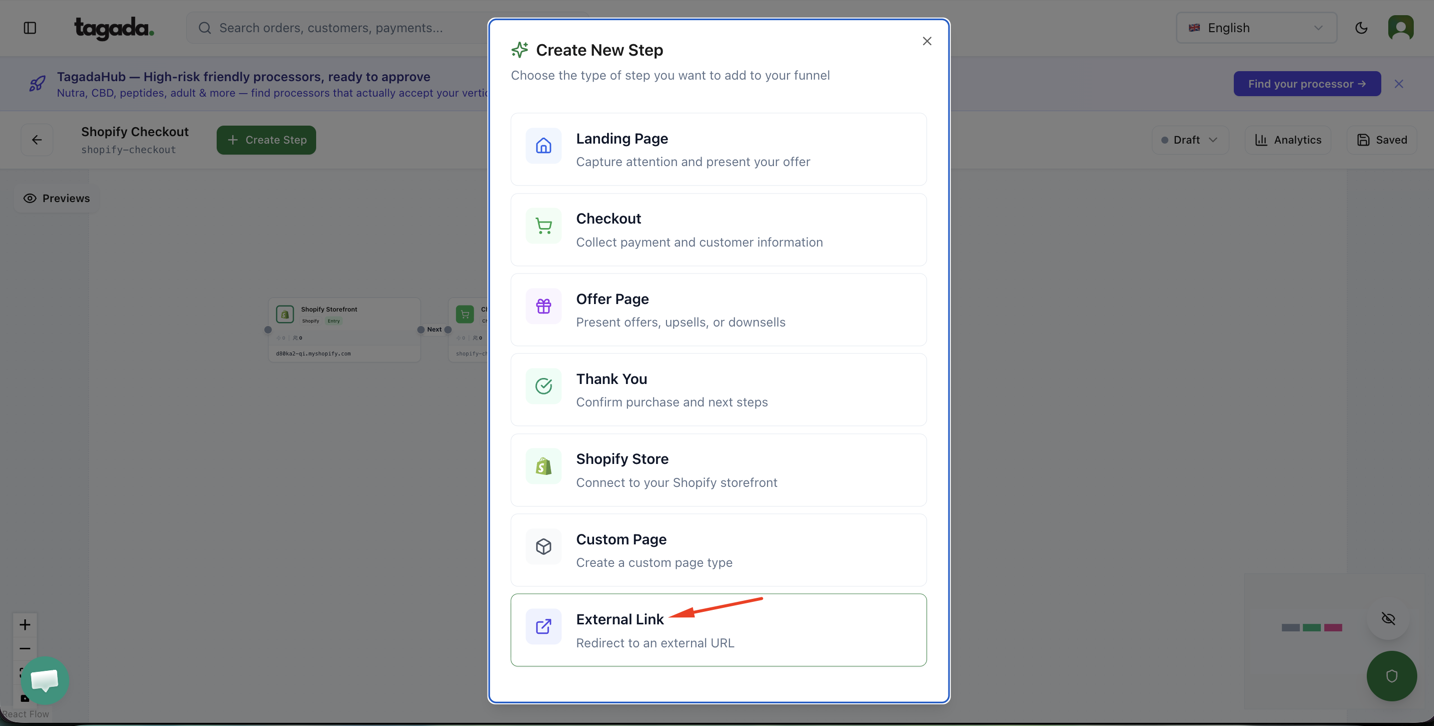
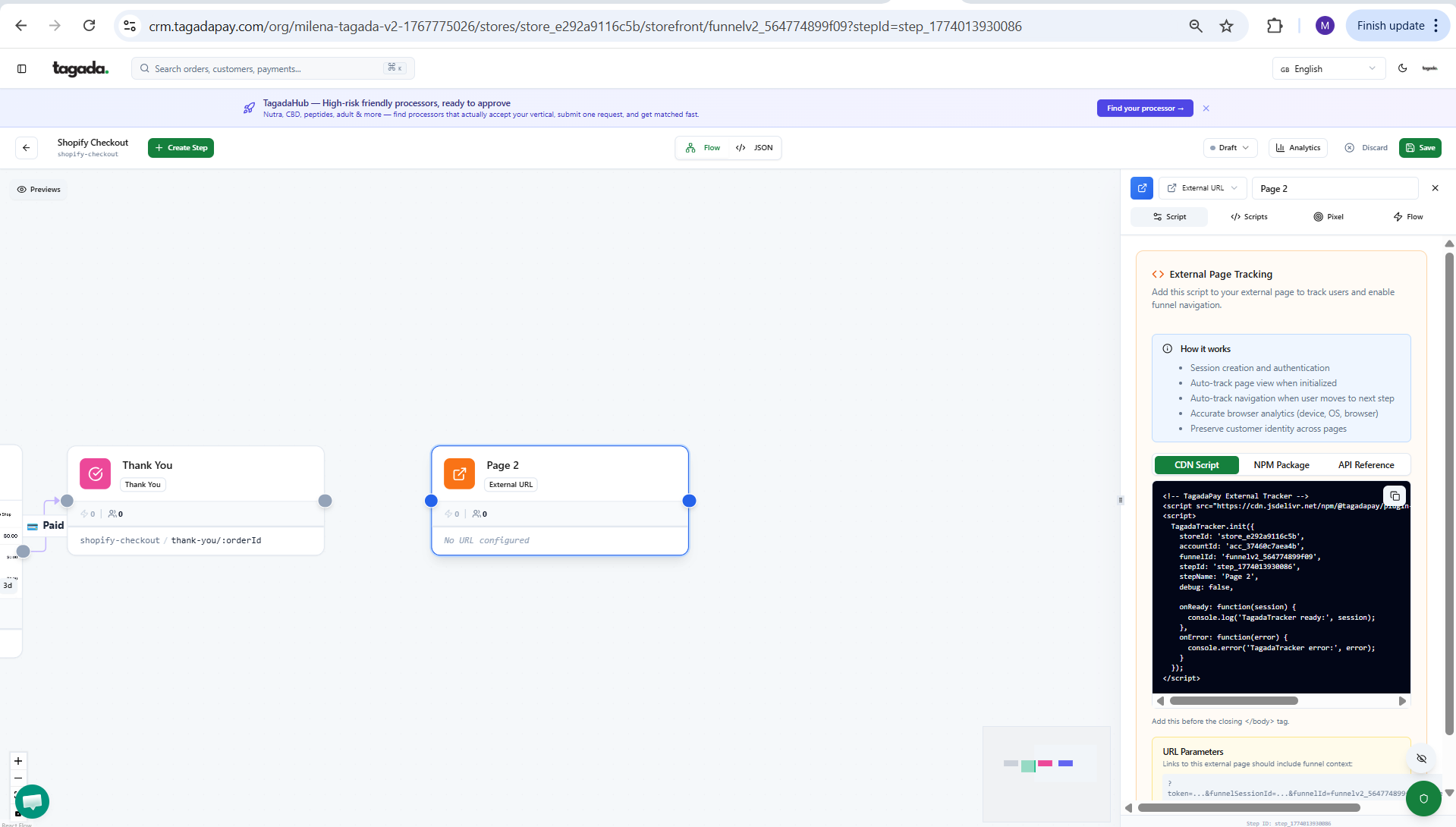
From there you will be able to enable External Page Tracking.