If you want to connect a club to the funnel system, you’ll need to follow these steps:
A new subdomain (e.g.
club.mydomain.com)A new funnel with only one custom page → select Tagada Native, it will automatically configure the club
Set that custom page as the entry point
Publish the funnel using the new subdomain
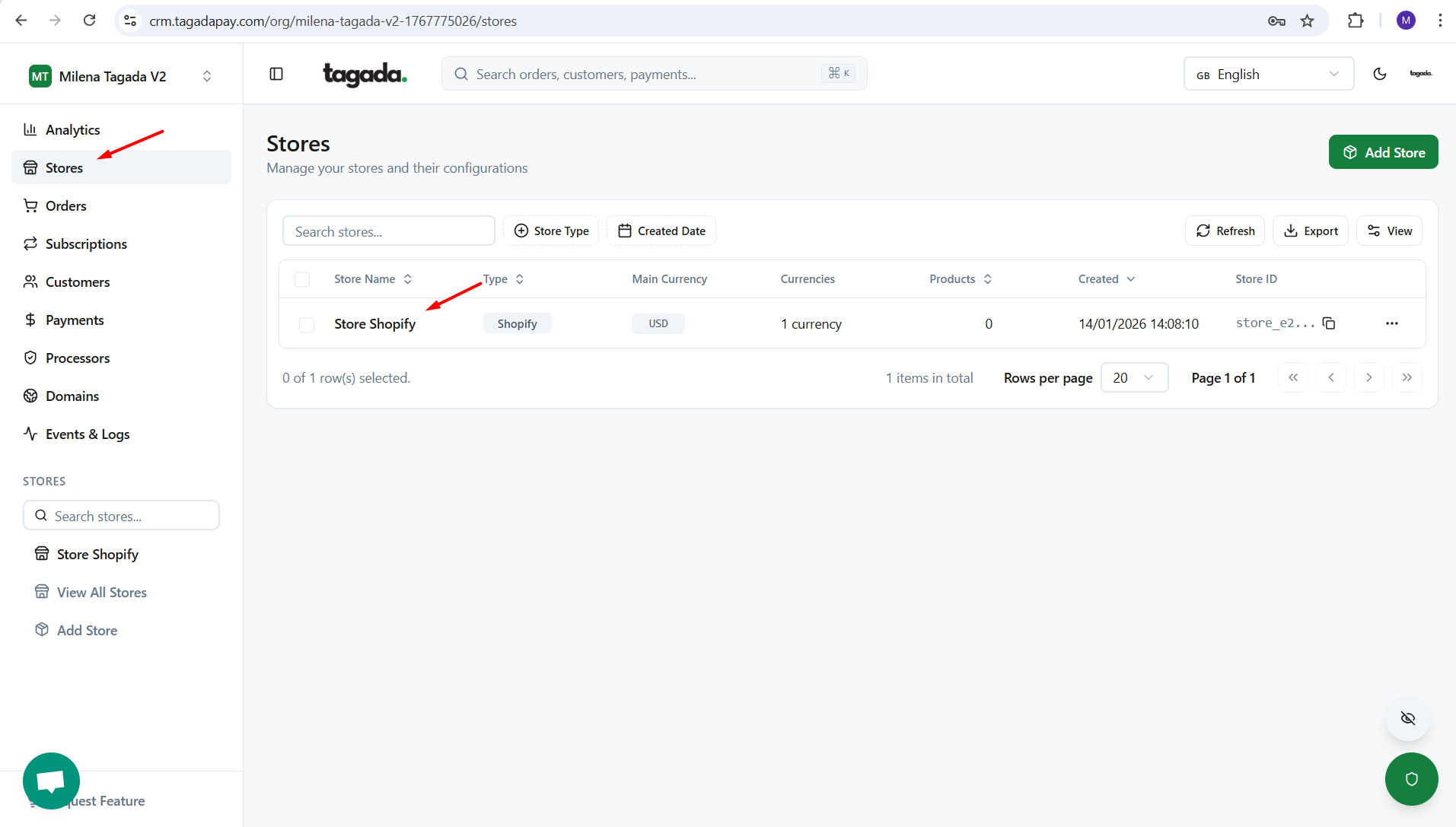
Select your desired store under Stores.
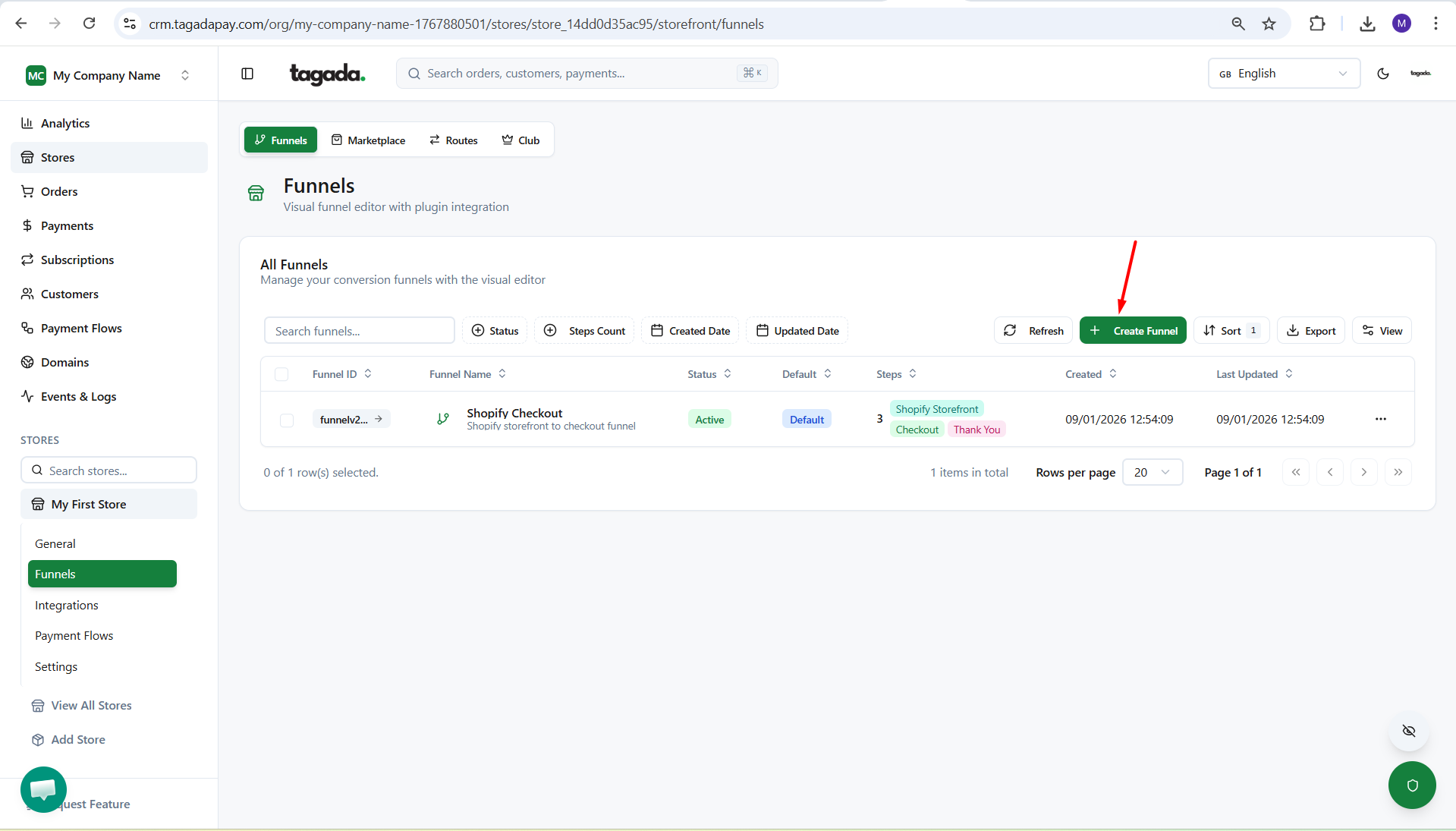
Select the Funnels tab in the menu and click on Create Funnel.
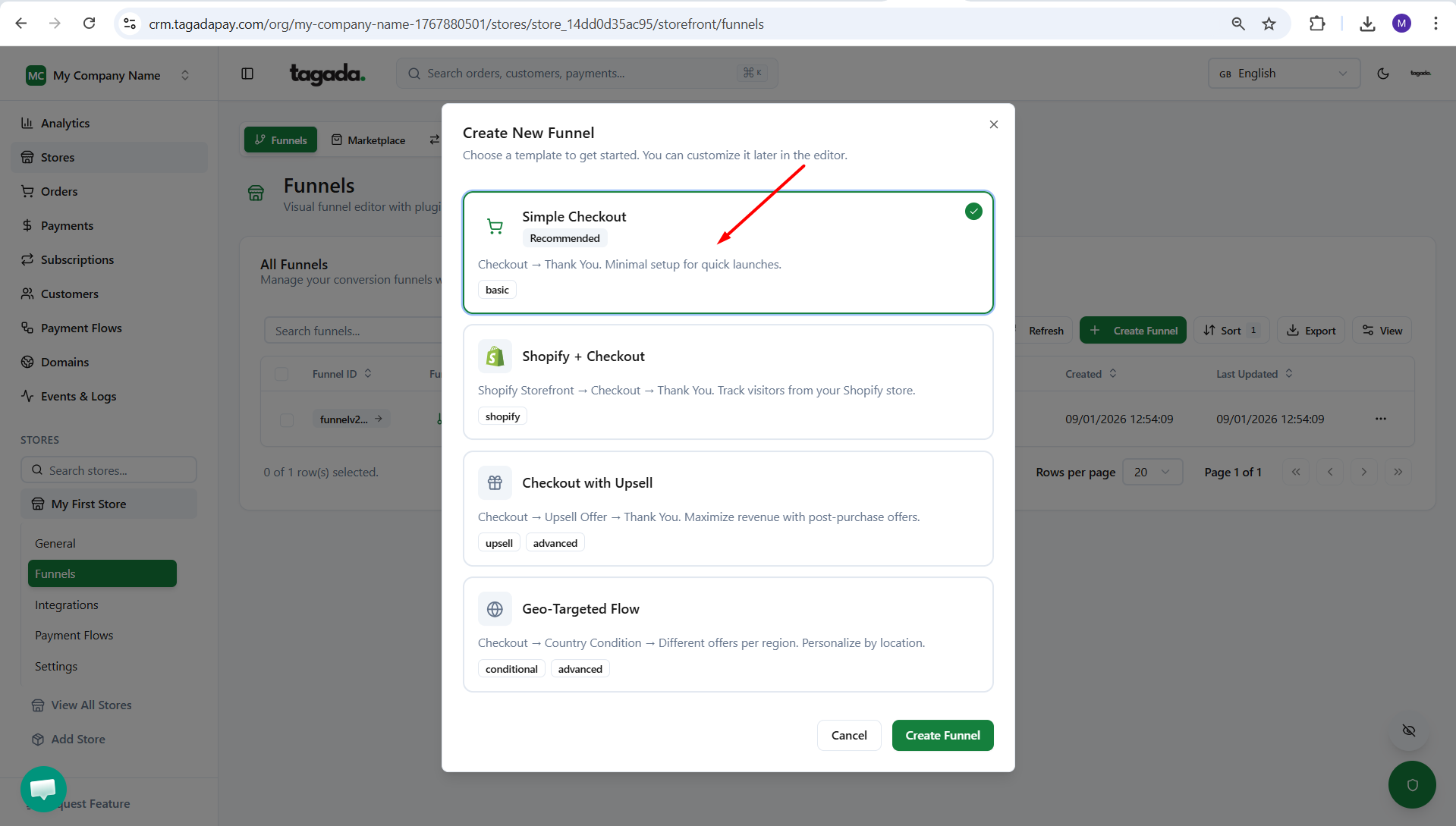
Chose the option Simple Checkout. And click on Create Funnel.
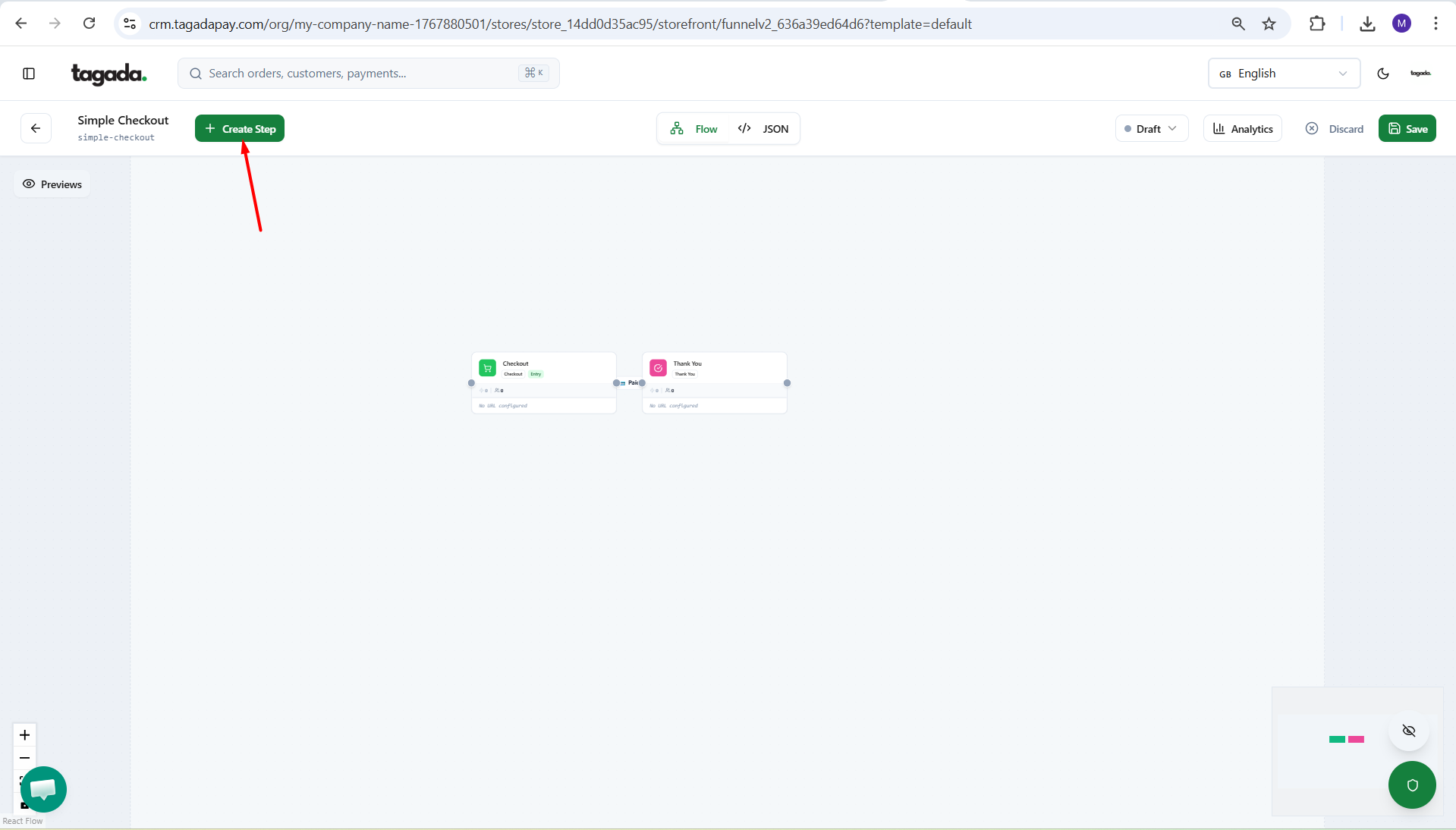
Click on Create Step.
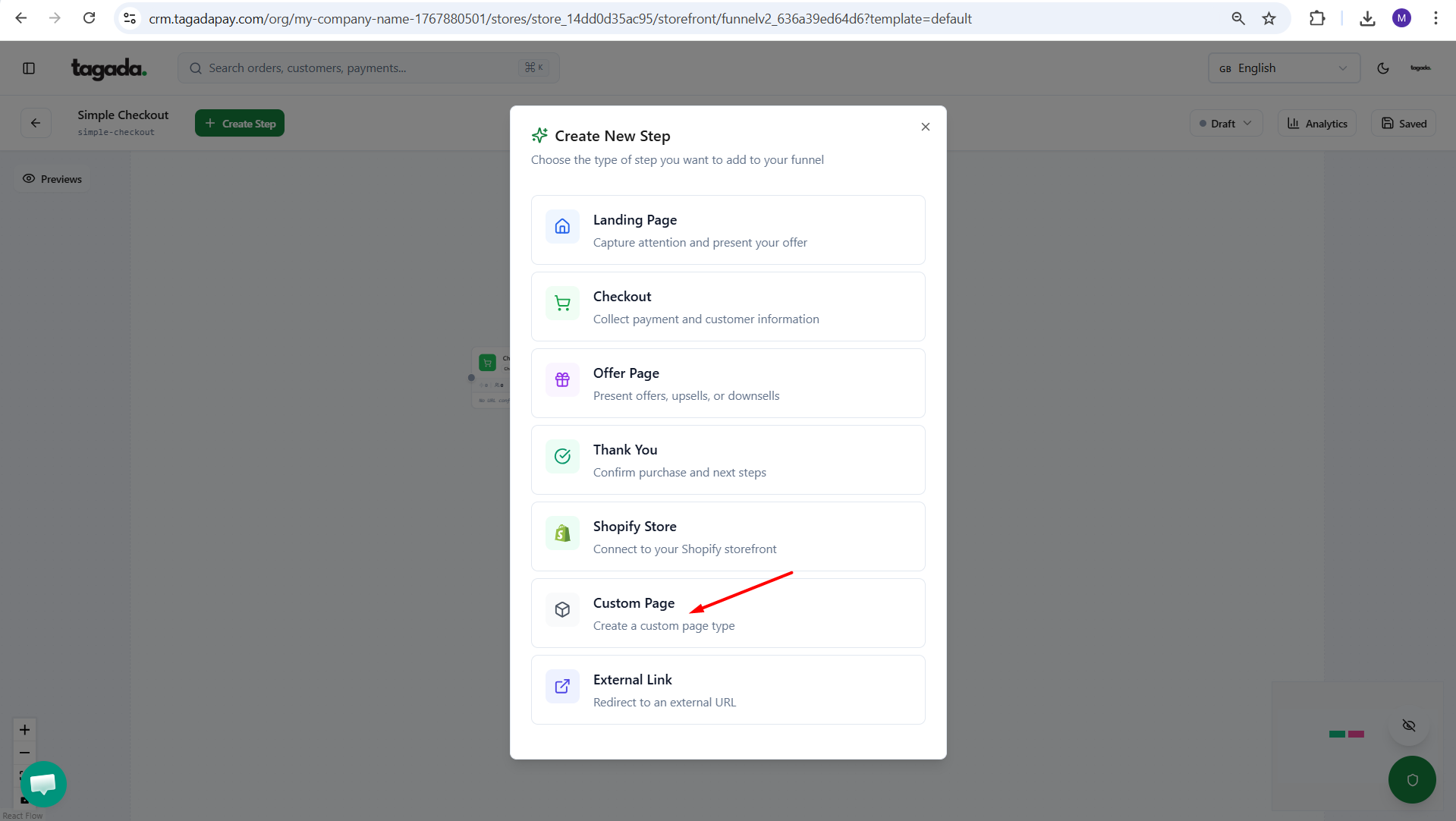
Select option Custom Page
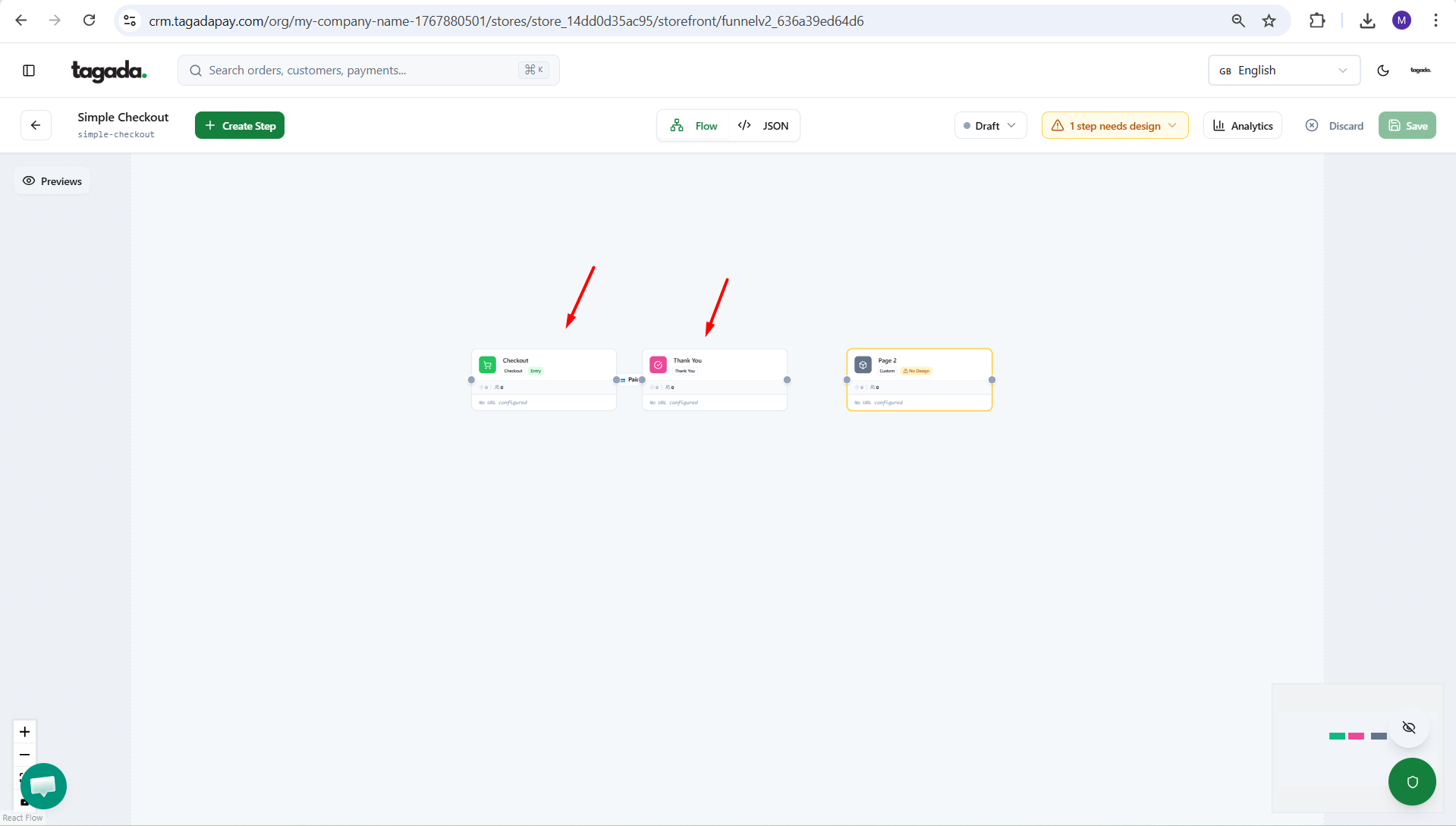
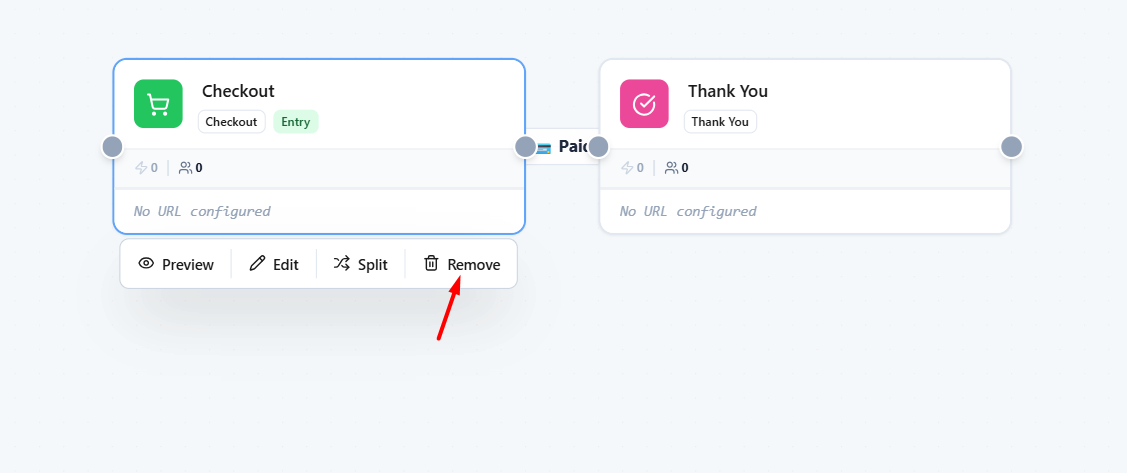
Remove the other steps by clicking on Remove, since they are not needed.
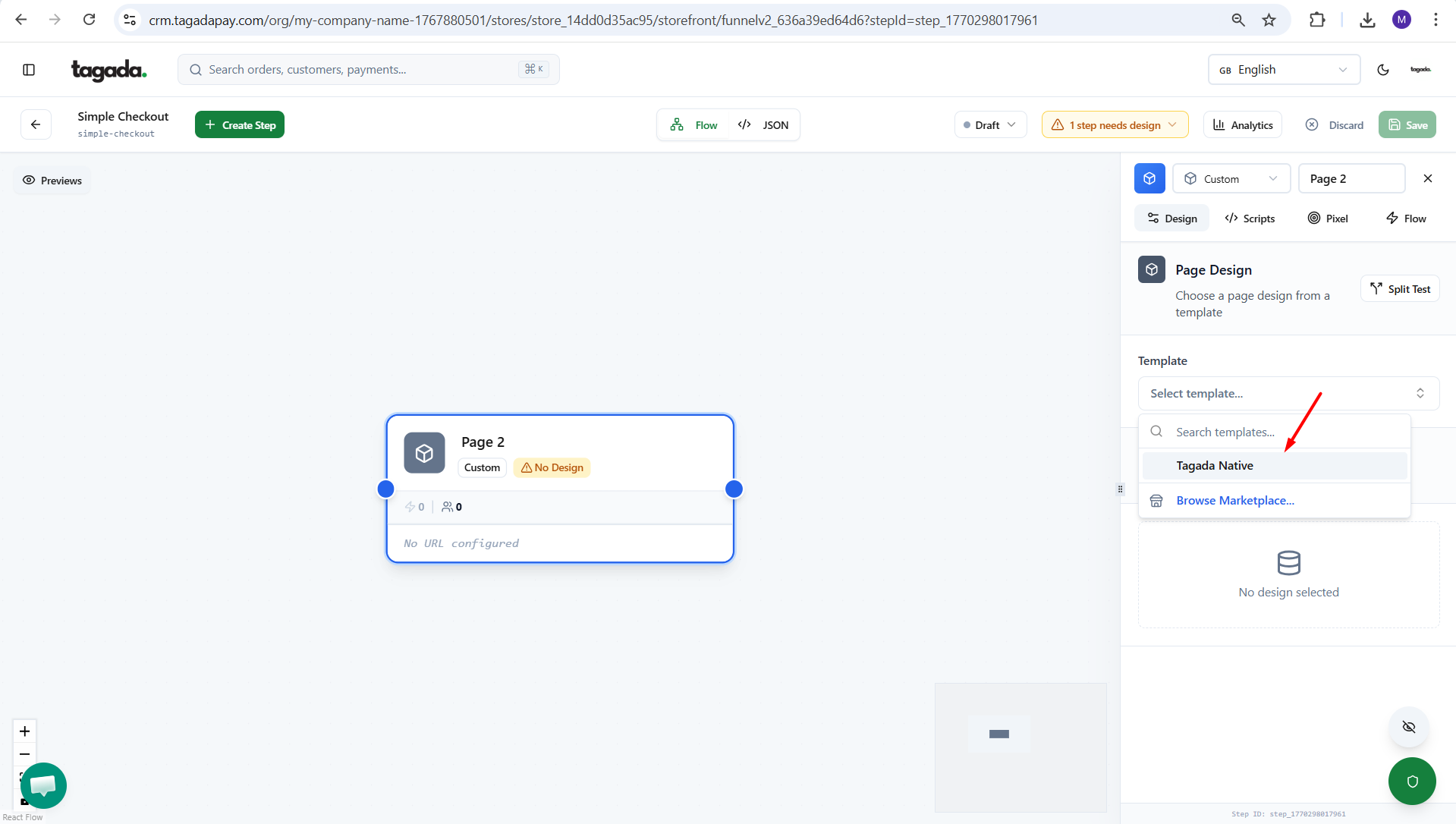
Click on the Custom Page box and on the right side menu select template Tagada Native.
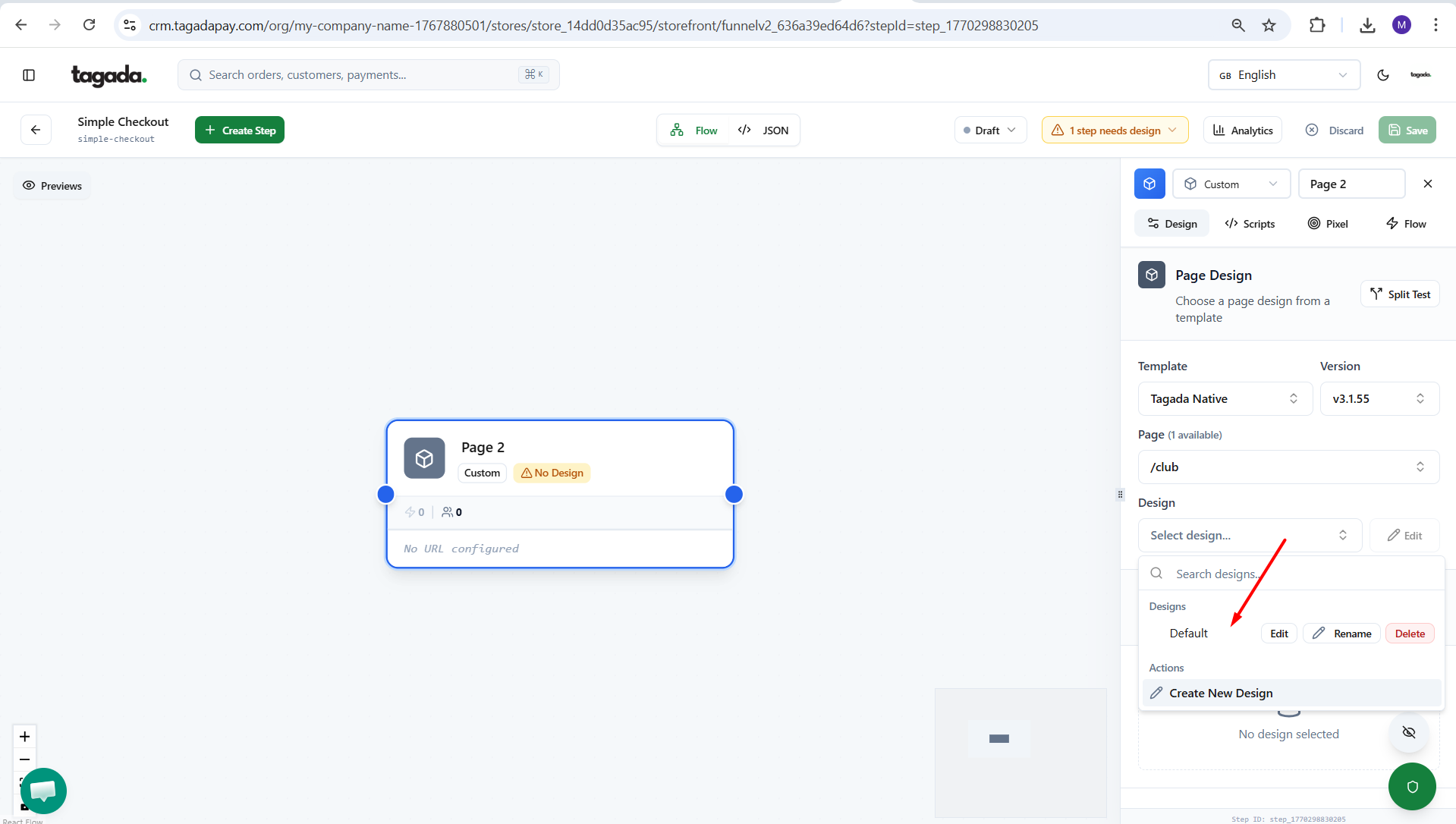
Select design as Default. Make sure the Page type selected is /club.
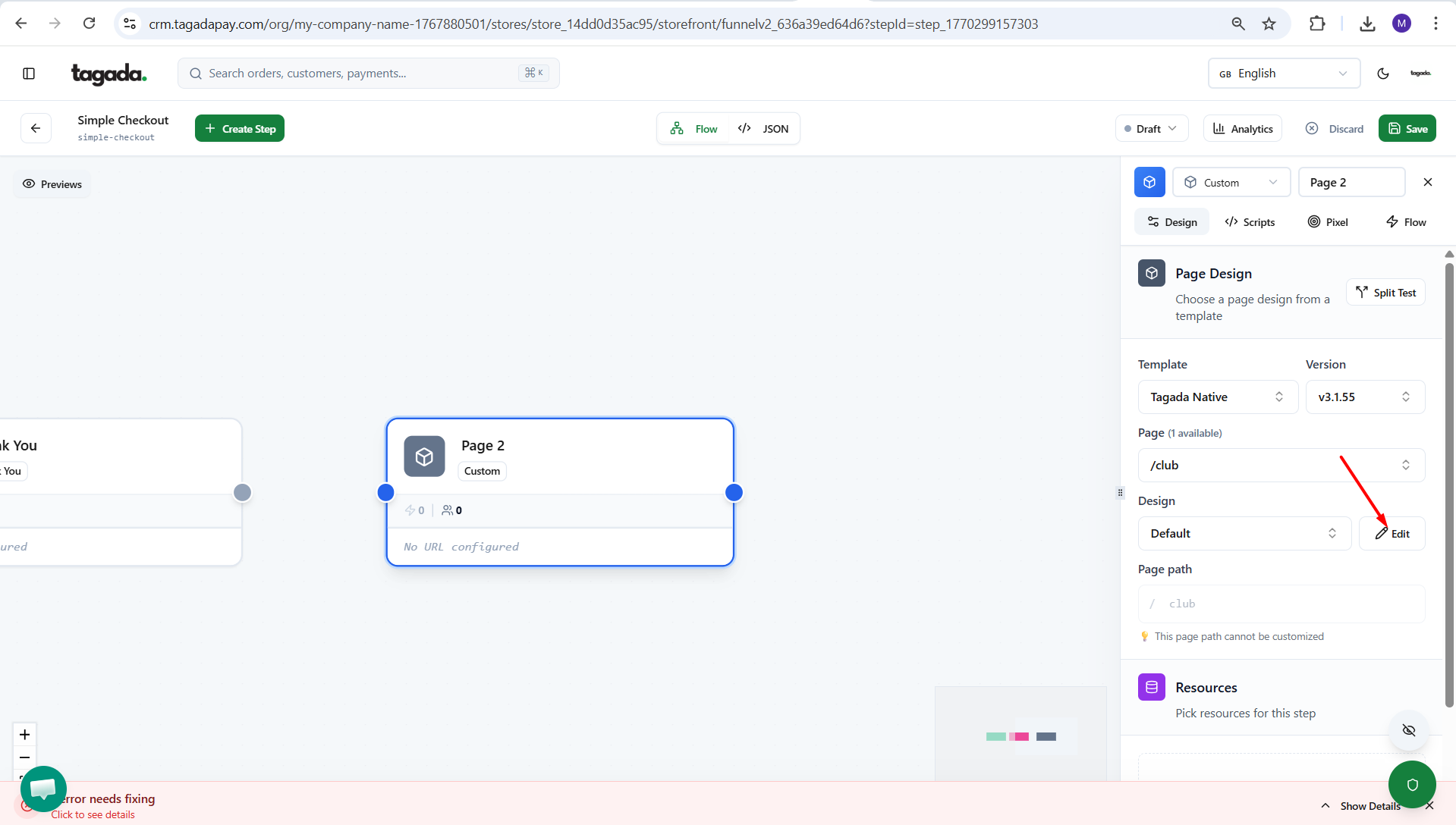
If you would like to edit the design, click on the Edit button.
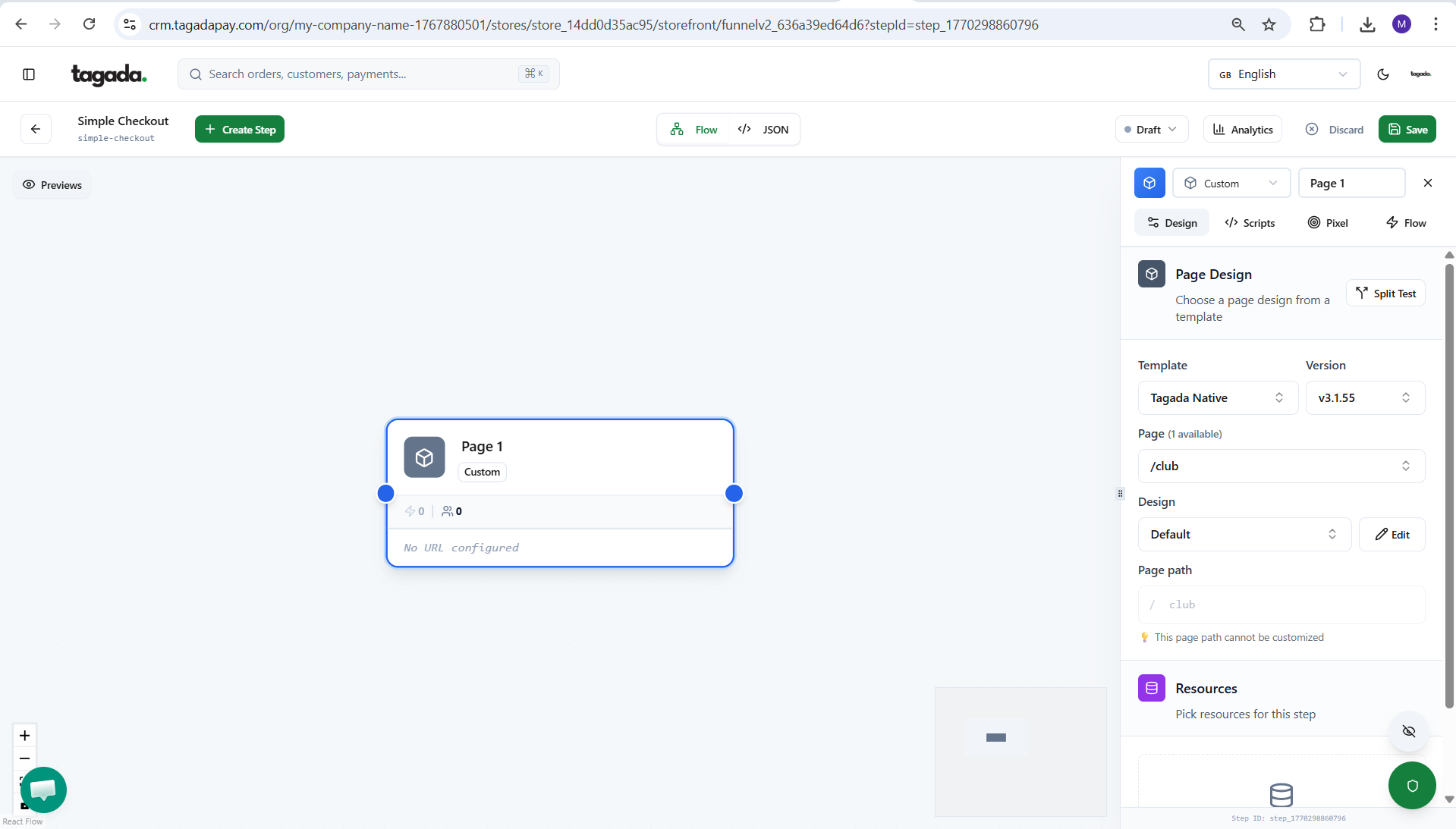
Click on Save.
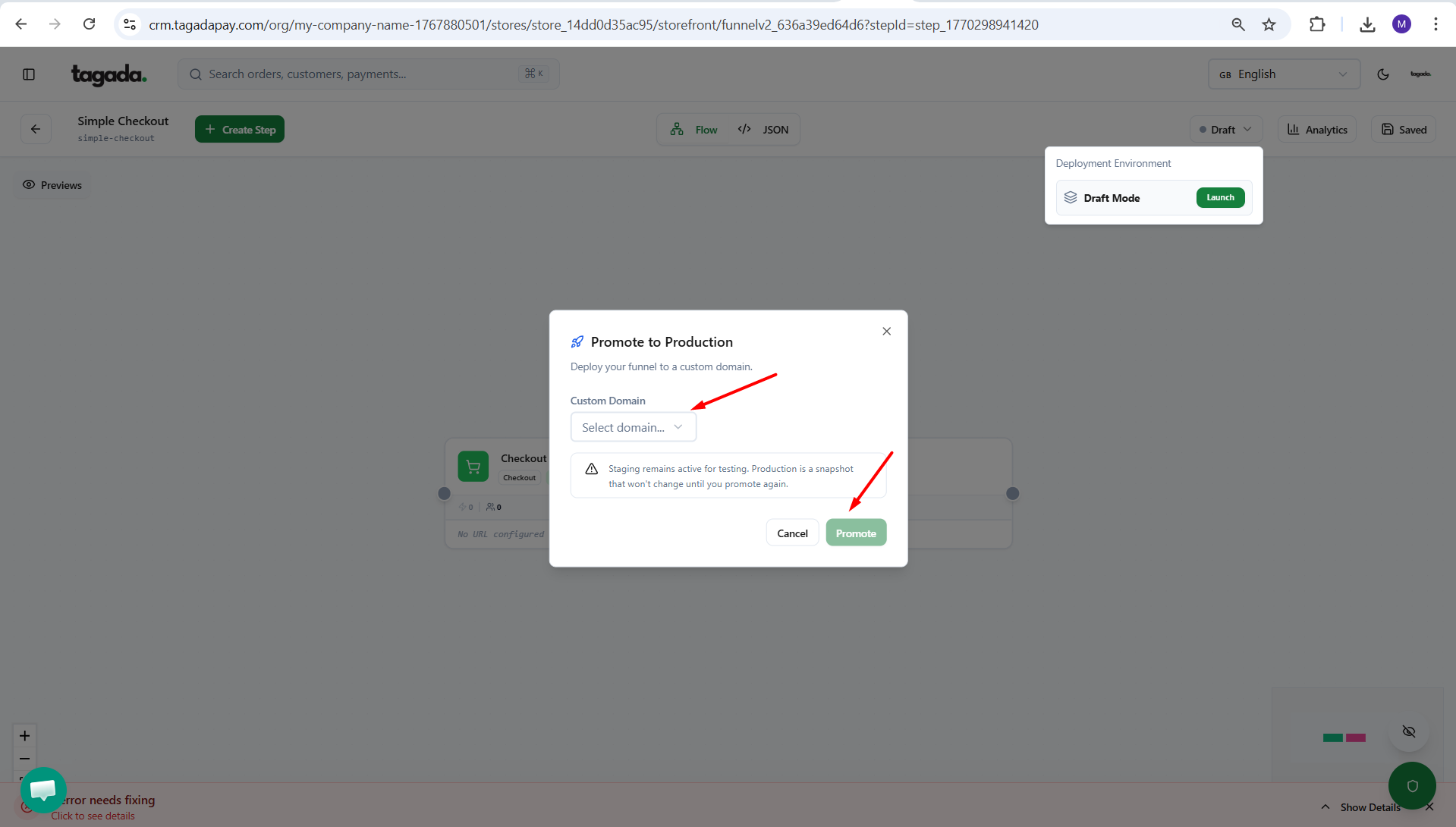
Click on Launch.
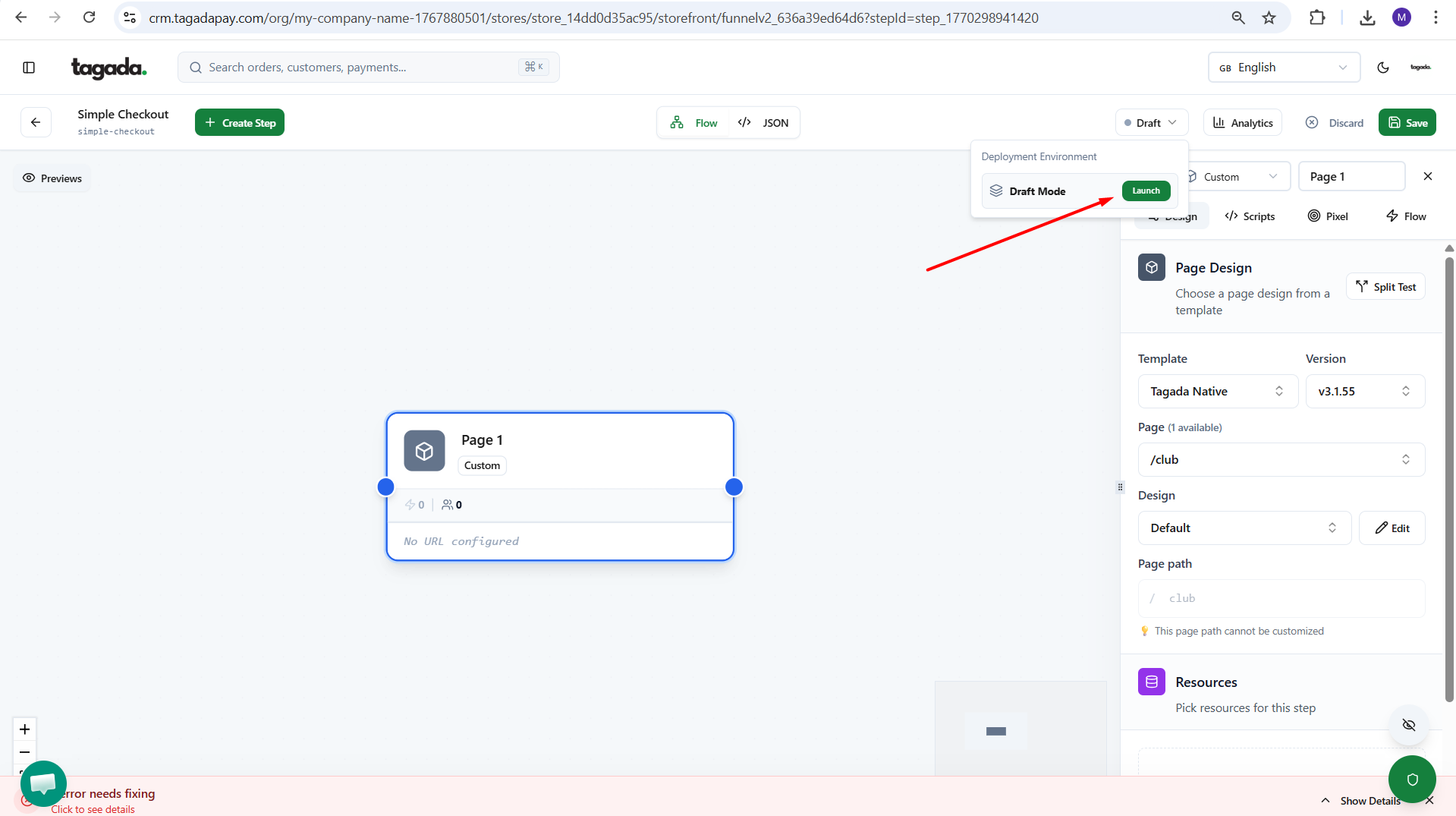
Chose your custom domain for example club.mydomain.com and click on promote.