
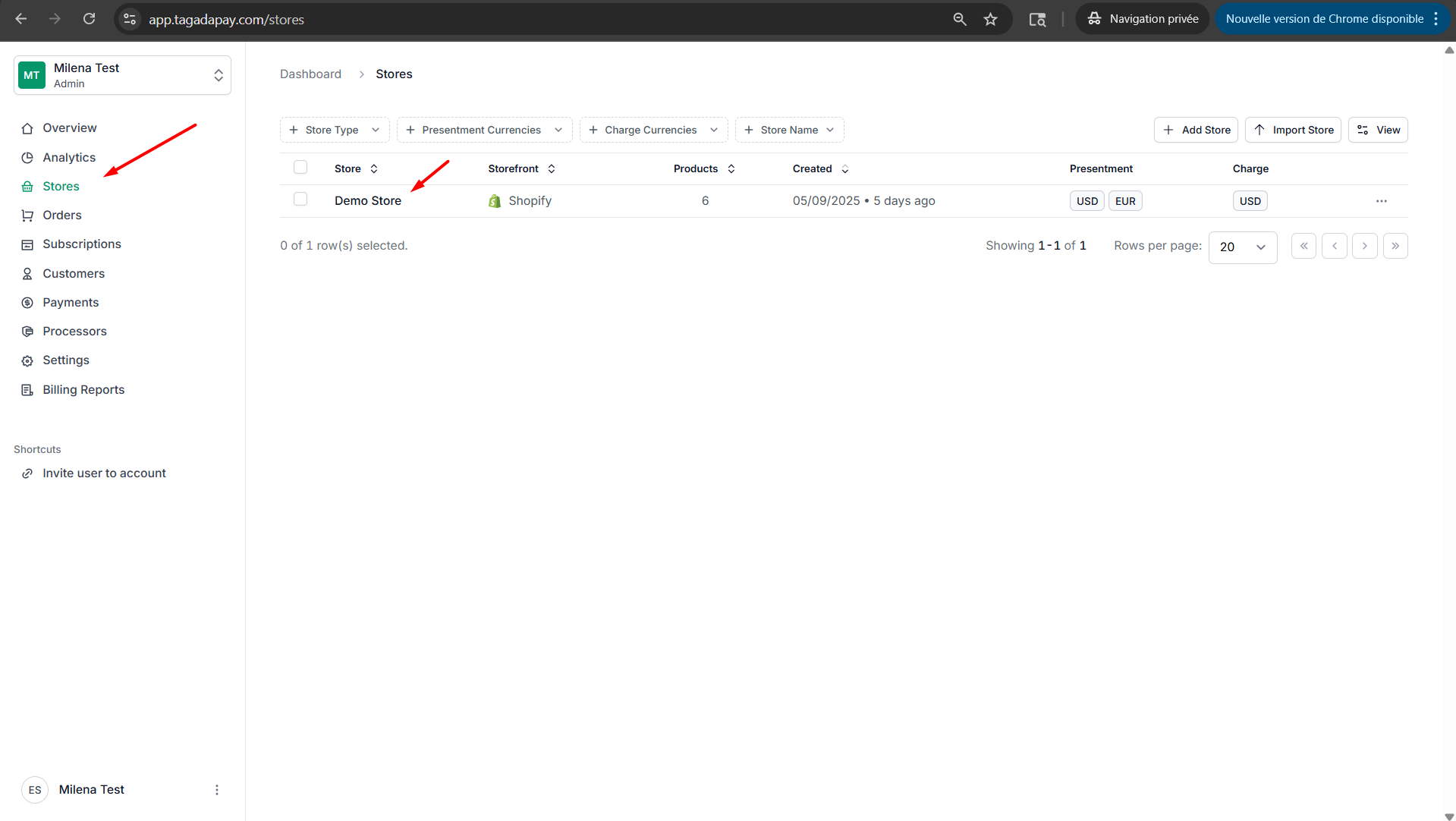
Step 1: Select your desired store under Stores.
Step 2: Select Discounts tab, then select the discount you would like to edit and click on it.
%2026fbc8e2991b80f88648ffc9392bf596/image.png)
Step 3: Under the Details tab, you will be able to edit name, rules and actions.
%2026fbc8e2991b80f88648ffc9392bf596/image%201.png)
Step 4: If you would like to edit promotion codes, simply click on the Promotion Codes tab.
%2026fbc8e2991b80f88648ffc9392bf596/image%202.png)
Step 5: If you would like to edit triggers, click on the Triggers tab.
%2026fbc8e2991b80f88648ffc9392bf596/image%203.png)
If you would like to manage your discounts, such as editing rules or actions, or deleting a discount, simply follow the steps below.